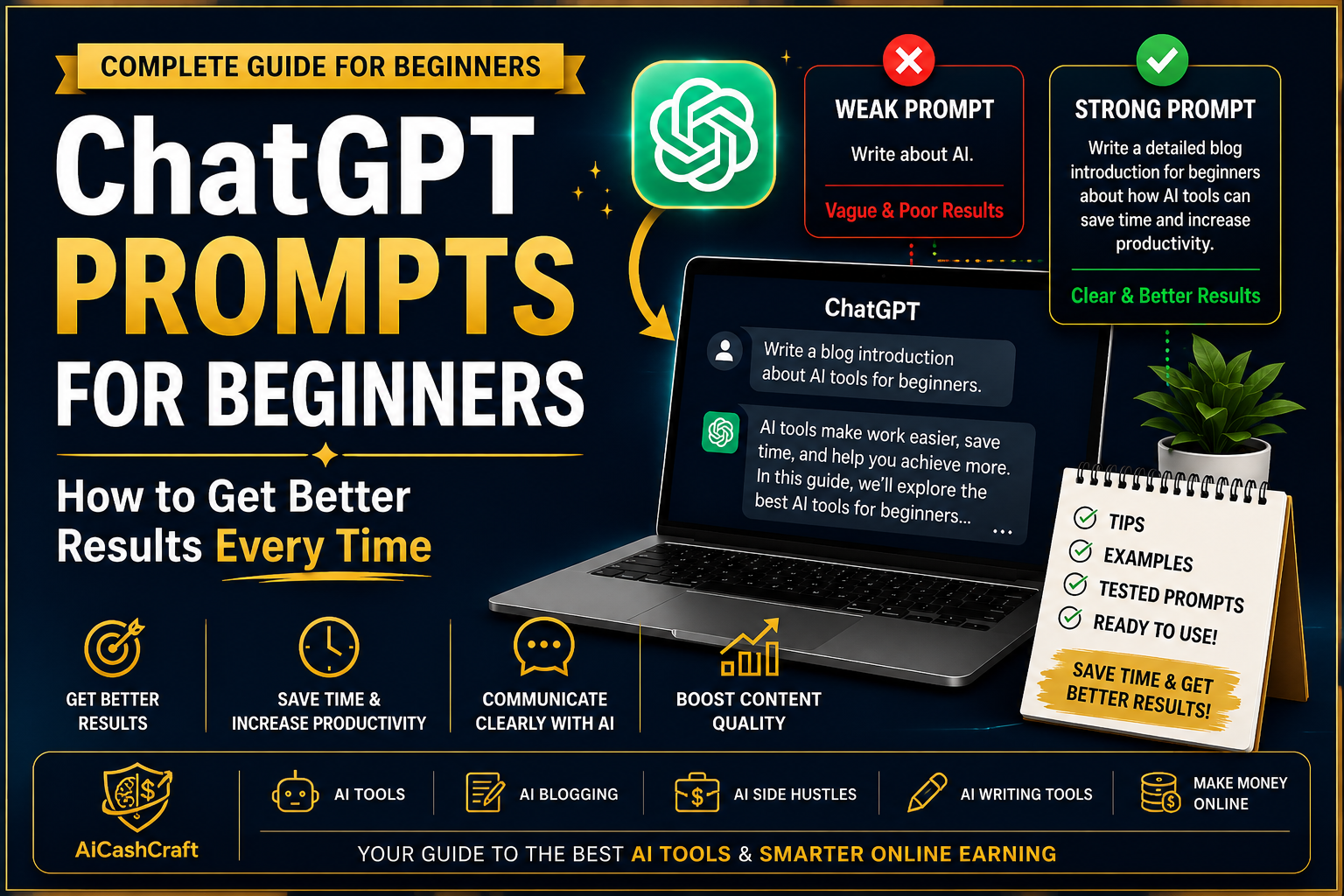
ChatGPT Prompts for Beginners
The difference between a useful ChatGPT response and a generic one is usually the prompt. Better prompts = better results — and writing them well is a skill any beginner can learn in minutes.
If your ChatGPT responses feel too generic or not quite useful — the issue is almost always the prompt. ChatGPT is only as helpful as the instructions you give it. This guide covers ChatGPT prompts for beginners — how to write better instructions with real examples, tested tips, and our free tool that generates expert prompts for you instantly.
Learning how to write ChatGPT prompts for beginners can dramatically improve the quality of AI-generated content, whether you are writing blog posts, emails, or social media captions.
New to AI tools? Read our Start Here guide first — then come back here to improve your ChatGPT results immediately.
💡 Why Prompts Matter — And What Goes Wrong
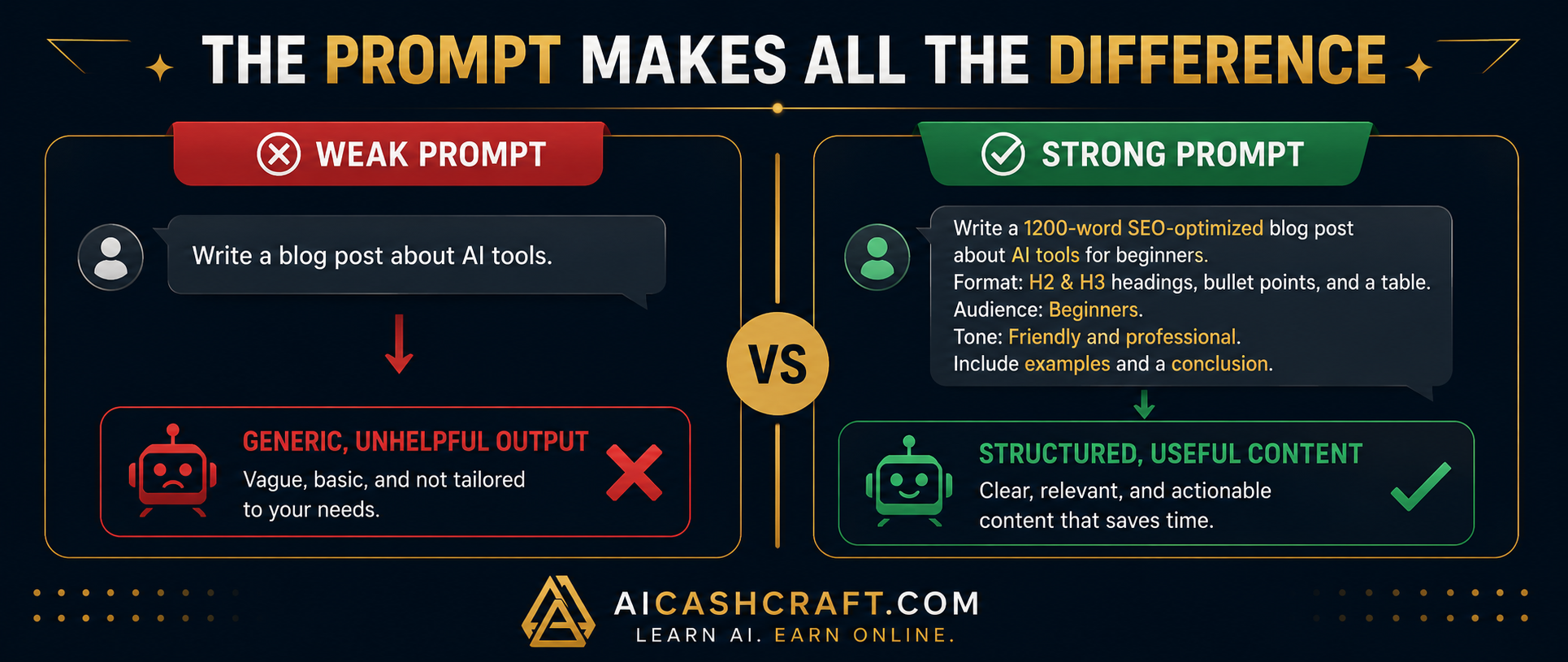
Most beginners type short, vague requests into ChatGPT — and then feel disappointed with the results. The problem is not ChatGPT. It is that without enough context, ChatGPT produces a safe, average response that fits anyone — and therefore truly helps no one.
Weak vs Strong Prompt — Side by Side
📋 5 Simple Rules for Better ChatGPT Prompts for Beginners
🧪 Tested Prompts — Ready to Copy and Use
These ChatGPt prompts for beginners templates have been tested across common beginner use cases. Copy them directly and replace the brackets with your specific details.
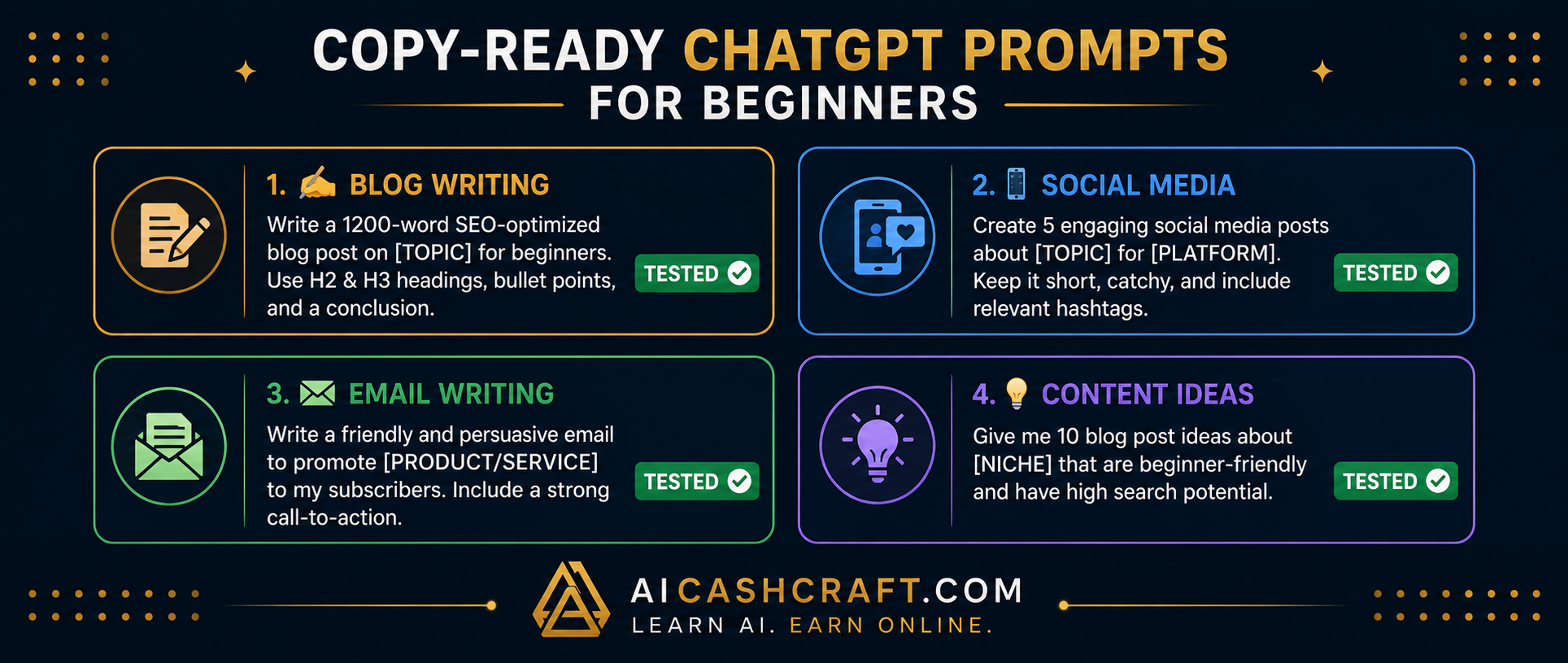
"Write a 600-word beginner guide to [topic]. Use H2 headings, short paragraphs, and bullet points. Friendly tone. End with a 3-sentence conclusion."
Works well for: Blog drafts, how-to articles, tool guides
"Write 5 Instagram captions for a post about [topic]. Keep each under 150 characters. Include 1 relevant emoji. Casual, engaging tone."
Works well for: Instagram, Facebook, LinkedIn posts
"Write a professional but friendly email to [recipient] about [topic]. Keep it under 150 words. Include a clear call to action at the end."
Works well for: Client outreach, follow-ups, newsletters
"Give me 15 blog post ideas about [niche] for beginners. Include a mix of how-to guides, list posts, and comparison articles."
Works well for: Content planning, blog strategy, social ideas
📊 Prompt Quality Comparison Table
Here is a quick reference showing what makes prompts weak or strong across different elements:
| Element | Weak Prompt | Strong Prompt |
|---|---|---|
| Topic | Too vague | Specific + focused |
| Audience | Not mentioned | Clearly defined |
| Format | Not specified | List / table / paragraphs |
| Length | Not mentioned | Word count given |
| Tone | Default tone | Friendly / formal / casual |
| Context | None given | Goal or purpose stated |
🎁 Want Better AI Prompts & Tools?
Join the AICashCraft email list to get beginner-friendly AI tools, prompt ideas, blogging tips, and simple online income guides directly in your inbox.
⚠️ Common Prompt Mistakes to Avoid
- Asking too many things at once — Break complex requests into separate prompts. One focused prompt produces better output than one overloaded prompt with five different tasks
- Not specifying length — Without a word count, ChatGPT decides — and it often writes more or less than you need. Always add “approximately X words” to your prompt
- Publishing without editing — Always review ChatGPT output before using it. Check facts, adjust tone, and add your own examples to make it genuinely valuable
- Giving up after one attempt — If the first response is not quite right, refine your prompt and try again. Prompting is a back-and-forth process
🎯 Final Thoughts — Better Prompts, Better Results
Writing good ChatGPT prompts is one of the most useful skills a beginner can develop. It takes a few minutes to learn and immediately improves every AI task you use ChatGPT for — writing, research, brainstorming, editing, and more.
If you are learning ChatGPT prompts for beginners, start with simple, specific prompts and improve them step by step instead of trying to write perfect prompts on the first attempt.
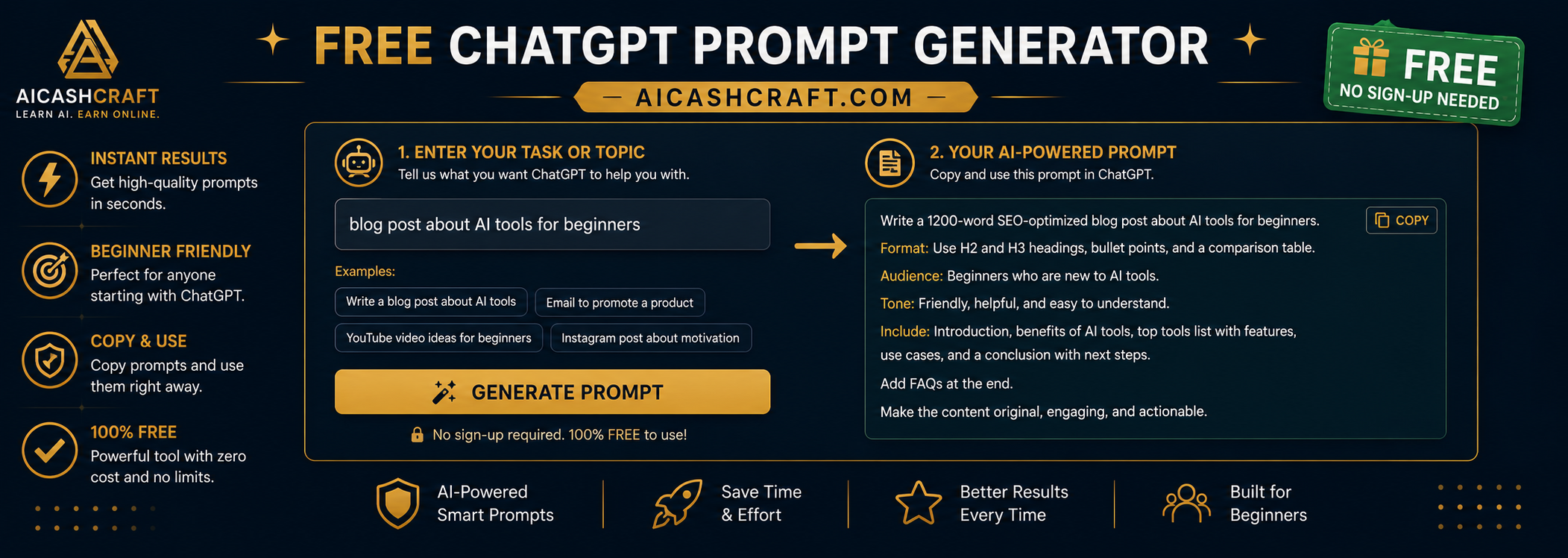
The quickest shortcut: use our free ChatGPT Prompt Generator — it applies all these rules automatically and gives you a ready-to-use expert prompt for any task in seconds. For more AI writing tools, see our Best AI Writing Tools guide.
📚 Related Guides
These simple techniques make ChatGPT prompts for beginners easier, clearer, and far more effective for real-world use.
❓ Frequently Asked Questions
A prompt is the instruction or question you type into ChatGPT. The quality of your prompt directly determines the quality of ChatGPT’s response. A detailed, specific prompt produces a much more useful result than a vague one-line request.
Add more context — specify the topic, audience, format, tone, and word count in your prompt. The more detail you provide, the more relevant and useful the response will be. Use our free ChatGPT Prompt Generator to create expert-level prompts instantly without needing to write them yourself.
Yes — AICashCraft’s free ChatGPT Prompt Generator creates structured, expert-level prompts for any writing task in seconds. No sign-up required, completely free, and works for blog posts, social media, emails, and more.
Absolutely — ChatGPT is one of the most useful tools for bloggers. Use it to write article drafts, generate blog title ideas, create outlines, write meta descriptions, and brainstorm content angles. Pair it with our free AI Blog Title Generator for a complete blogging workflow.
Top 10 Free AI Tools for Beginners
Download our free 13-page PDF guide covering the best free AI tools. No sign-up needed.
⬇️ Download Free PDF Guide