Top AI Tools for Beginners- 7 Easy Tools to Start With Today
Starting with AI tools can feel overwhelming — there are hundreds of options and it is hard to know where to begin. This guide cuts through the noise and covers 7 of the most beginner-friendly AI tools available right now.
Every tool on this list has a free plan, requires no technical background, and can be used productively within minutes of signing up.
AI tools have become increasingly useful for people who want to write faster, create designs, edit videos, or organize their work more efficiently. The good news for beginners is that most modern AI tools are built to be simple — you do not need coding skills, design experience, or a tech background to use them effectively. The top AI tools for beginners in this guide were chosen specifically because they work from day one with zero prior experience.
This guide covers 7 of the top AI tools for beginners — selected for their ease of use, free plan availability, and practical usefulness from day one. If you are completely new to AI, start with our Start Here guide to understand where to begin, then come back and choose your first tool from this list.
Not sure which tool fits your goal? Take our free AI Tool Finder Quiz — it takes 60 seconds and gives you a personalized recommendation based on your specific situation.
💡 What Makes the Top AI Tools for Beginners Worth Using?
Not all AI tools are beginner-friendly. The tools in this guide were selected based on four criteria:
- Works directly in a browser — no software installation needed
- Has a genuinely useful free plan to start with
- Produces useful output from simple, plain-language instructions
- Has a clear, beginner-friendly interface that does not require a tutorial to understand
🔥 7 Top AI Tools for Beginners — Detailed Review
1 ChatGPT — Best All-Around AI Tool for Beginners
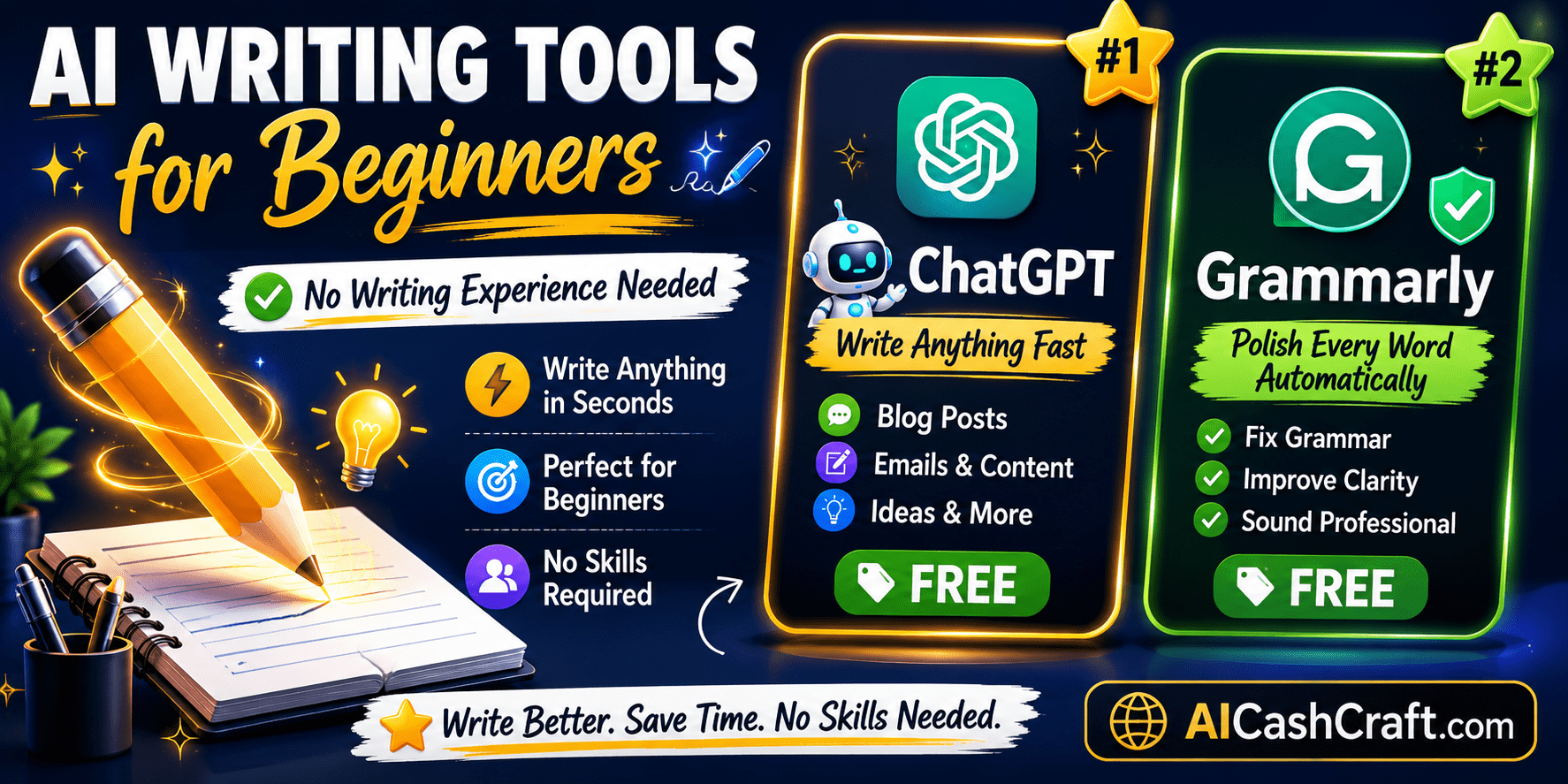
ChatGPT is consistently the most recommended AI tool for beginners — and for good reason. It works like a knowledgeable assistant you can have a conversation with. Type what you need in plain language and get a useful response. No complicated settings, no technical knowledge required.
Beginners use it for writing blog post drafts, generating content ideas, summarizing long documents, drafting emails, creating social media captions, and much more. The free plan is genuinely useful for most beginner tasks.
Beginner tip: Use our free ChatGPT Prompt Generator to get well-structured prompts for any writing task.
Try ChatGPT Free →2 Grammarly — Best AI Tool to Improve Your Writing
Grammarly works like a real-time writing assistant — checking grammar, spelling, clarity, and tone as you type. It works inside Google Docs, WordPress, Gmail, and most websites through a free browser extension. For beginners writing in English, it is a genuinely useful tool that helps catch mistakes before you publish or send anything.
3 Canva AI — Best Design Tool for Non-Designers
Canva AI is one of the most beginner-friendly design tools available. It has over 250,000 free templates for social media posts, presentations, YouTube thumbnails, blog banners, and much more. No design background or artistic ability is needed — most beginners feel comfortable creating their first design within 15–20 minutes of signing up.
Compare Canva AI vs ChatGPT: Which Is Better for Beginners? →
Try Canva AI Free →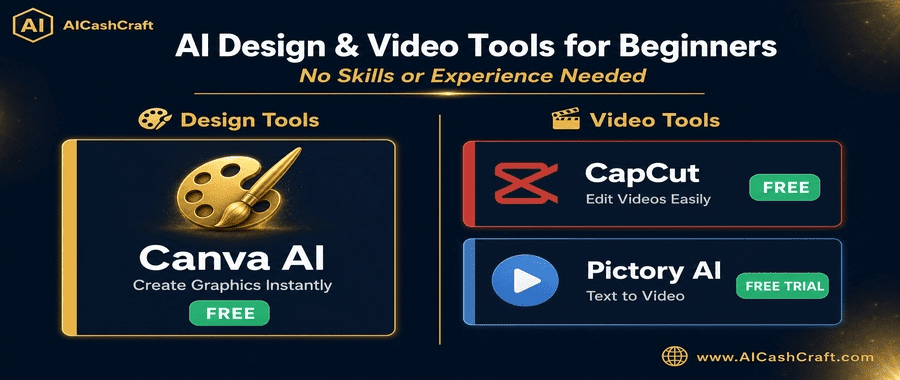
4 Pictory AI — Turn Text Into Video Without Editing Skills
Pictory AI automatically converts written content — blog posts, scripts, or articles — into short videos with stock footage, captions, and background music. It is particularly useful for beginners who want to create video content from written material without learning traditional video editing.
More video tools: Best AI Video Tools for Beginners →
Try Pictory AI →5 CapCut — Best Free AI Video Editor for Beginners
CapCut is the most accessible free video editor for beginners. It handles everything from auto-captions to background music to transitions — without requiring any prior video editing experience. The script-to-video feature is particularly useful: paste a script and CapCut automatically selects stock footage and creates a basic video structure.
6 Leonardo AI — Best Free AI Image Generator for Beginners
Leonardo AI is one of the most capable free AI image generators available. Beginners use it to create digital art, product mockups, social media visuals, and blog images — all by describing what they want in plain text. The free plan includes a generous daily image allowance, making it a practical option for regular use without a paid subscription.
7 Notion AI — Best Tool for Organizing Your Work
Notion AI combines task management, note-taking, content planning, and AI writing assistance in one workspace. For beginners managing multiple projects or trying to stay organized, it replaces several separate apps with a single, straightforward system. The free plan includes unlimited pages — more than enough for most beginners.
More productivity tools: Best AI Productivity Tools for Beginners →
Try Notion AI Free →📊 Quick Comparison — All 7 Top AI Tools for Beginners
Use this comparison to quickly identify which of these top AI tools for beginners matches your main goal and budget.
| Tool | Best For | Free Plan | Paid From | Skill Level |
|---|---|---|---|---|
| ChatGPT | Writing & ideas | ✅ Yes | $20/mo | Complete beginner |
| Grammarly | Writing quality | ✅ Yes | $12/mo | Complete beginner |
| Canva AI | Design & graphics | ✅ Yes | $15/mo | Complete beginner |
| Pictory AI | Text to video | Trial only | $19/mo | Beginner |
| CapCut | Video editing | ✅ Full | $9.99/mo | Complete beginner |
| Leonardo AI | AI image generation | ✅ Yes | $12/mo | Beginner |
| Notion AI | Organization & planning | ✅ Yes | $10/mo | Complete beginner |
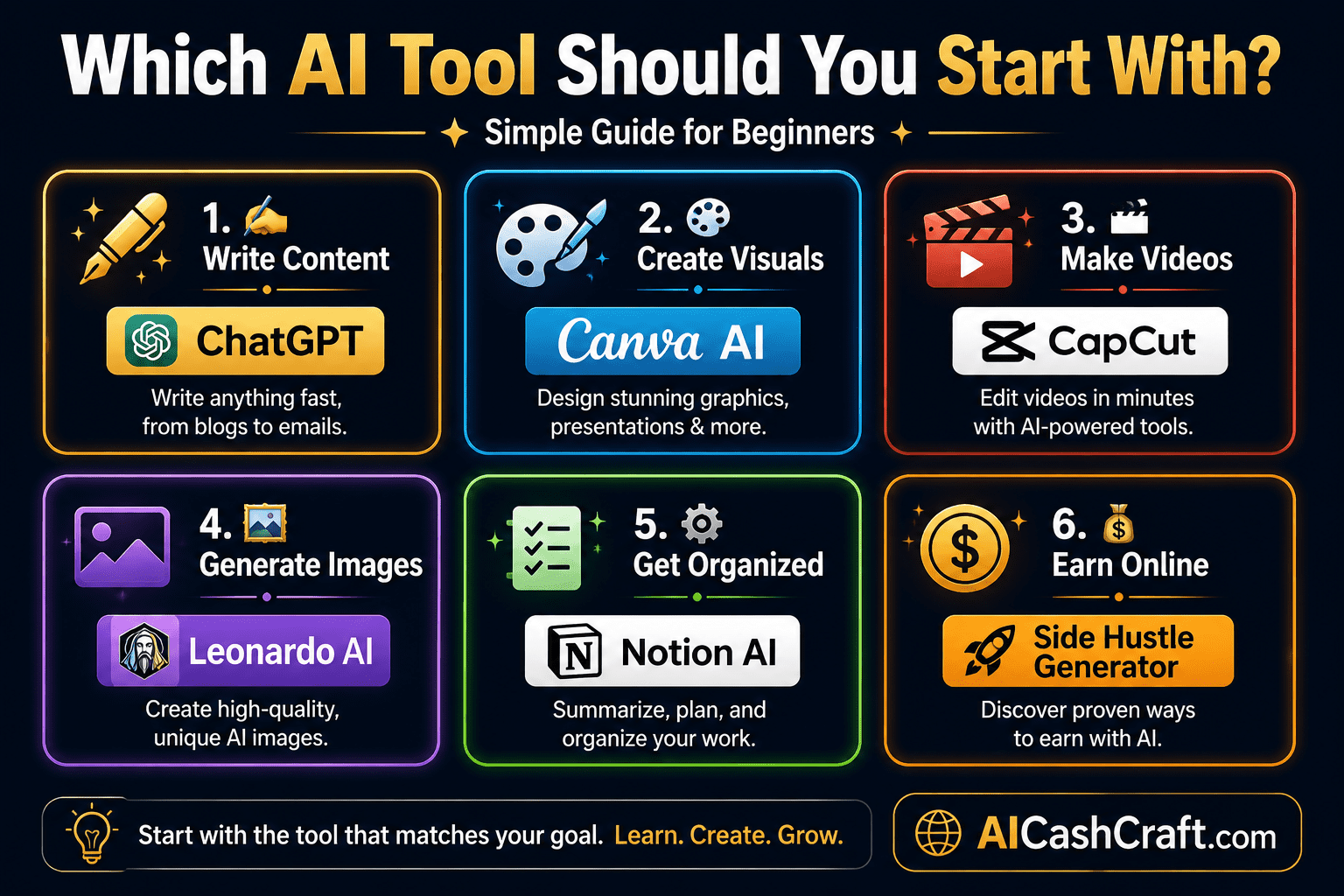
🎯 Which of These Top AI Tools for Beginners Should You Start With?
Choose based on what you want to do most — then stick with that one tool for at least 2 weeks before adding another.
🎯 Final Thoughts — Top AI Tools for Beginners: Start With One Today
The top AI tools for beginners are the ones that match your current goal and feel manageable to learn. All seven tools in this guide have free plans, work without technical knowledge, and produce useful results from your first session.
- For writing → ChatGPT + Grammarly (both free)
- For design → Canva AI (free)
- For video → CapCut (100% free)
- For images → Leonardo AI (free daily credits)
- For organization → Notion AI (free unlimited pages)
- Still deciding → Take our free AI Tool Finder Quiz →
Pick one, use it today, and explore more when you are comfortable. For a broader look at all available AI tools, visit our Best AI Tools for Beginners page and our complete AI Blog for more guides.
📚 Related Guides You Will Find Useful
❓ Frequently Asked Questions — Top AI Tools for Beginners
ChatGPT is generally the most accessible starting point for most beginners because it works like a conversation — you type what you need and get a useful response. No setup or prior knowledge required. Use our free AI Tool Finder Quiz for a recommendation specific to your goal.
All 7 tools in this guide have free plans with no credit card required to sign up. Each free plan has usage limits. The free plans are sufficient for most beginner use cases. Upgrade to paid plans only when you are using the tool regularly and the free limits become a consistent constraint.
No — every tool on this list is designed for non-technical users. If you can type a sentence and click a button, you have the skills needed to use all 7 tools. Most beginners feel comfortable within 1–3 hours of use.
Start with one tool — the one that best matches your main goal right now. Use it consistently for 2 weeks. Then add a second complementary tool. A practical beginner combination is ChatGPT + Canva AI + Grammarly — three free tools that cover most content creation needs.
Many beginners use these tools for freelance services, digital products, and content creation. Explore our AI Side Hustles guide for practical income ideas and our AI Income Calculator to estimate realistic earnings.
Leonardo AI is one of the strongest free options — it includes daily image credits and produces good quality results from text descriptions. Canva AI also includes image generation within its free plan. For more options, see our Best AI Image Tools for Beginners guide.
Get beginner-friendly AI tool guides, free resources, and practical tips from AICashCraft — completely free.
Top 10 Free AI Tools for Beginners
Download our free 13-page PDF guide covering the best free AI tools with beginner tips and step-by-step advice. No sign-up needed.
⬇️ Download Free PDF Guide