10 Easy to Use AI Tools for Beginners (No Tech Skills Needed)
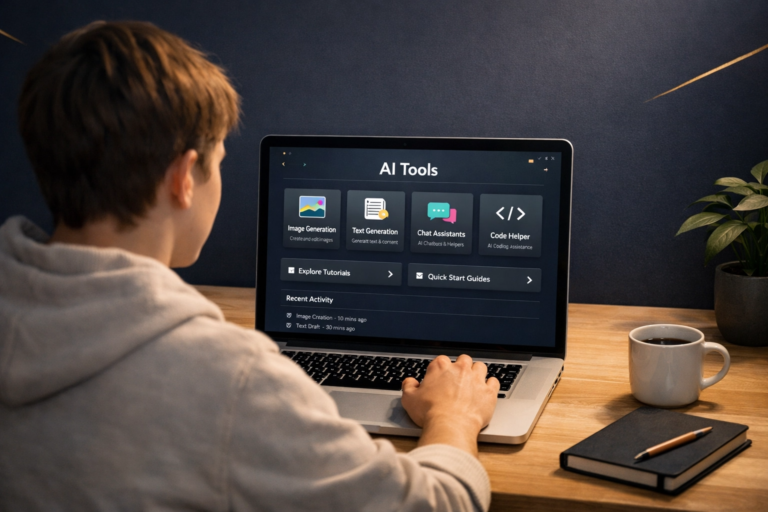
Easy AI tools for beginners make it possible to start using AI without being a tech expert. Many of the best AI tools today are designed for complete beginners — you just type what you want, and the tool helps you create the result. No installations. No complicated settings. No code.
Whether you want to write faster, design better, edit videos, or stay organized — there is a free, beginner-friendly AI tool that can help you today.
If you have been hearing about AI but feel unsure where to start, this guide is for you. The biggest myth about AI tools is that you need technical skills, coding knowledge, or a computer science background to use them. That is not true for the beginner-friendly tools in this guide.
In reality, using an AI tool is no harder than using Google or sending a WhatsApp message. You type what you need. The AI gives you a result. That is the entire process. The companies that build these tools have done the complex technical work so beginners can focus on the task.
This guide covers 10 easy AI tools for beginners — covering writing, design, video, productivity, and more. Every tool on this list has a free plan, requires no advanced technical skills, and can be used within minutes of signing up. If you are completely new to AI, start with our Start Here guide — then come back and pick your first tool from this list.
If you are completely new, do not try all 10 tools in one day. Pick one tool that solves one real problem for you — writing, design, video, research, or organization — and use it for one week. That simple approach is much easier than jumping between too many AI tools at once.
🤔 Why AI Tools Don’t Require Tech Skills Anymore
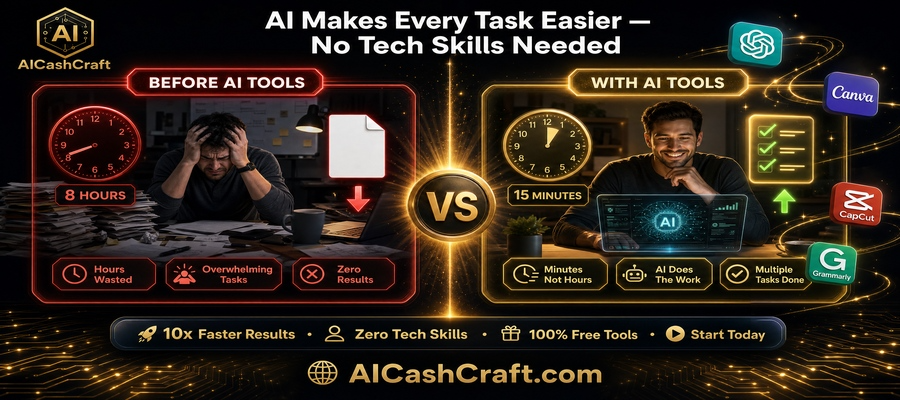
Modern AI tools are built with one goal: make powerful technology accessible to everyone. The days of needing to write code, understand algorithms, or configure complex settings are over — at least for the tools in this guide.
Think of AI tools like appliances. You do not need to understand how a microwave works to heat your food. You do not need to know how a calculator works to add numbers. AI tools work the same way — you describe what you want in plain language, and the tool handles everything else.
- No coding or programming knowledge required
- No software to install — most work directly in your browser
- No complicated dashboards or technical settings
- Templates and step-by-step guides included in every tool
- Free plans available — test before spending any money
🔥 10 Easy AI Tools for Beginners — No Tech Skills Needed
These easy AI tools for beginners are selected specifically for people who are new to AI. Every tool works in your browser, has a free plan, and gives useful results from your very first use — even if your prompt is not perfect.
1 ChatGPT — Your AI Assistant for Almost Everything
ChatGPT is the most versatile AI tool available today — and the best starting point for any complete beginner. It works like a knowledgeable assistant that you can chat with in plain English (or any language). Ask it to write a blog post, summarize a long article, come up with business ideas, help you reply to an email, or explain any topic in simple terms.
The free plan is genuinely useful for most beginner tasks. You do not need to pay anything to get started. Just go to chat.openai.com, create a free account, and start typing. That is the entire process.
Quick tip: The better your question, the better the answer. Use our free ChatGPT Prompt Generator to get expert-level prompts for any task — completely free, no sign-up needed.
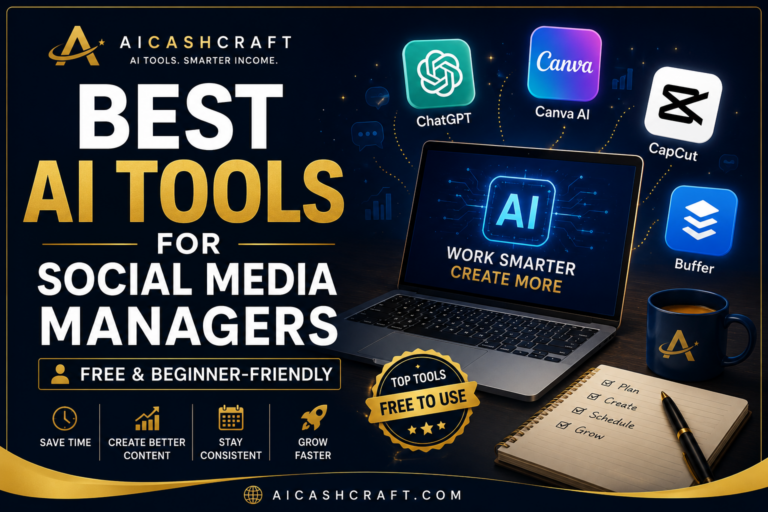
Try ChatGPT Free →2 Canva AI — Professional Designs Without Design Skills
Canva is the world’s most popular design tool for a reason — it is genuinely easy for complete beginners. With Canva AI, you can now describe what you want in words and the AI builds a complete, fully editable design for you instantly. No design background, no creative training, no software knowledge needed.
Beginners use Canva to create YouTube thumbnails, Instagram posts, Pinterest pins, blog banners, presentations, and professional logos — all without any prior design experience. The free plan includes thousands of templates and hundreds of AI-assisted designs per month.
Wondering how Canva AI compares to ChatGPT? Read: Canva AI vs ChatGPT for Beginners →
Try Canva AI Free →3 Grammarly — Write Better Without Being a Writer
Grammarly is an AI writing assistant that fixes grammar, spelling, clarity, and tone in real time as you write. Think of it as a professional editor watching over your shoulder — catching mistakes before you send that email, publish that blog post, or submit that report.
For beginners who write in English as a second language, Grammarly is particularly valuable — it not only catches errors but also suggests better phrasing and explains why the change improves your writing. The free plan covers the most important corrections.
4 Copy.ai — Generate Content Ideas in Seconds
Copy.ai is the most template-driven AI writing tool for beginners — meaning you do not need to know how to write good prompts to get useful results. Choose from 90+ pre-built templates for blog titles, social media captions, email subject lines, product descriptions, and content ideas — fill in a few details and Copy.ai generates multiple options instantly.
Bonus: For even more SEO blog title ideas, use our completely free AI Blog Title Generator — generates 20 SEO-optimized titles with one click, zero sign-up.
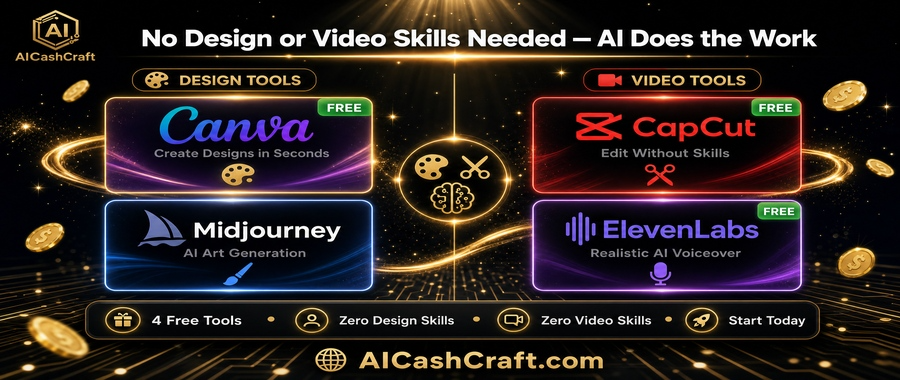
Try Copy.ai Free →5 CapCut — Edit Videos Without Any Editing Skills
CapCut is the most beginner-friendly free video editor available — and it has AI features that make video creation genuinely fast for people with zero editing experience. The script-to-video feature is especially powerful for beginners: paste a script, and CapCut automatically selects stock footage, adds music, generates captions, and creates a complete video.
You can use CapCut on your phone or desktop — both completely free. Content creators, social media managers, and YouTube beginners all use it as their primary video tool.
See more beginner video tools: Best AI Video Tools for Beginners →
Try CapCut Free →6 Notion AI — Your AI-Powered Second Brain
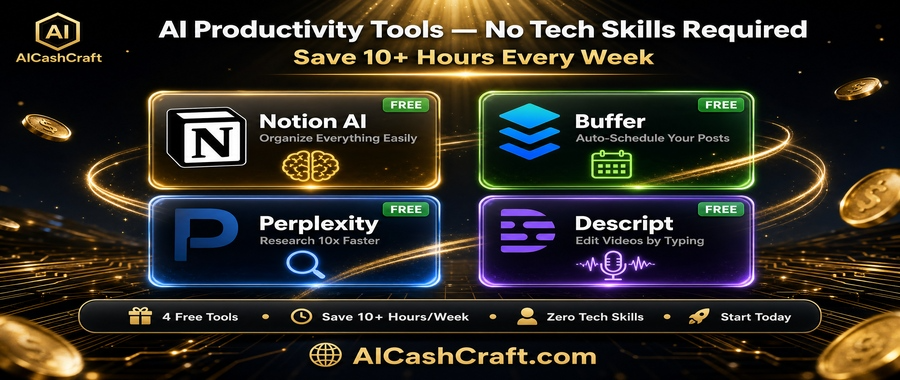
Notion AI is the best tool for beginners who want to get organized and stay productive. It combines notes, task management, project planning, and AI writing assistance all in one place — replacing multiple apps with a single, simple workspace.
The AI features let you ask Notion to summarize your notes, suggest next steps for a project, write a draft based on your bullet points, or automatically format messy information into a clean table. All by just typing a request in plain language.
7 ElevenLabs — Create Realistic AI Voiceovers Instantly
ElevenLabs is the best AI voiceover tool for beginners who want to create YouTube videos, online courses, or podcasts without recording their own voice. The AI-generated voices are strikingly realistic — to the point where most listeners cannot tell the difference between an AI voice and a professional voice actor.
The free plan provides a generous monthly character allowance — enough to create several short videos or audio clips per month. Supports 30+ languages, making it perfect for creators reaching audiences in multiple regions.
8 Perplexity AI — The Smarter Search Engine for Beginners
Perplexity AI is the easiest AI tool for beginners who want to do faster research. Instead of opening ten browser tabs and reading through multiple articles, Perplexity searches the web and gives you a clean, summarized answer with sources — in under 5 seconds.
It is particularly useful for beginners writing blog posts, students researching topics, and entrepreneurs studying a new market or industry. Think of it as a smarter, more honest version of a search engine that tells you what it found rather than what you should click on.
9 Buffer — Schedule Social Media Posts in Minutes
Buffer is the easiest AI social media scheduling tool for beginners. Instead of manually logging into Instagram, Facebook, LinkedIn, and Pinterest every day to post, you batch your content in Buffer once per week and it publishes everything automatically at the best times.
The new Buffer AI Assistant generates post captions based on your topic, suggests the best posting times based on when your audience is most active, and can repurpose a single piece of content into multiple formats for different platforms — saving beginners hours every week.
10 Descript — Edit Videos and Podcasts Like a Document
Descript is the most innovative AI tool for beginners who want to create videos or podcasts without learning traditional video editing. Its core concept is brilliant in its simplicity: Descript converts your audio or video into a text document — and when you edit the text, you are simultaneously editing the recording.
Want to remove a section where you said “um” twelve times? Delete those words from the text. Want to remove the first 30 seconds of your recording? Select and delete that paragraph. The video or audio updates automatically. No editing software knowledge required — if you can use Microsoft Word, you can use Descript.
🎯 Which Tool Should You Start With?
With 10 tools to choose from, it can feel overwhelming. Here is a simple guide — pick the tool that matches what you want to do right now:
If your goal is to choose easy AI tools for beginners without wasting time, use the quick guide below and start with just one tool today.
⚠️ Common Beginner Mistakes to Avoid
🎯 Final Thoughts — Your First Step Starts Now
The 10 easy AI tools for beginners in this guide have one thing in common: they were built for people exactly like you — complete beginners who want useful results without a tech background. You do not need coding skills. You do not need to understand how AI works under the hood. You just need to start.
Here is the simple action plan:
- Pick ONE tool from this list that matches your most common task
- Spend 15 minutes with it today — just explore and experiment
- Use it for 7 days consistently before judging whether it works for you
- Then add a second tool that complements the first
- Explore income opportunities once comfortable: AI Side Hustles guide →
AI tools are not replacing beginners — they are empowering them. The people who learn to use these tools consistently will have a strong advantage in their career, business, and online income journey. Start today — the learning curve is much shorter than you think.
Explore more beginner-friendly AI tool guides on AICashCraft.com — your complete guide to making money and building skills with AI tools.
📚 Related Guides You’ll Love
❓ Frequently Asked Questions — Easy AI Tools for Beginners
Absolutely. Every tool in this guide is designed for non-technical users. If you can type a sentence in a search box, you have all the skills needed to use ChatGPT, Canva AI, Grammarly, and the other tools on this list. You do not need any coding knowledge, technical background, or prior AI experience. Take our free AI Tool Finder Quiz to find your best starting point in 60 seconds.
ChatGPT is the easiest starting point for most beginners because it works exactly like a chat conversation — you type your question or request, and it responds. No templates to navigate, no settings to configure. Just type and get a result. Canva AI is the easiest design tool, and CapCut is the easiest video editor — both are free and require zero prior experience.
Yes — all 10 tools in this guide have genuine free plans that are useful for beginners. Most do not require a credit card to sign up. Free plans do have monthly usage limits, but they are generous enough for most beginner tasks. Only upgrade to paid plans if you find yourself hitting the limits regularly and the tool is delivering real value for your work.
Most beginners feel comfortable with any tool on this list within 1–3 hours of use. The tools are designed to be intuitive and self-explanatory. ChatGPT and Perplexity take about 30 minutes to feel confident with. Canva AI takes 1–2 hours to explore the templates and design features. CapCut takes 2–3 hours to understand the editing workflow.
Yes — many beginners use these exact free tools to earn money online through freelancing, digital product sales, affiliate blogging, and social media management. Our AI Side Hustles guide covers 8 specific methods with income estimates and step-by-step plans. Use our free AI Income Calculator to estimate your specific earning potential.
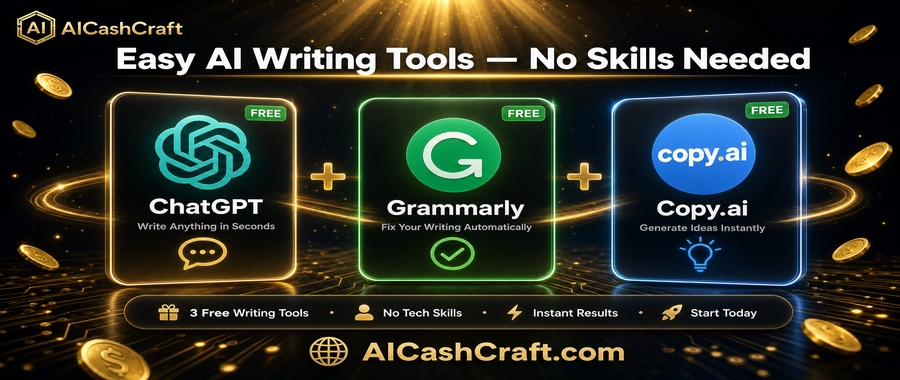
Start with one tool — the one that solves your most frequent task right now. Use it consistently for 2 weeks. Then add a complementary second tool. A practical beginner stack is: ChatGPT (writing) + Canva AI (design) + Grammarly (quality checking). These three free tools together cover most beginner content creation needs and work extremely well together.
This usually means the request needs more detail. Instead of “write a social media caption”, try “write a friendly Instagram caption for a local Pakistani restaurant promoting their new biryani dish — under 150 characters with an emoji”. More specific = better results. Use our free ChatGPT Prompt Generator to get expert prompts that produce consistently good results.