How to Use ElevenLabs for Beginners — Free AI Voiceover Guide
ElevenLabs for beginners is the most practical way to start creating professional AI voiceovers without a microphone, studio, or recording experience. This free AI voice generator converts plain typed text into realistic, human-sounding audio in seconds — and this complete ElevenLabs tutorial shows you exactly how to use it from scratch.
If you are researching ElevenLabs for beginners and want to create professional AI voiceover content without recording your own voice, you are in the right place. ElevenLabs is a free AI voice generator that produces realistic, human-quality speech from typed text — and the entire setup takes under five minutes with zero budget.
Whether you want to add AI voiceover to YouTube videos, online courses, podcast intros, or social media content — this ElevenLabs tutorial walks you through everything step by step. By the end, you will know how to use ElevenLabs to produce finished audio that sounds like a professional voice actor recorded it.
New to AI tools in general? Start with our Best AI Tools for Beginners guide first, then return here for this ElevenLabs tutorial. Or use our free AI Tool Finder Quiz to discover which free AI tools match your specific content goals.
🤖 What Is ElevenLabs — Free AI Voice Generator Explained
ElevenLabs is an AI voice generator platform that turns written text into spoken audio using deep learning technology. You type a script, select a voice from the library, click generate — and ElevenLabs produces a finished MP3 audio file that sounds like a real person speaking, not a robotic text to speech AI tool.
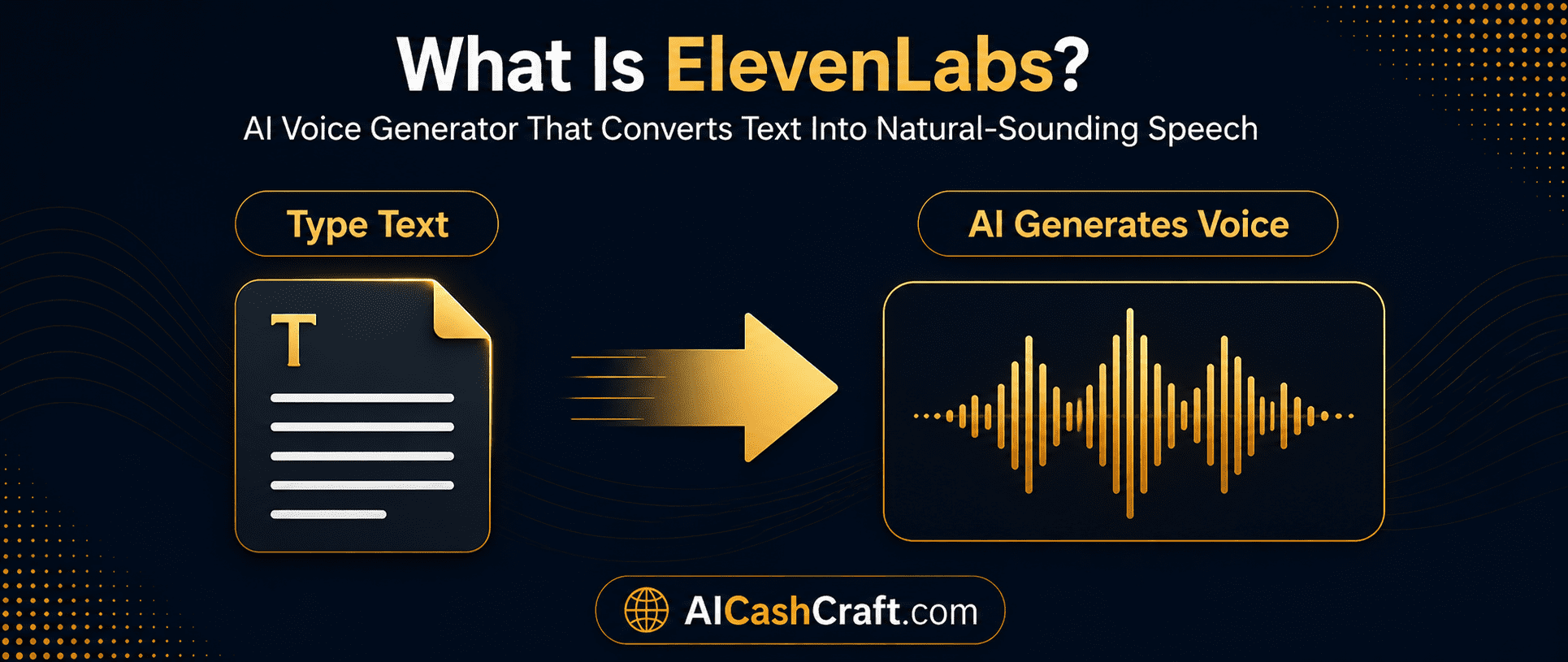
Unlike older text to speech AI tools that sound mechanical and unnatural, ElevenLabs replicates natural speech patterns — including breathing cues, tone shifts, pacing, and emphasis. Most listeners cannot tell the difference between an ElevenLabs AI voiceover and a real human recording when the script is written clearly.
ElevenLabs is used by YouTubers, online course creators, freelancers, and content agencies worldwide to produce professional AI voiceover audio without hiring a voice actor or recording anything themselves. It pairs perfectly with CapCut for video editing — see our AI Video Tools guide for the complete workflow.
💳 ElevenLabs Free Plan — What Beginners Actually Get
Many ElevenLabs for beginners start with the free plan before upgrading to a paid subscription — and for most beginner use cases, the free plan is more than enough. Before this ElevenLabs tutorial gets into setup, it is important to understand what the ElevenLabs free plan includes — so you know exactly what is available before signing up and how to use it most effectively.
| Feature | Free Plan | Starter ($5/mo) |
|---|---|---|
| Monthly Characters | 10,000 characters | 30,000 characters |
| Audio Downloads | ✓ Included | ✓ Included |
| Preset AI Voices | 10+ voices | 30+ voices |
| Commercial Use | Limited | ✓ Full rights |
| Voice Cloning | ❌ Not included | 1 custom voice |
| Best For | Learning and testing | Freelance and content work |
🚀 How to Use ElevenLabs — Complete Beginner Tutorial
Here is the complete step-by-step ElevenLabs tutorial for beginners — from account creation to downloading your first finished AI voiceover file. Follow each step exactly and you will have your first audio ready in under ten minutes.
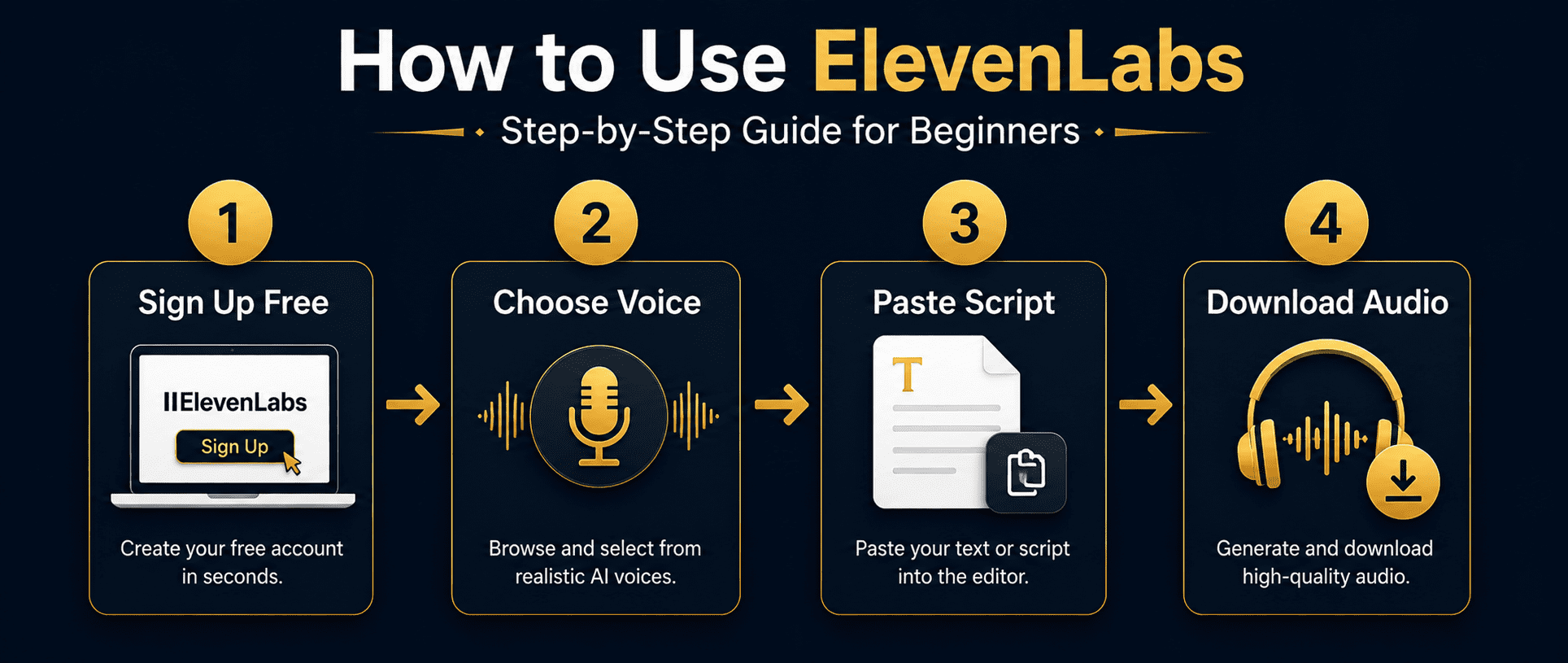
Go to elevenlabs.io and click “Sign Up Free.” Use your Google account or email address — no credit card required. The ElevenLabs free plan activates instantly and gives you 10,000 characters to start using this free AI voice generator right away.
💡 Sign up with Google for the fastest setup — one click and you are inside the dashboard immediately with full access to the ElevenLabs free plan.After signing in, click “Text to Speech” from the left sidebar. This is the core text to speech AI feature for ElevenLabs beginners — it converts your typed script directly into downloadable AI voiceover audio. No extra setup or configuration needed to begin.
💡 The sidebar also shows Speech to Speech and Voice Cloning — skip these as a beginner. The Text to Speech AI tool is all you need to start.Click the voice selector dropdown to browse available preset voices in this AI voice generator. Each voice has a preview button — listen before you commit. Choose a voice that matches your content tone. For most ElevenLabs beginners, Rachel (clear and warm) or Adam (professional and neutral) are the strongest starting choices.
💡 Always preview 3–4 different AI voices using a sample of your actual script — the right voice has a significant impact on how professional your finished voiceover sounds.Type or paste your script into the text box. For the best AI voiceover results with this text to speech AI tool, keep sentences short and use proper punctuation throughout — ElevenLabs reads commas and periods as natural breathing cues. Well-punctuated scripts produce noticeably more natural audio than scripts without punctuation.
💡 Write your voiceover script in ChatGPT first, then paste it into ElevenLabs. See our ChatGPT Beginner Guide for the exact prompts to use.Use the Stability and Clarity + Similarity sliders before generating your AI voiceover. For most beginner content on this free AI voice generator, set Stability to 50–60% and Clarity to 75–80%. This produces natural speech without robotic monotone output.
💡 Higher Stability = consistent and predictable AI voice. Lower Stability = more expressive natural variation. Start at 50% and adjust based on your content type.Click “Generate” — your AI voiceover audio is ready in seconds. Play it back fully to check for any mispronunciations, then click the download icon to save it as an MP3 file. Import it directly into CapCut, DaVinci Resolve, Premiere Pro, or any audio or video editing tool you use.
💡 Always listen to the full audio before downloading. Unusual words and brand names sometimes get mispronounced — easy to fix by adjusting the spelling in your script and regenerating.🎯 ElevenLabs Use Cases — 6 Ways Beginners Use This AI Voiceover Tool
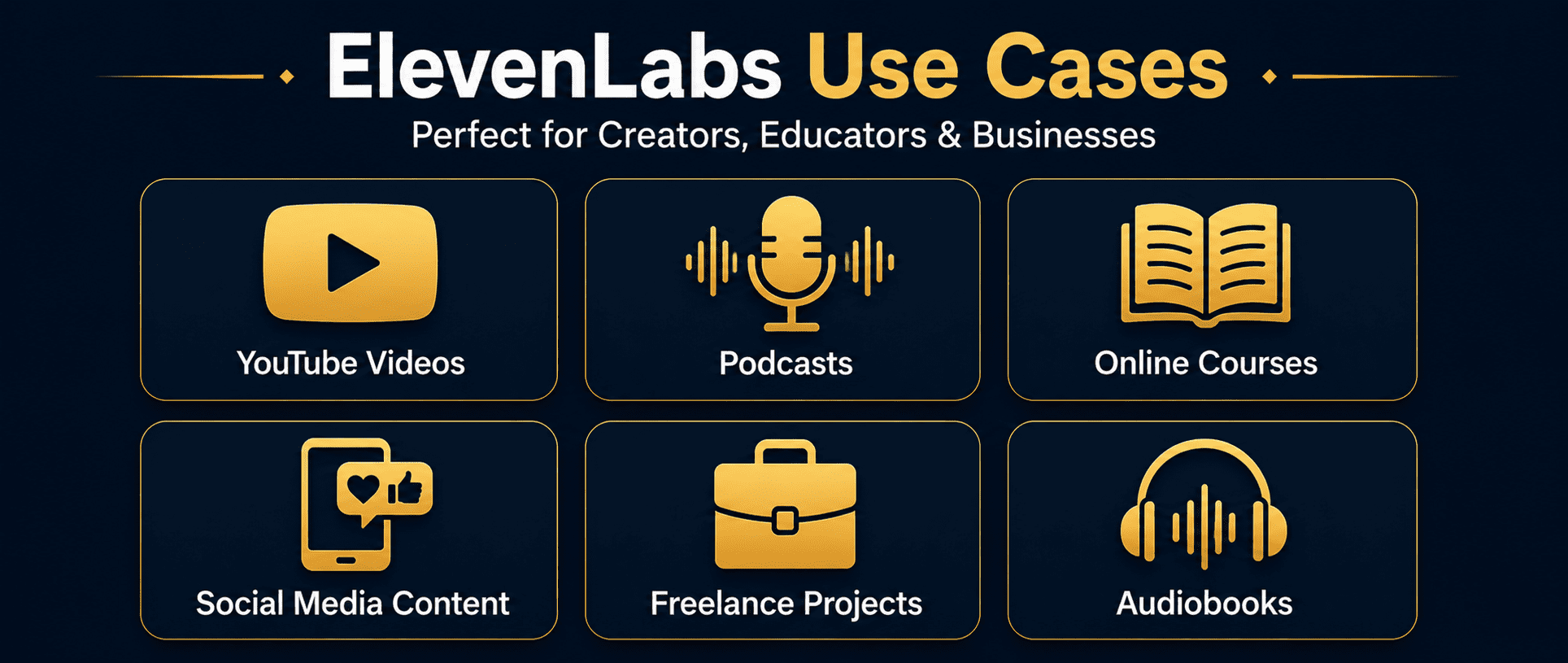
One reason ElevenLabs for beginners is so popular is the wide range of practical use cases available on the free plan. Once you understand how to use ElevenLabs, the range of content you can create with this free AI voice generator is surprisingly broad. Here are the six most practical use cases for ElevenLabs beginners — each one achievable on the free plan with no recording equipment.
Want to combine ElevenLabs AI voiceover with full video production? Our AI Video Tools for Beginners guide covers the complete workflow — script to finished video — using free tools only. To earn money using ElevenLabs and other AI tools, see our AI Side Hustles guide.
✅ Tips to Get Better Results From ElevenLabs AI Voiceover
Write scripts specifically for AI voice generator tools
Content written for reading looks very different from content written for spoken AI voiceover. When preparing scripts for this text to speech AI tool, write as if a real person is speaking — flowing sentences, natural transitions, and no bullet points or subheadings in the script text itself.
Use short sentences throughout your ElevenLabs script
Long, complex sentences often sound rushed or unnatural when processed by this free AI voice generator. Keep every sentence under 20 words. Shorter sentences give the ElevenLabs AI voice more natural breathing room and make the finished voiceover much easier to follow.
Control pacing with deliberate punctuation
ElevenLabs reads punctuation as speech cues in its text to speech AI engine. A comma creates a brief pause. A period creates a full stop. An em dash (—) creates a dramatic pause before an important point. Use these deliberately throughout your script to control the pacing and emphasis of your AI voiceover.
Spell out numbers and abbreviations for cleaner AI voice output
Write numbers in full — “five hundred” instead of “500” — and spell out any abbreviations. The ElevenLabs free plan AI voice engine sometimes mispronounces symbols, numerals, and shortened forms. Writing everything out produces more accurate and natural-sounding AI voiceover audio consistently.
Always test before generating full scripts
Before using this free AI voice generator on a long script, generate a short 30-second test clip first. This lets you check voice tone, pacing, and any mispronunciations before committing your monthly character quota to a full project on the ElevenLabs free plan.
Batch your scripts to use the ElevenLabs free plan efficiently
The ElevenLabs free plan gives 10,000 characters per month. Plan content in advance and write multiple scripts in one session so you use your quota across several pieces of content rather than spending it all on one long AI voiceover project.
❌ Common Mistakes ElevenLabs Beginners Make
❓ Frequently Asked Questions — ElevenLabs for Beginners
Yes — the ElevenLabs free plan gives you 10,000 characters per month with no credit card required. You can generate, preview, and download AI voiceover audio at zero cost. The free AI voice generator is fully functional for learning, testing, and creating beginner content. Upgrade only when you need more volume or commercial use rights.
ElevenLabs produces some of the most realistic AI voice audio available. When paired with a well-written, properly punctuated script, most listeners cannot distinguish ElevenLabs output from a real human voice recording. It is significantly more realistic than older text to speech AI tools.
The ElevenLabs free plan has limited commercial use rights. If you plan to monetize content through YouTube ads, deliver AI voiceover to clients, or sell online courses — upgrade to the Starter plan at $5/month, which includes full commercial rights for all generated audio.
No — that is the core advantage of ElevenLabs for beginners. You only need a free account and typed text to generate AI voiceover audio. No microphone, soundproofing, or audio editing software is required. The entire process happens inside your browser.
Rachel and Adam from the preset voices in this free AI voice generator are the most popular choices for beginner content — both are clear, neutral, and professional. Always preview a few different AI voices with your actual script text before deciding. The best voice depends on your specific content tone and audience.
Yes. Beginners use this AI voiceover tool to offer voiceover services on Fiverr, create faceless YouTube channels, produce online courses, and deliver audio for client videos — all starting on the free plan. See our complete AI Side Hustles guide for step-by-step income methods using this and other free AI tools.
Most free text to speech AI tools produce robotic, mechanical-sounding audio. ElevenLabs uses deep learning to replicate natural human speech — including breathing patterns, tone variation, and natural pacing. The difference in quality is immediately noticeable when you generate your first audio file using this free AI voice generator.
📚 Related AI Tool Guides
🎯 Final Thoughts — Start Your First ElevenLabs AI Voiceover Today
ElevenLabs for beginners is one of the most accessible free AI tools available right now. The ElevenLabs free plan is genuinely useful — not a stripped-down trial — and the quality of this free AI voice generator is far beyond older text to speech AI tools you may have tried before.
The best way to understand how good ElevenLabs AI voiceover actually is: create a free account, paste a short paragraph, generate the same script in three different AI voices, and listen back. You will immediately understand why content creators are replacing traditional voiceover recording with this tool.
For most creators, ElevenLabs for beginners is one of the easiest ways to start producing professional AI voiceovers without recording equipment. Start simple. One script. One AI voice. One finished audio file. Then build from there using the steps in this ElevenLabs tutorial. For more beginner-friendly AI tool guides, browse our AI Blog — updated regularly with practical, step-by-step tutorials for content creators at every level.
Get beginner-friendly AI tool guides, free resources, and practical tips from AICashCraft — completely free.
Top 10 Free AI Tools for Beginners
Download our free 13-page PDF guide covering the best free AI tools with beginner tips and step-by-step advice. No sign-up needed.
⬇️ Download Free PDF Guide