
How to Sell Digital Products With AI Tools
Digital products are one of the most accessible ways for beginners to explore online income — and AI tools have made the creation process significantly faster and more manageable.
This guide walks you through how to create and sell digital products with AI tools — step by step, with honest expectations and free tools to get you started.
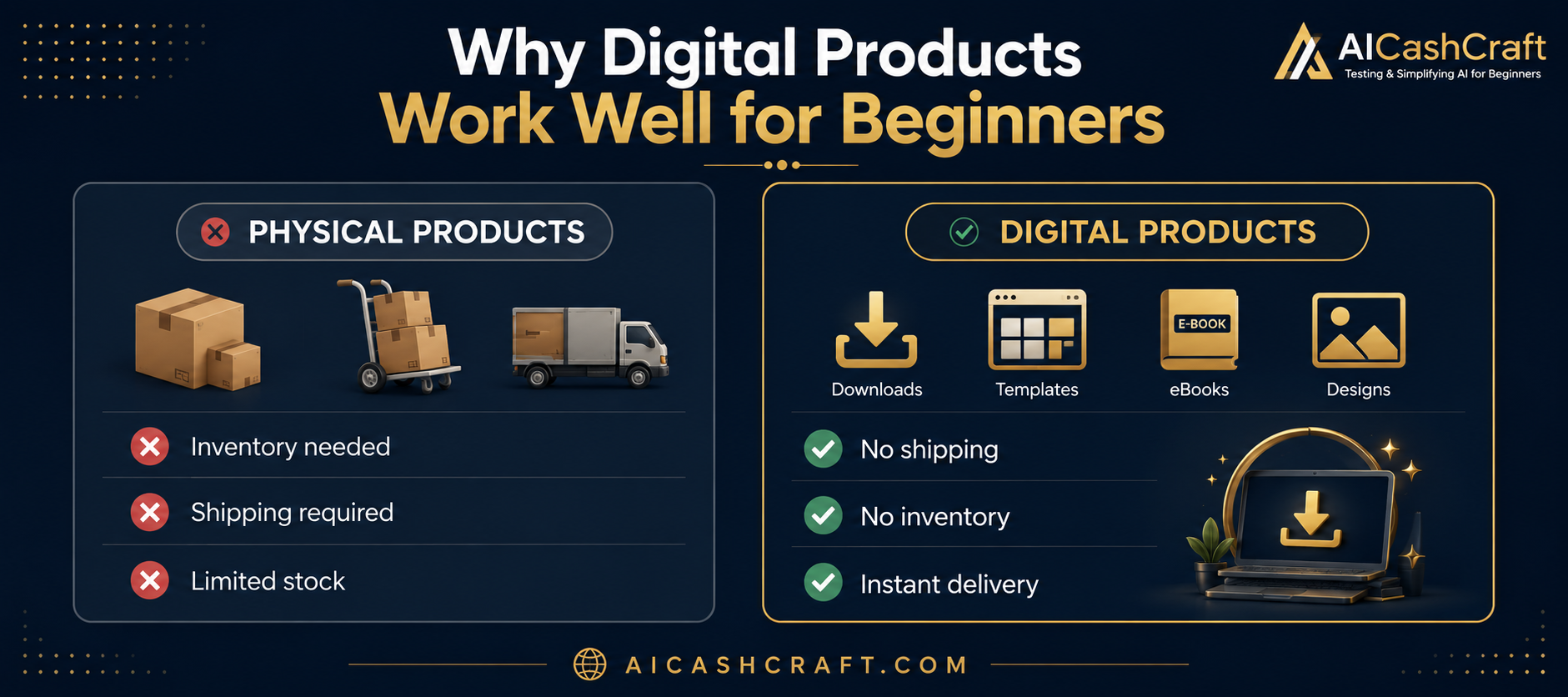
If you are looking for a beginner-friendly way to generate income online, creating and selling digital products is worth exploring. Unlike physical products, digital products do not require inventory, shipping, or significant upfront investment — and AI tools have made it much easier to create them without advanced design or writing skills.
Learning how to sell digital products with AI tools is one of the most beginner-friendly ways to start earning online — because AI handles the hard parts of creation, writing, and design.
This guide covers how to sell digital products with AI tools — from choosing what to create, to setting up your store, to writing product listings that attract buyers. Every step uses tools that are free or low cost to start.
Learning how to create and sell digital products with AI tools is becoming one of theeasiest ways for beginners to start an online business today.
The most popular platforms for selling digital products are Etsy and Gumroad — both free to start and beginner-friendly.
New to AI tools? Start with our Start Here guide to understand the basics. Then use our free AI Tool Finder Quiz to find which tools fit your skill best before diving in.
📦 What Are Digital Products and Why AI Helps
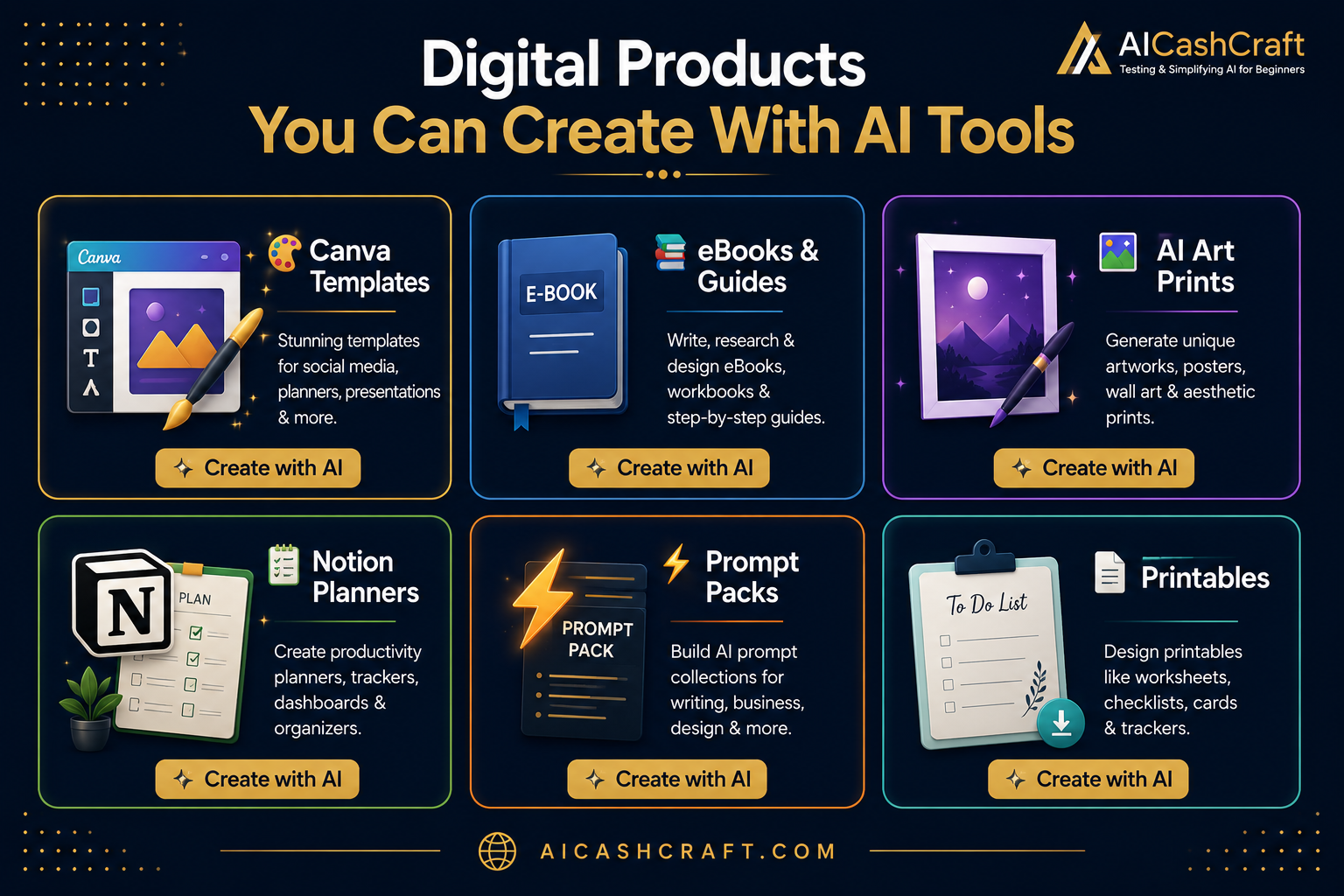
A digital product is any product that is delivered electronically — no physical packaging, no shipping, no inventory. The buyer purchases and downloads it instantly. Common examples include design templates, eBooks, printable worksheets, prompt packs, and digital art.
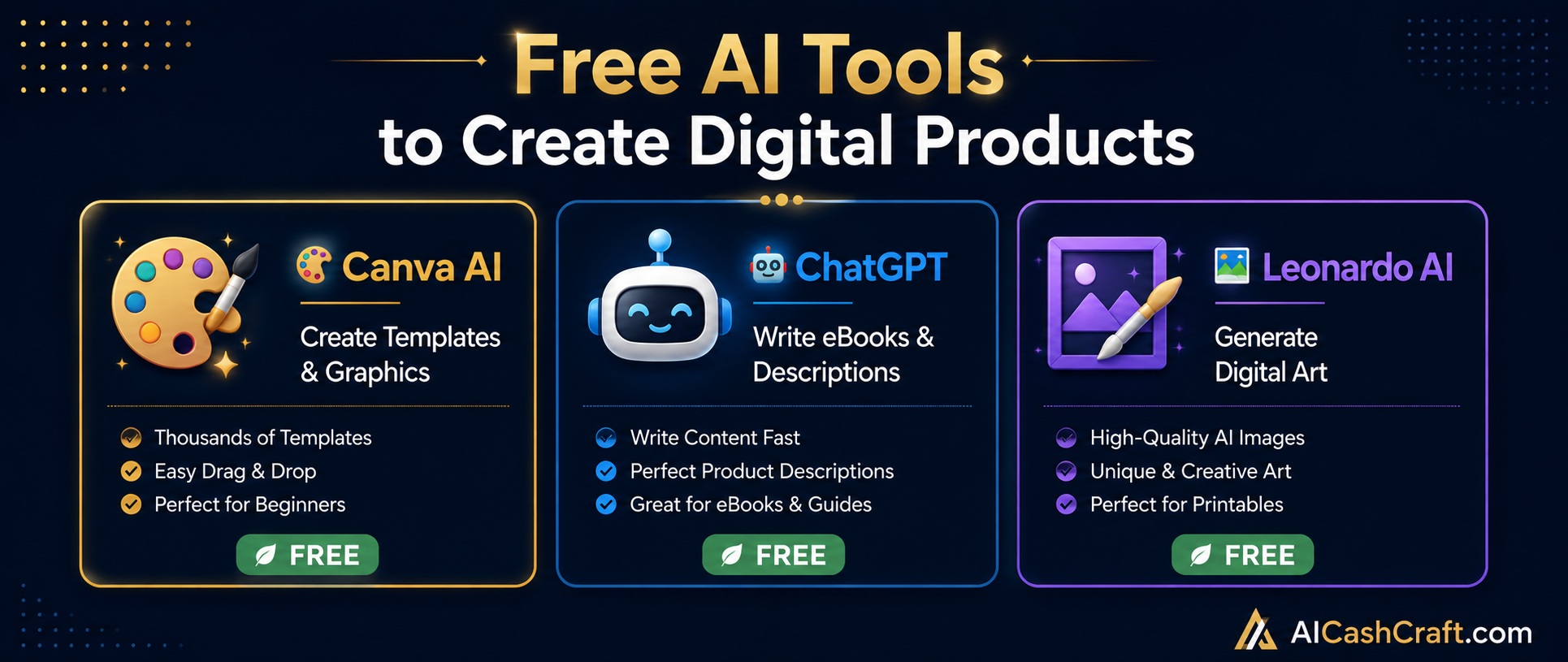
AI tools help in two key ways: they speed up the creation process and help with writing product descriptions and titles. What might take a beginner several days to create manually can often be completed in a few hours using tools like Canva AI and ChatGPT — though the quality still depends on how much time and care you put into refining the output.
- No inventory or shipping to manage
- One product can be sold to multiple buyers
- Free platforms available to start selling
- AI tools help speed up the creation process
- Can be done alongside a full-time job or studies
🎨 Best Digital Products to Create With AI — For Beginners
Choosing the right product type is important — pick something that matches your current skill level so you can create quality products without getting overwhelmed. Here are the most beginner-accessible options:
🛠️ Step-by-Step — How to create and Sell Digital Products With AI Tools
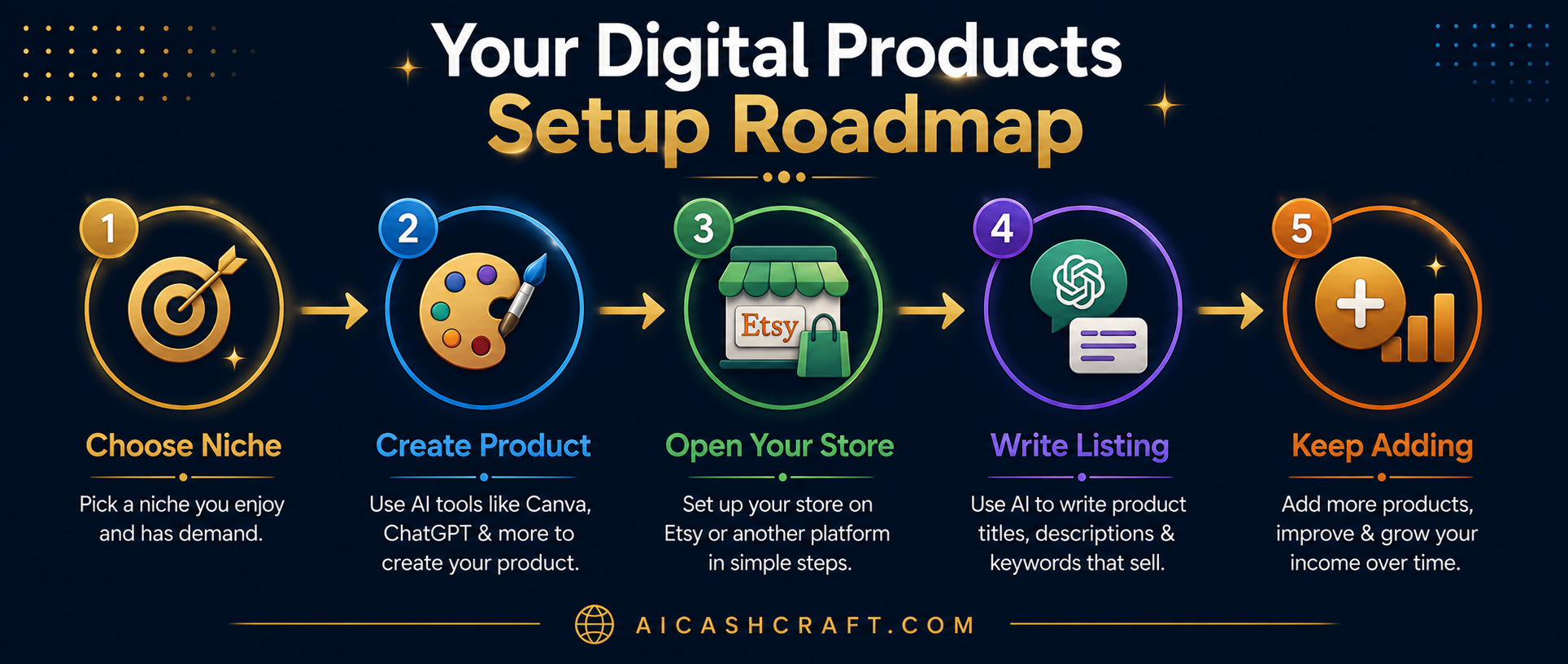
Before creating anything, decide what type of product you want to make and who it is for. A specific niche almost always performs better than a broad one — for example, “Instagram templates for food bloggers” is more focused than “social media templates.”
Once you know what you are making, use AI tools to speed up the creation process. The key is to use AI as a starting point — then customize and refine the output to make it genuinely useful for your target buyer.
For Canva Templates:
For eBooks:
See AI design tools: Best AI Image Tools for Beginners →
Both Etsy and Gumroad are free to start and work well for digital products. Each has different strengths — choosing the right one depends on your product type and how you plan to attract buyers.
A well-written product listing is one of the most important factors in whether buyers find and purchase your product. Both Etsy and Gumroad use keyword-based search — so your title and description need to include the words buyers actually type when looking for products like yours.
A product mockup is a visual preview image that shows buyers what they are getting. Since digital products cannot be physically held or tried, a clear and attractive mockup is essential — it is often the first thing a buyer notices before reading your listing title or description.
One of the most common beginner mistakes is listing 2–3 products and then waiting for sales. Digital product stores typically grow gradually — more listings mean more opportunities for buyers to find you through search. Think of each product as a small, permanent asset in your store.
⚠️ Common Mistakes to Avoid
🎁 Want More AI Income Ideas?
Join the AICashCraft email list to get beginner-friendly AI tools, blogging tips, digital product ideas, and AI side hustle strategies directly in your inbox.
🎯 Final Thoughts — Take It One Step at a Time
Learning how to sell digital products with AI tools is a realistic option for beginners — and once you know how to sell digital products with AI tools effectively, the process becomes much faster for beginners who are willing to invest consistent time and effort. The barrier to entry is lower than many other online income methods — but that also means more people are trying it, so product quality and good listing optimization matter.
The best way to create and sell digital products with AI tools is to keep your first product simple, improve it with feedback, and build your store slowly over time.
The practical starting path:
- Pick one product type that matches your current skills
- Create 5–10 products in a specific niche before opening your store
- Write clear, keyword-rich listings with ChatGPT’s help
- Add new products consistently over weeks and months
- Learn from early data — improve what is not working
For more beginner-friendly income ideas, read our AI Side Hustles guide and explore all the tools available in our Best AI Tools for Beginners guide.
If you want to create and sell digital products with AI tools, focus on one simple product first, improve it over time, and stay consistent.
📚 Related Guides You May Find Useful
❓ Frequently Asked Questions — Selling Digital Products With AI
Yes — but with realistic expectations. Beginners can use free AI tools like Canva AI and ChatGPT to create digital products without advanced skills. The challenge is creating products that are genuinely useful and well-presented. Starting with Canva templates is usually the most accessible entry point. Use our free AI Side Hustle Generator to find the best product type for your specific skills.
Both have advantages depending on your situation. Etsy has a larger built-in audience and works well for visual products like templates and art prints — but charges listing and transaction fees. Gumroad is free to start and simpler to set up — but requires you to drive your own traffic. Most beginners starting with templates find Etsy easier for initial discovery. If you already have a blog or social media audience, Gumroad can work well from day one.
This varies significantly depending on your niche, product quality, listing optimization, and platform. Some sellers make their first sale within days — others take weeks or months. Building a store with well-optimized listings in a focused niche generally produces better results than listing random products without keyword research. Setting realistic expectations helps avoid early discouragement.
Generally yes — but always check the current terms of service for any tool you use, as policies can change. Canva allows commercial use of designs created on their platform, but has specific rules about selling editable templates. ChatGPT-generated content can typically be used commercially on paid plans. Always review platform-specific terms before selling, as policies may vary and update over time.
Canva social media templates or printable planners are usually the most manageable starting points — both use Canva’s free plan, require no writing, and have consistent demand on Etsy. If you prefer writing over design, a simple how-to guide or prompt pack created with ChatGPT is another accessible option that requires no design skills at all.
The core AI tools — Canva AI and ChatGPT — both have free plans sufficient for beginners. Gumroad is free to start. Etsy charges $0.20 per listing and takes a percentage of each sale, but requires no upfront fee. You can realistically start with close to zero upfront cost, though investing a small amount in a few Etsy listings is usually necessary if you choose that platform.
Top 10 Free AI Tools for Beginners
Download our free 13-page PDF guide covering the best free AI tools. No sign-up needed.
⬇️ Download Free PDF Guide

Very nice i am learning this
♥