How to Create an Online Course With AI in a Weekend — Free Tools + Step-by-Step Guide
The best AI tools for online course creation let beginners go from idea to a complete, sellable course without expensive equipment, design experience, or a production team. AI handles the script writing, slide design, voiceover, and video editing — you handle the knowledge and strategy. This guide covers the complete beginner workflow and the free tools that make it possible.
Creating an online course used to require a camera setup, video editing software, professional slides, and weeks of production time. AI tools for online course creation have changed this completely. Beginners can now write a full course outline with ChatGPT, create professional slides with Canva AI, record narration with ElevenLabs, and edit the final video with CapCut — all on free plans, in a fraction of the time it used to take.
This guide explains exactly how to use the best AI tools for online course creation as a beginner — covering every stage from choosing your topic to publishing and selling your course. If you have knowledge to share, AI removes the production barrier that used to make course creation feel out of reach.
New to AI tools? Start with our Top AI Tools for Beginners guide first. Already familiar with AI income methods? See our AI Side Hustles guide for the full income landscape.
🎓 Why AI Tools for Online Course Creation Work for Beginners
The traditional barriers to creating an online course were time, equipment, and production skills — not knowledge. Most beginners who have genuine expertise in something got stuck at “how do I record and edit a professional-looking course?” AI tools for online course creation specifically address those production barriers.
🚀 How to Use AI Tools for Online Course Creation — 5 Steps
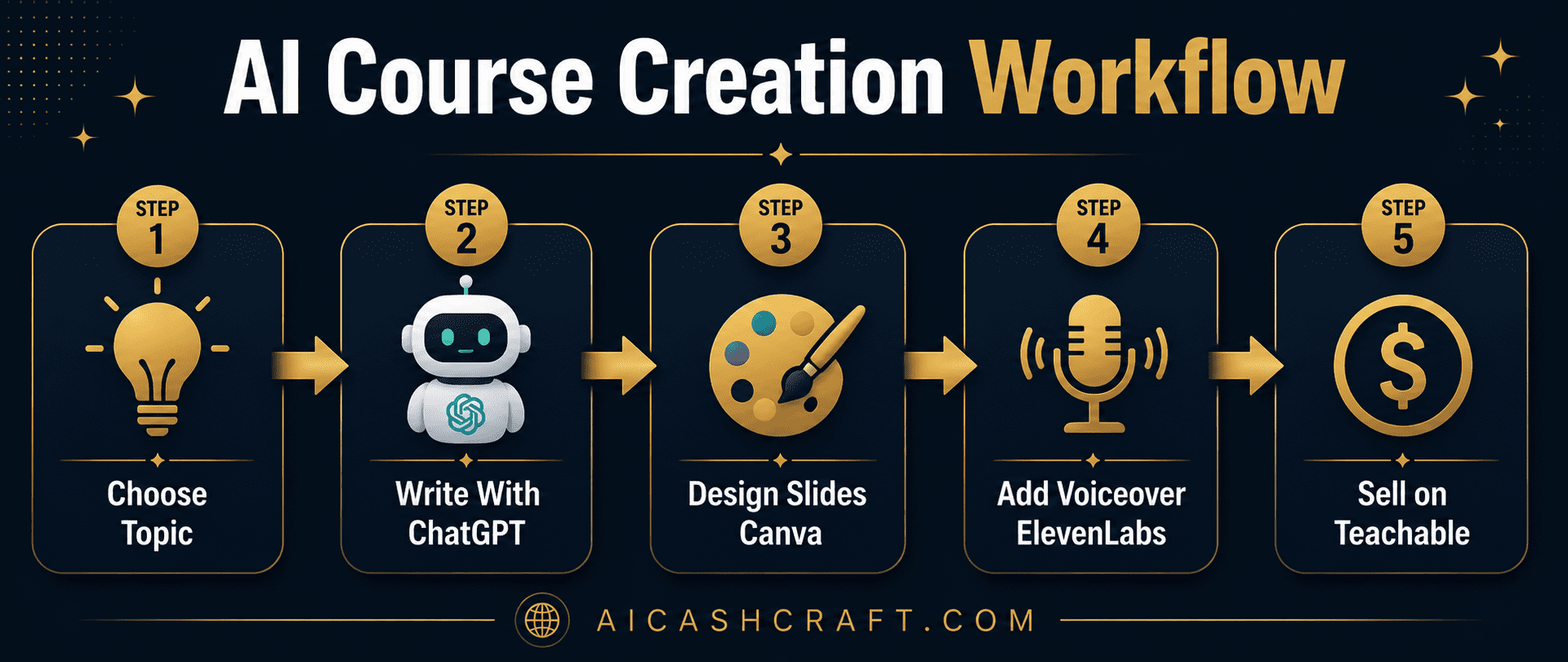
Pick a topic where you have genuine knowledge or experience — something you could teach a friend over coffee. The best beginner course topics are specific and practical: “How to set up a Shopify store in one weekend,” “Canva basics for freelancers,” or “ChatGPT for content writers.” Narrower topics face less competition and are easier to market to a specific audience.
💡 Use our free ChatGPT Prompt Generator to generate topic ideas and validate them — ask ChatGPT which angle of your topic has the most beginner demand.Give ChatGPT your topic and ask it to generate a complete course outline — modules, lessons, learning objectives, and a rough time estimate for each section. Then go lesson by lesson, asking ChatGPT to write a full teaching script for each one. Review and personalize each script with your own examples and voice — the AI gives you the structure and first draft, you add the authentic expertise.
💡 A strong beginner course has 4 to 6 modules, 3 to 5 lessons per module, and 5 to 10 minutes of content per lesson. Total: 60 to 120 minutes of content — enough to deliver real value without overwhelming production requirements.Open Canva and search for “presentation” or “online course slide deck” templates. Choose one that matches your topic’s tone — professional, modern, or educational. For each lesson, create 5 to 10 slides covering the key points from your script. Use Canva’s AI text tool to suggest slide headlines and Canva’s image library for relevant visuals. Export as PNG images for video assembly.
💡 Keep slides simple — one key point per slide, large readable text, and a consistent color palette throughout. Canva’s free templates handle the design; your content fills them.Two options here. Option A — record your own voice narrating the lesson script using a free recording tool like Audacity or your phone’s voice memo app. Option B — paste your script into ElevenLabs and use a free AI voice to narrate it. Both work well. Your own voice adds authenticity and connection; AI voice reduces the barrier to getting started. See our ElevenLabs for Beginners guide for the complete free voiceover workflow.
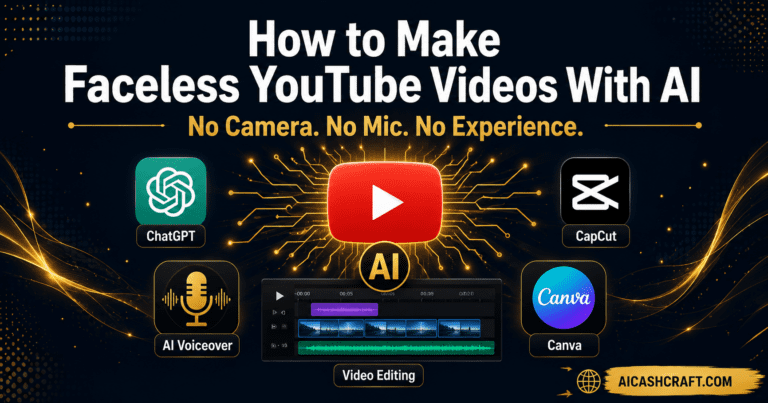
💡 ElevenLabs free plan includes enough monthly characters to narrate a full beginner course — typically 2 to 3 hours of audio content. More than sufficient for a first course.Import your slides and voiceover audio into CapCut. Use the “add image” feature to create a slideshow-style video — each slide stays on screen while the corresponding narration plays. CapCut auto-generates captions, adjusts timing, and exports at 1080p — all for free. The final result is a professional lesson video ready to upload to your course platform.
💡 For a faceless course, this slides-plus-voiceover format is standard and widely accepted. If you want screen recordings (for software tutorials), OBS Studio is a free tool that captures your screen while narrating.🛠️ Best AI Tools for Online Course Creation — Free Reviews
Best Free AI Tools for Online Course Creation — Detailed Reviews
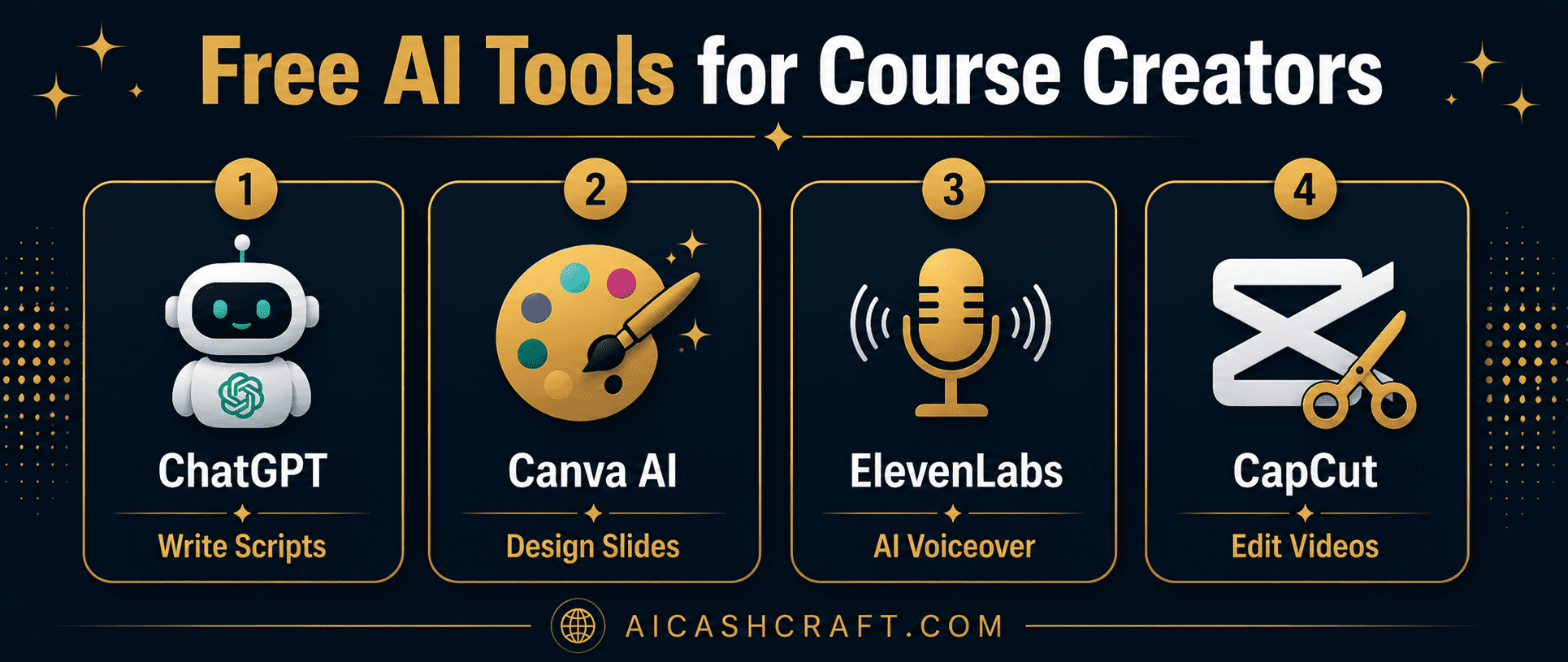
ChatGPT is the most versatile AI tool for online course creation — it writes course outlines, lesson scripts, quiz questions, course descriptions, and even marketing copy for your sales page. The free plan handles the full writing workload of a beginner course without usage limits that would block completion. See our Make Money With ChatGPT guide for advanced prompt strategies.
Canva AI handles every visual element of your course — presentation slides, module thumbnails, course cover images, and promotional graphics — all on the free plan. The presentation templates designed for educational content give beginners a professional starting point that takes minutes to customize rather than hours to build from scratch.
ElevenLabs produces the most natural-sounding AI voiceovers available — significantly more realistic than standard text-to-speech tools. The free plan includes monthly character credits sufficient for narrating a complete beginner course. Choose from dozens of voice options to find one that matches your course’s tone — professional, friendly, or energetic. See our complete ElevenLabs for Beginners guide.
CapCut assembles your slides and voiceover into complete lesson videos — with auto-generated captions, background music options, and 1080p export — all at zero cost. For beginner course creators, this removes the most technically intimidating step: video production. The result is a professional lesson video without ever opening traditional editing software.
💰 Where to Sell Your Course — AI Tools for Online Course Creation Complete
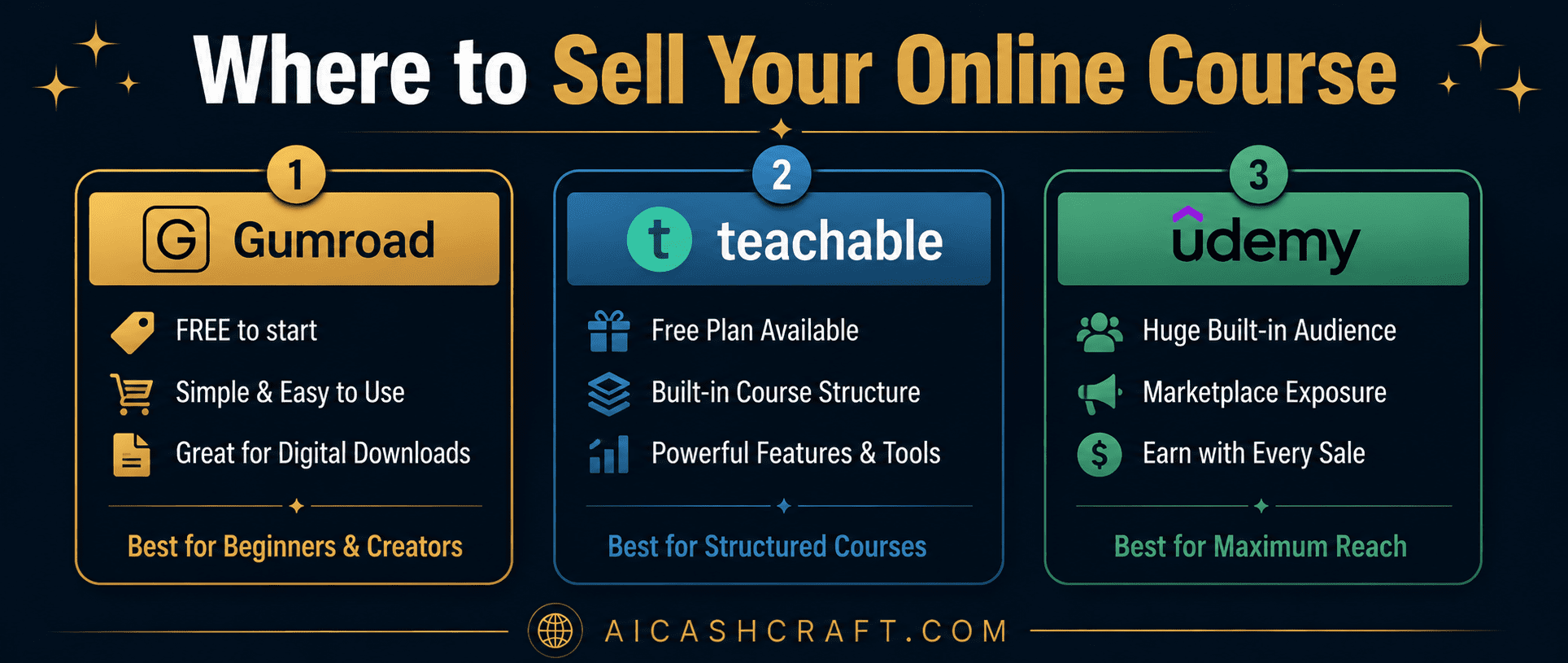
| Platform | Free Plan | Commission | Best For |
|---|---|---|---|
| Gumroad | ✅ Free | 10% per sale | Simple digital downloads, beginners |
| Teachable | ✅ Free plan | Transaction fee on free plan | Structured course with modules |
| Udemy | ✅ Free to publish | Varies (37-97%) | Built-in marketplace audience |
| Gumroad + own audience | ✅ Free | 10% (lowest) | Best margin if you have social following |
Which Platform Works Best With AI Tools for Online Course Creation?
❓ Frequently Asked Questions — AI Tools for Online Course Creation
The best free AI tools for online course creation are ChatGPT (course outline and scripts), Canva AI (slides and graphics), ElevenLabs (AI voiceover narration), and CapCut (video assembly and editing). All four have free plans sufficient to produce a complete beginner course. Use our AI Tool Finder Quiz for a personalized starting recommendation.
A focused beginner course (60 to 90 minutes of content, 4 to 5 modules) typically takes 3 to 7 days of dedicated effort using AI tools for online course creation. AI dramatically reduces the writing and design time — the main time investment is reviewing AI output, recording or generating audio, and assembling the final videos. Longer or more complex courses naturally take more time.
No — the slides-plus-voiceover format using AI tools for online course creation like Canva and ElevenLabs produces professional courses without any camera involvement. Many successful online courses use this exact format — it is widely accepted by course buyers and is often preferred for its clarity and focus on the content rather than the presenter.
Income from online courses varies widely based on topic, audience, price, and marketing effort. A beginner course priced at $27 to $97 selling 5 to 20 units per month represents a realistic starting range for most beginners — generating $135 to $1,940 per month from a single course. Building an audience through content (a blog or social media) significantly increases sales. Use our AI Income Calculator to model your specific scenario.
The best first course topic is something you already know well and that has a clear beginner audience. Think about skills you use regularly — design, writing, social media, a specific software tool, or a hobby you have developed expertise in. Use ChatGPT to brainstorm and validate: describe your background and ask it to suggest 5 course topic angles with beginner demand. Narrow topics with less competition are often better starting points than broad, competitive subjects.
AI can generate strong first drafts of outlines and scripts, but the most valuable courses include your own examples, experiences, and perspective — things AI cannot provide. Use AI tools for online course creation to remove the production bottleneck, then personalize the output with real-world context from your own knowledge. Courses that feel generic or purely AI-generated typically receive lower reviews and fewer repeat buyers than courses with a clear human voice and authentic expertise.
📚 Related Guides for AI Tools and Online Course Creation
🎯 Final Thoughts — AI Tools for Online Course Creation Start Today
The best AI tools for online course creation have removed every production barrier that used to make course creation feel out of reach for beginners. The knowledge requirement — having something genuinely worth teaching — remains yours. Everything else — the outline, slides, voiceover, and video assembly — can now be handled by free AI tools in days rather than weeks.
The right AI tools for online course creation are all free — start with your topic, open ChatGPT, and generate your first course outline today. The production workflow follows naturally once the content structure exists. A beginner course priced at $27 and marketed to a specific audience can generate meaningful income from a single product created once.
For more practical AI income guides, explore the AICashCraft Blog — updated regularly with beginner-friendly strategies for every major AI income method.
Get beginner-friendly AI course creation guides, free tools, and income strategies from AICashCraft — completely free.
Top 10 Free AI Tools for Beginners
Download our free 13-page PDF guide covering the best free AI tools with beginner tips and step-by-step advice. No sign-up needed.
⬇️ Download Free PDF Guide