Midjourney Prompts for Beginners — 30 Best Copy-Paste Ideas (Free)
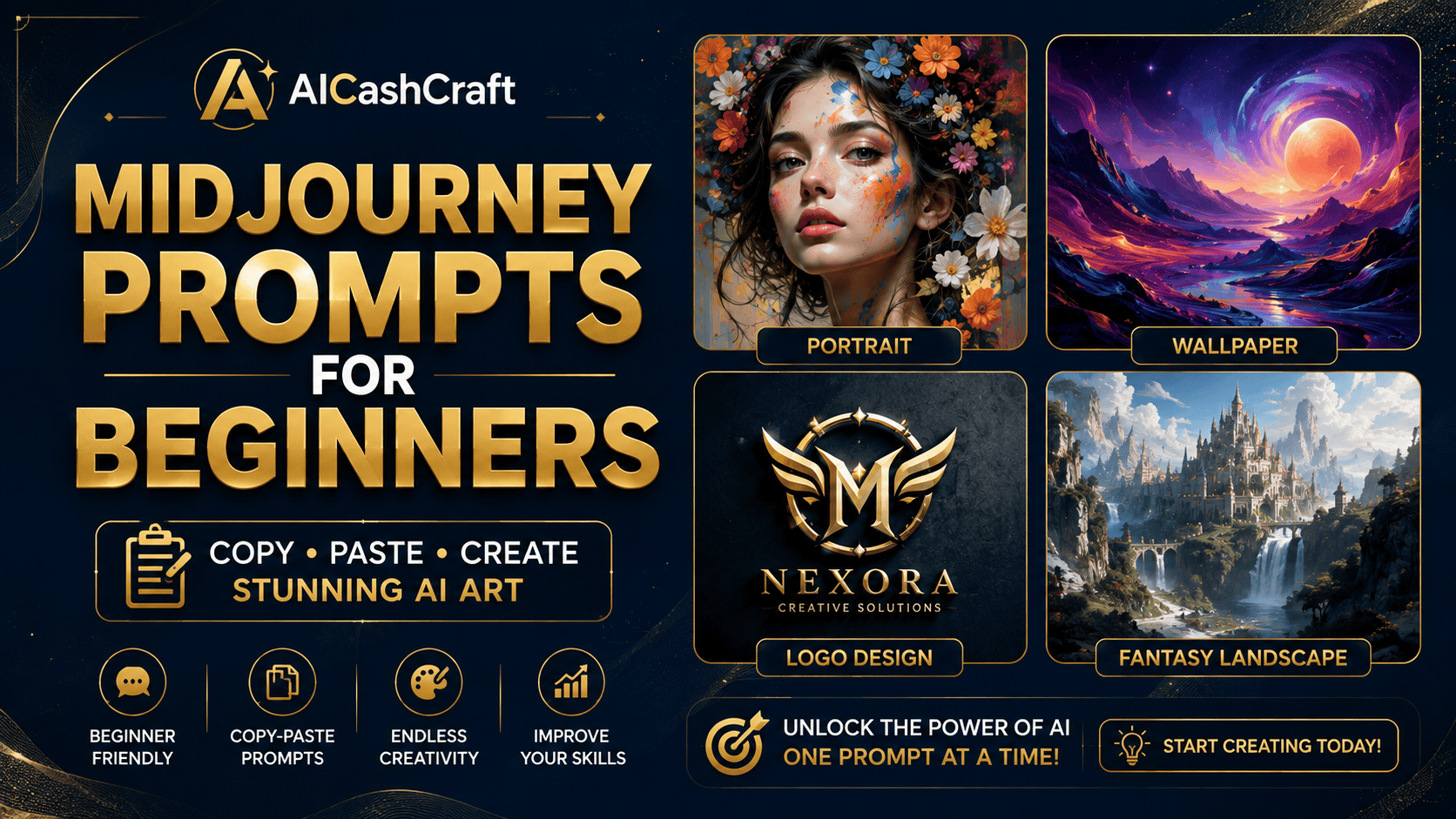
Midjourney prompts for beginners — the fastest way to go from a blank prompt bar to stunning AI art. This guide gives you 30 copy-paste prompts you can use right now, a simple formula to write your own, and real ways beginners turn these images into income.
If you want ready-to-use Midjourney prompts for beginners, you are in the right place. Once you know how the tool works, the only thing standing between you and great images is knowing what to type. Below are 30 copy-paste prompts grouped by what you want to make — portraits, logos, wallpapers, wall art, thumbnails, and more.
New to the tool itself? Start with our step-by-step walkthrough first: how to use Midjourney for beginners → For a full comparison of every image tool, visit our AI Image Tools directory →
🧩 The 4-Part Prompt Formula — Learn This First
Every strong Midjourney prompt follows roughly the same shape. Once you see it, you can build endless prompts of your own — just change one part at a time.
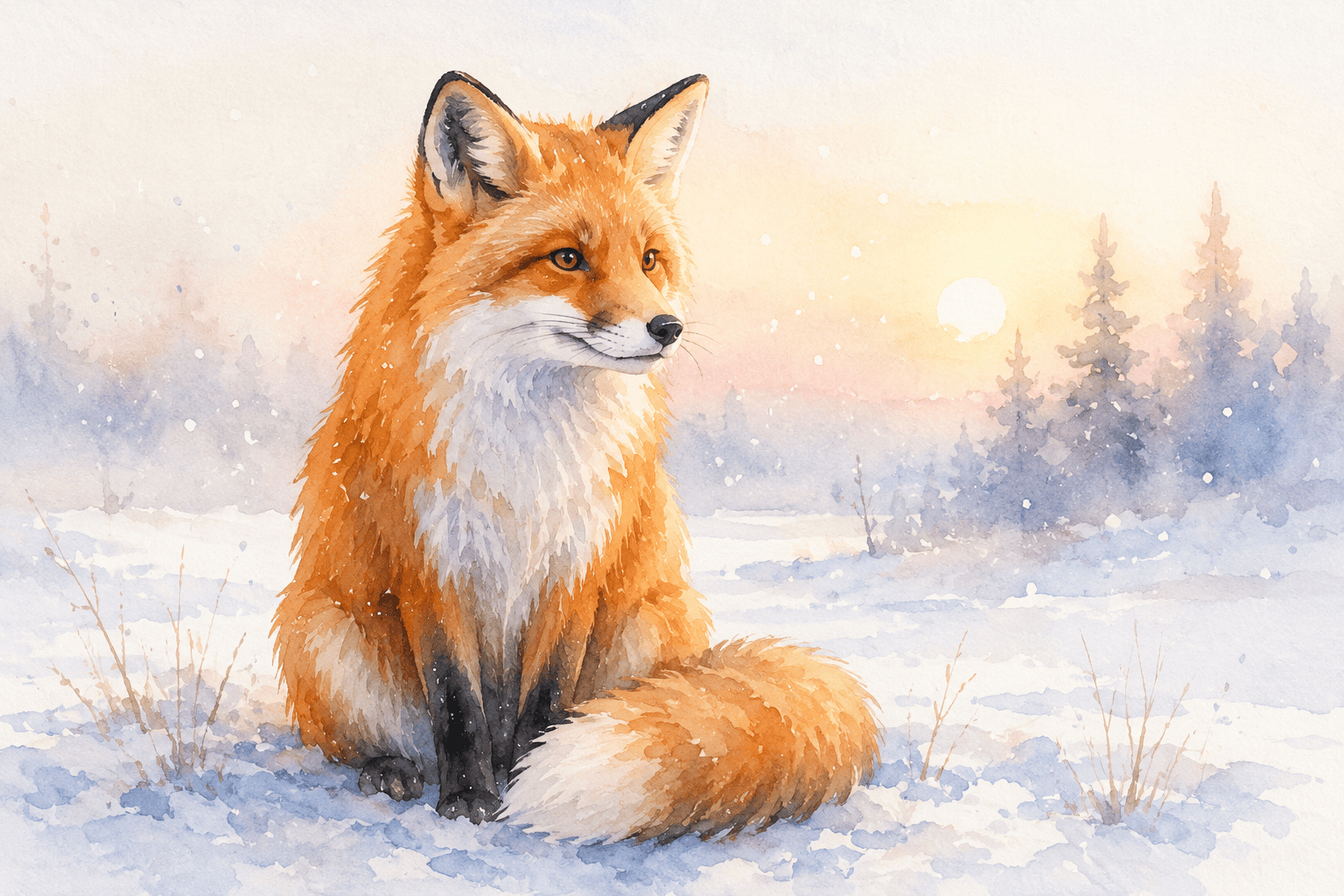
Subject — what it is: “a red fox”, “a coffee shop logo”
Style — the look: “watercolor”, “3D render”, “cyberpunk”, “minimalist”
Details — lighting, mood, colors, background: “soft morning light, pastel tones”
Parameters — settings at the end: –ar 3:2 (shape), –v 6 (version)
🎨 30 Copy-Paste Midjourney Prompts for Beginners
Copy any prompt, paste it after /imagine, and change the subject or style to fit your idea. Add –v 6 for the best quality. Here are the best Midjourney prompts for beginners, grouped by what you want to make.
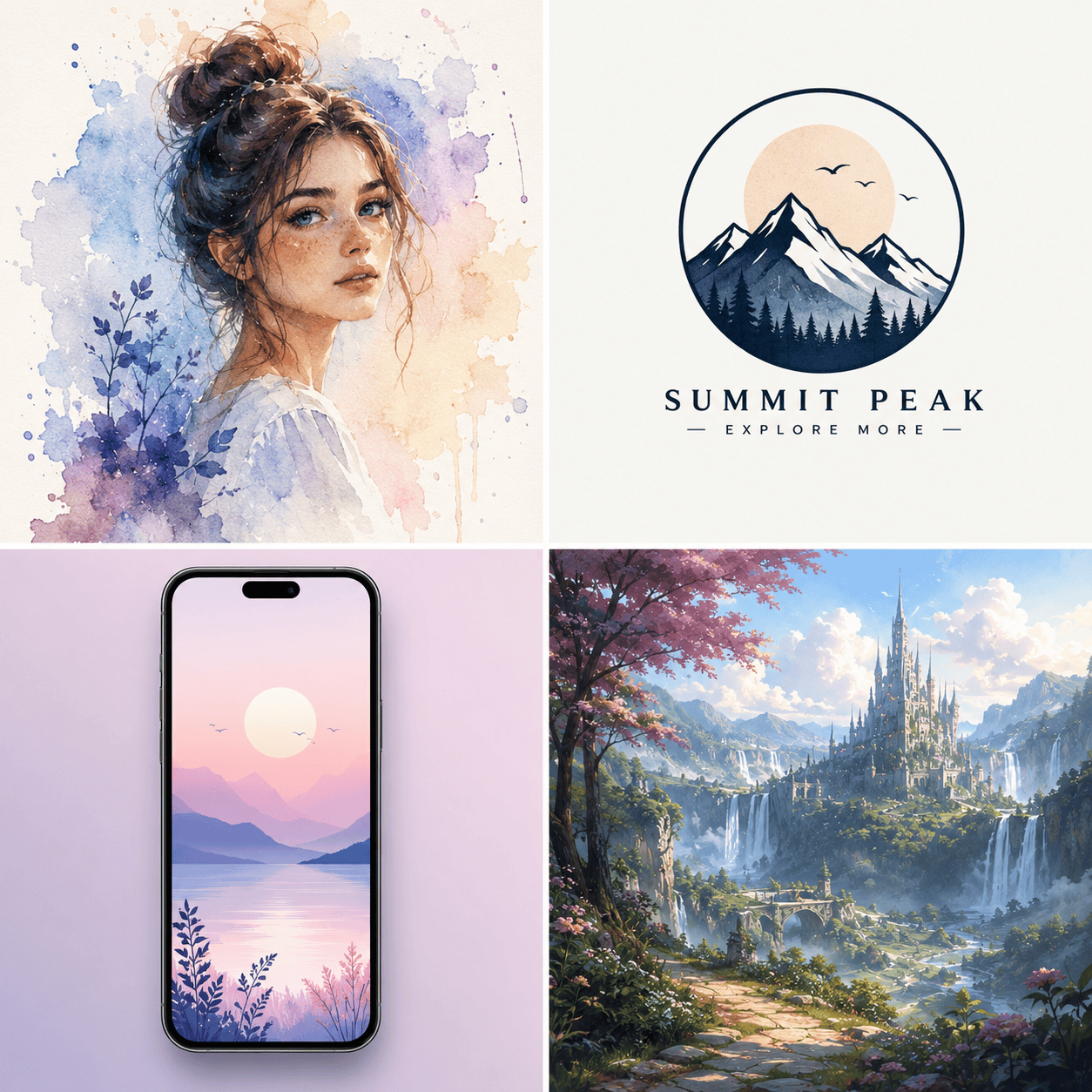
👤 AI Portraits & Avatars
🏷️ Logos & Simple Branding
📱 Phone & Desktop Wallpapers
🖼️ Print-on-Demand & Wall Art
▶️ YouTube Thumbnails & Social Media
📦 Product Mockups
🐉 Fantasy & Concept Art
🏠 Interiors & Architecture
🍔 Food & Lifestyle
🎭 Versatile Art Styles
⚙️ Parameter Cheat Sheet for Beginners
Add these to the end of any prompt to control the result:
| Parameter | What It Does | Example |
|---|---|---|
| –ar | Aspect ratio (image shape) | –ar 16:9, –ar 9:16 |
| –v | Model version (use the latest) | –v 6 |
| –style raw | Less “beautified”, more literal | –style raw |
| –q | Quality / detail level | –q 2 |
| –no | Remove something | –no text |
💰 How to Make Money With Midjourney Prompts
Midjourney prompts for beginners aren’t just for pretty pictures — beginners turn these images into real income streams:
Wall prints, nursery art, and wallpaper packs are steady Etsy sellers — no inventory, no shipping. Use the print-on-demand and wall-art prompts above to build a small shop. See our full guide: Make Money on Etsy With AI →
Put T-shirt, poster, and mug designs on Printful, Printify, or Redbubble. These platforms handle printing, packing, and shipping — your only job is creating the designs with Midjourney and listing them.
Bundle 50–100 tested prompts into a PDF and sell it on Gumroad. Beginners happily pay for shortcuts that save them hours of trial and error — and prompt packs cost nothing to produce.
Offer YouTube thumbnails, social graphics, and custom art on Fiverr. Midjourney’s quality lets beginners deliver professional visuals fast. Learn the workflow in our Fiverr AI tools guide →
Turn your art into planners, printables, wall-art bundles, and templates. See How to Sell Digital Products With AI Tools → for a beginner walkthrough.
💡 Pick one income method first and get good at it — scattered effort across five at once slows every one of them down.⚡ Beginner Tips for Better Prompts
These Midjourney prompts for beginners work even better once you follow a few simple habits:
- Change one thing at a time — tweak the style OR the lighting, not everything at once, so you learn what each word does.
- Be specific with details — “soft morning light, pastel tones” beats “nice colors” every time.
- Use reference styles — add words like “watercolor”, “3D render”, “anime”, or “oil painting” to lock in a look.
- Set the shape first — decide where the image will be used, then pick the matching –ar.
- Re-run for variety — Midjourney gives a new result each time; generate a few and pick the best.
❓ Frequently Asked Questions — Midjourney Prompts for Beginners
Midjourney is currently a paid tool, so a subscription is needed for full use. The prompts work the same on any plan — start with the Basic plan while you learn. For a free alternative, see our guide on how to use Leonardo AI for beginners →
Use –ar 1:1 for square social posts, –ar 16:9 for YouTube and desktop, and –ar 9:16 for phone wallpapers and Pinterest pins. Set the ratio based on where the image will be used.
On paid Midjourney plans you generally own the images you create and can sell them. Always review Midjourney’s current Terms of Service before selling, especially for commercial and client projects.
That’s normal — Midjourney gives a new result every time. Re-run the prompt, adjust the style words, or add –style raw for a more literal output. Generating 3–4 versions and picking the best is part of the process.
Use the 4-part formula near the top of this guide: Subject → Style → Details → Parameters. Start from any prompt above, change one part, and watch how the image shifts. That’s the fastest way to learn.
📚 Related Guides
🎯 Final Thoughts — Start Creating Today
You don’t need to be an artist to make stunning visuals — with the right Midjourney prompts for beginners, anyone can create professional AI art. Save this page, copy the prompts that match what you want to create, and start experimenting. The more you swap subjects and styles, the faster you’ll be writing your own prompts from scratch — and the closer you’ll be to turning AI art into real income.
For more free AI tool guides and income strategies, explore the AICashCraft Blog. Follow our YouTube channel and Instagram for free video guides and daily AI tips.
Get the latest AI tool guides, free tools, and income strategies from AICashCraft — completely free.
Top 10 Free AI Tools for Beginners
Download our free 13-page PDF guide covering the best free AI tools with beginner tips and step-by-step advice. No sign-up needed.
⬇️ Download Free PDF Guide