ChatGPT for Beginners Complete Guide
ChatGPT is one of the most useful free AI tools available — and getting started is much simpler than most beginners expect. This complete beginner guide walks you through everything you need to know about ChatGPT — from setup to practical everyday use.
ChatGPT for beginners is a simple way to start using AI without coding or technical skills. ChatGPT is a free AI tool that understands plain English and responds with helpful, human-like answers. You can use it to write content, answer questions, brainstorm ideas, plan projects, and much more — all by typing a simple instruction.
This chatGPT for beginners guide is designed for complete beginners. By the end, you will know exactly what ChatGPT can do, how to set it up for free, how to write prompts that get good results, and the most practical ways to use it for real tasks. New to AI tools generally? Start with our Start Here guide for a complete beginner roadmap.
🤖 What Is ChatGPT — In Simple Terms
ChatGPT is an AI chatbot created by OpenAI. For anyone looking for a simple ChatGPT for beginners tutorial, this is one of the easiest tools to start with.You type a message — called a prompt — and ChatGPT responds with a detailed, helpful answer. Think of it as a very knowledgeable assistant that is available at any time and can help with almost any writing or thinking task.
Unlike a search engine that gives you links to other websites, ChatGPT reads your request and writes a direct, personalized response. It can write long documents, answer follow-up questions, adjust its tone, and improve its output based on your feedback — all in the same conversation.
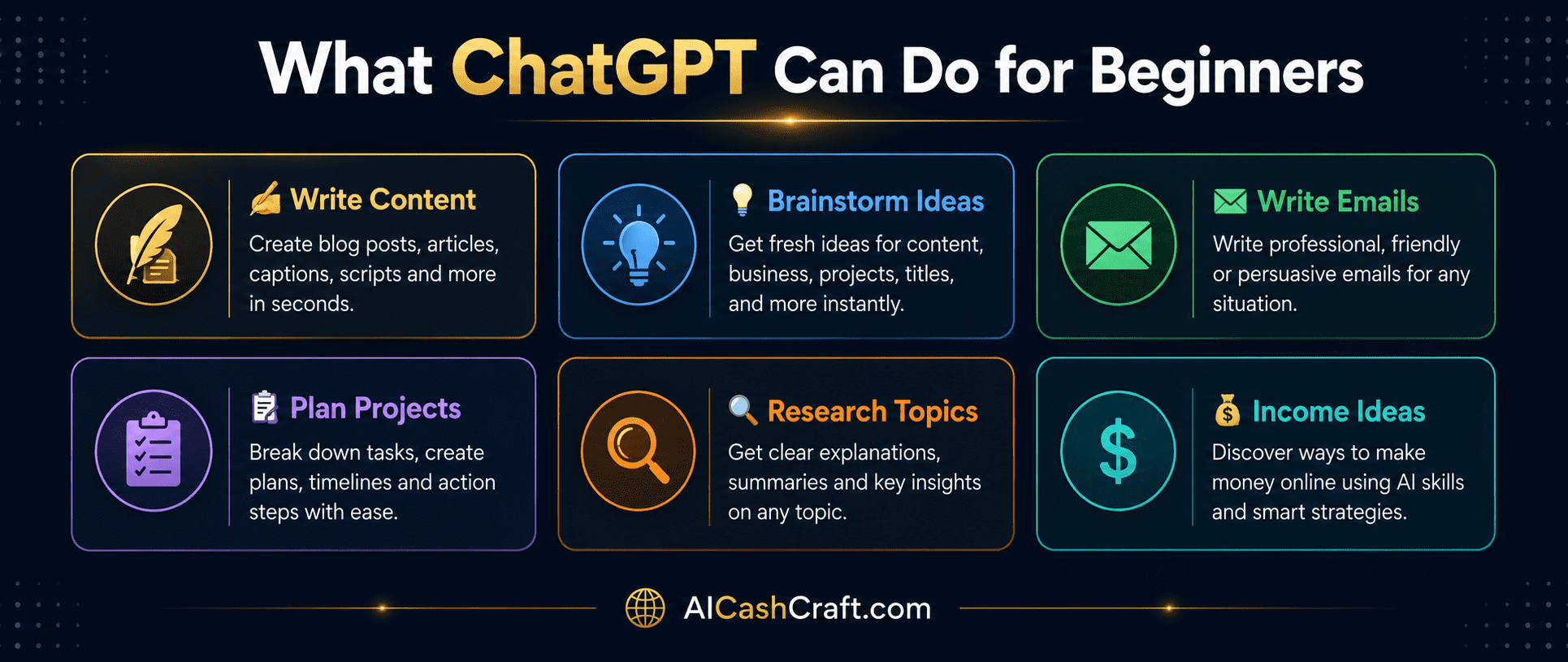
💡 What Can ChatGPT Do?
🚀 How to Set Up ChatGPT — Step by Step
If you are following this ChatGPT for beginners guide step by step, you can create your account and start using ChatGPT in just a few minutes.
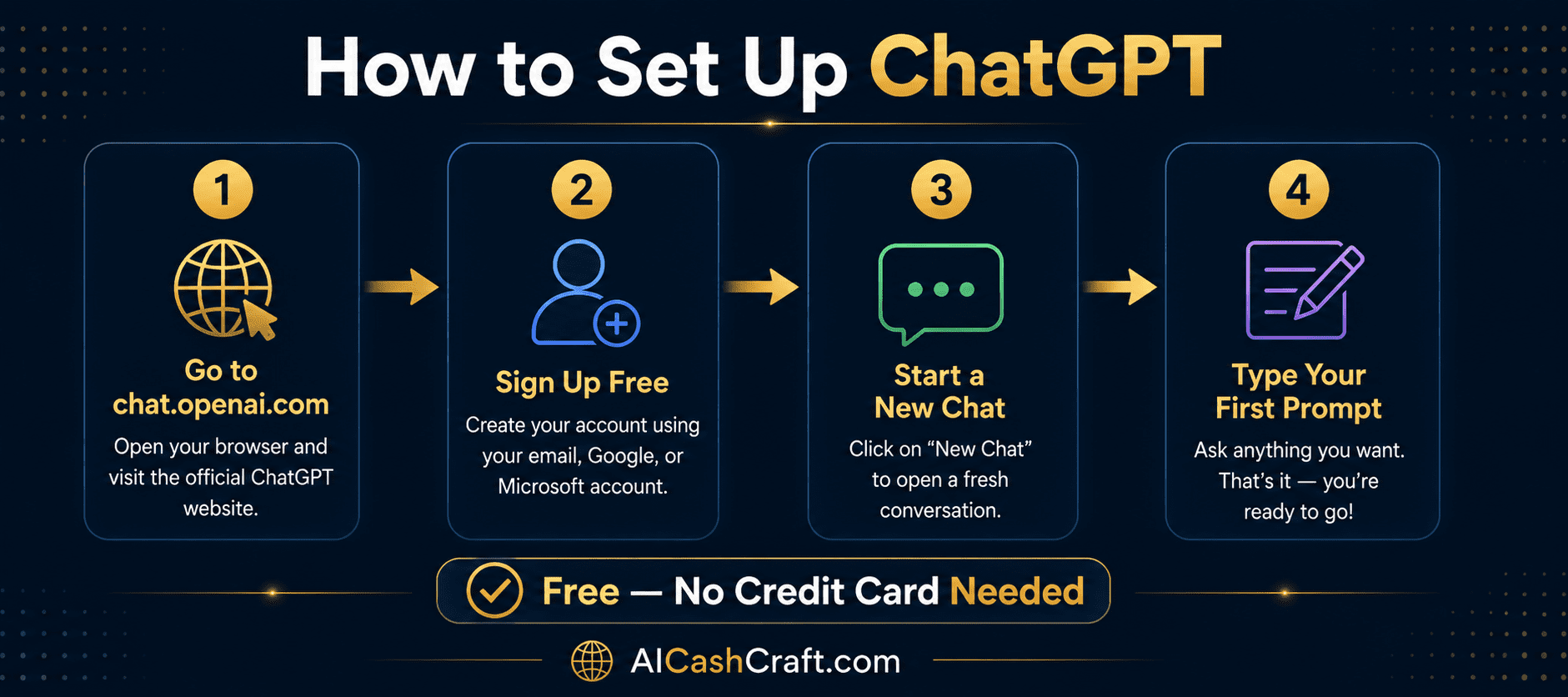
Open your browser and go to chat.openai.com. This is the official ChatGPT website. No app download is needed — it works directly in your browser on any device.
💡 Bookmark this page for easy access — you will visit it often.Click “Sign Up” and create a free account using your Google account or email address. The free plan gives you access to ChatGPT with no time limit and no credit card required. Setup takes under 2 minutes.
💡 Sign up with Google for the fastest setup — one click and you are ready to start.After signing in, click “New Chat” in the left sidebar. A blank conversation opens — this is where you type your requests. Each conversation is separate, so you can have multiple chats for different topics or projects.
💡 Name your chats clearly (e.g. “Blog Post Ideas” or “Email Drafts”) to stay organized as you use it more.In the message box at the bottom, type what you need and press Enter. Start simple — for example: “Write a short introduction paragraph about AI tools for beginners.” ChatGPT will respond in seconds with a complete answer.
💡 If the response is not what you expected, just reply and ask it to adjust. ChatGPT remembers the full conversation.✍️ How to Write Better Prompts for Better Results
The quality of ChatGPT’s response depends directly on how clearly you write your prompt. Vague prompts produce generic output. Specific prompts produce useful, relevant content. Here is the difference:
4 Elements of a Strong Prompt
- Task — What do you want ChatGPT to do? Write, summarize, brainstorm, explain, rewrite?
- Format — How should it be structured? List, paragraphs, table, step-by-step, headings?
- Audience — Who is this for? Complete beginners, experienced marketers, students?
- Details — Word count, tone (friendly, professional, casual), specific topics to include
🎯 Practical Use Cases for Beginners
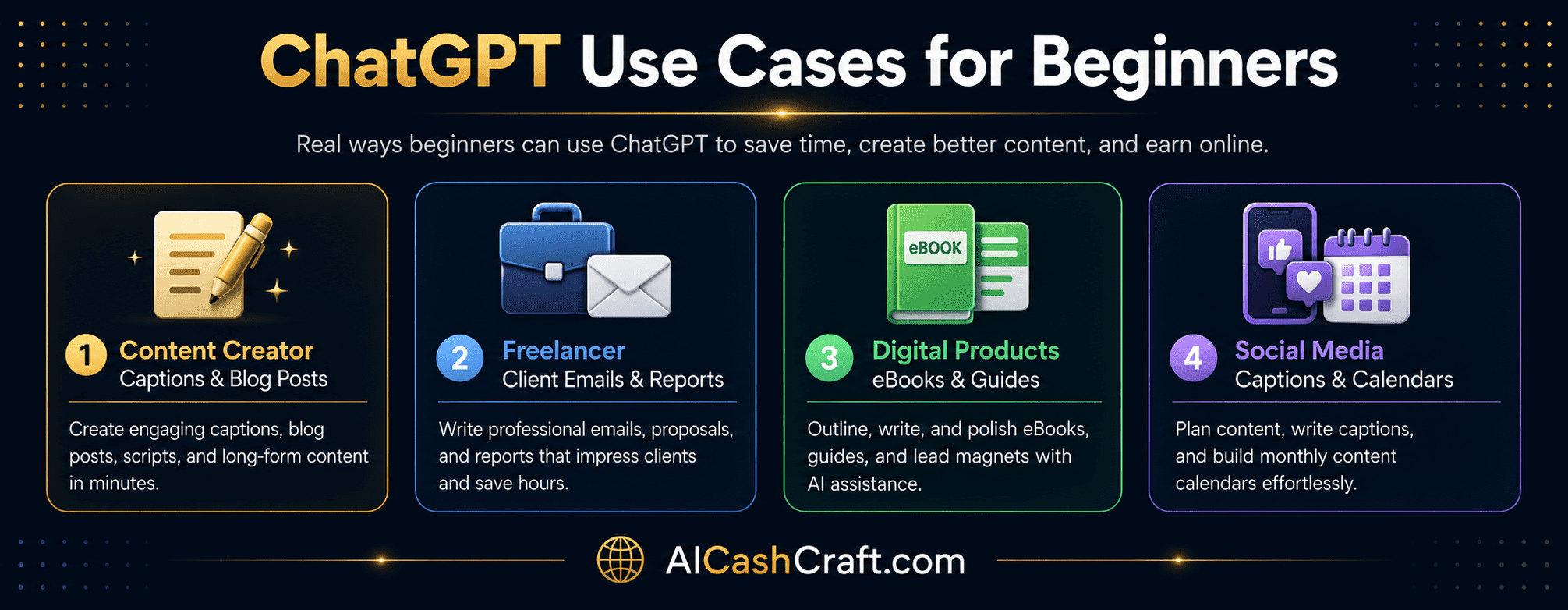
For Content Creators
- Write blog post outlines and first drafts in minutes
- Generate 30 social media captions for a month in one session
- Create YouTube video scripts from a simple topic description
- Write Pinterest pin descriptions that attract clicks
For Freelancers
- Draft professional client proposals and emails faster
- Write product descriptions for eCommerce clients
- Create content calendars for social media management clients
- Proofread and improve your own writing before sending
For Beginners Exploring Income Ideas
- Write and sell eBooks or digital guides using ChatGPT drafts
- Offer blog writing services on Fiverr using AI-assisted writing
- Create ChatGPT prompt packs to sell as digital products
- Use it to build an affiliate blog with consistent content
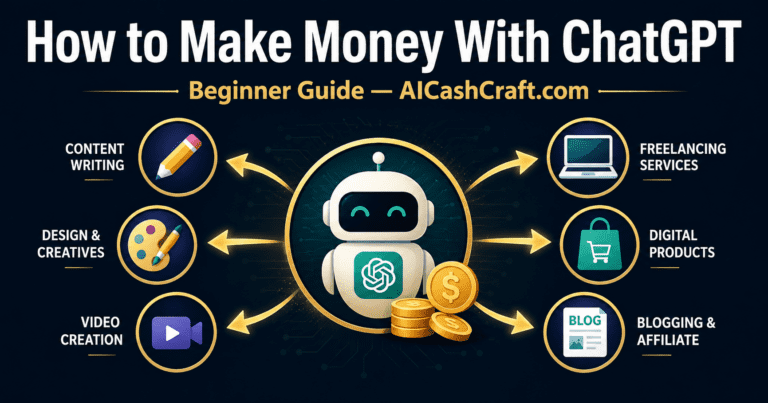
Want to explore how ChatGPT can help you earn online? See our full guide: How to Make Money With ChatGPT →
💡 Beginner Tips for Getting Better Results
- Have a conversation, not just one message — If the first response is not right, reply and ask ChatGPT to adjust. Say “make it shorter,” “use a friendlier tone,” or “add more examples.” ChatGPT improves with feedback
- Give it context — Tell ChatGPT who you are and what you are trying to achieve. “I run a beginner AI tools blog” gives much better context than no information at all
- Ask for multiple options — Instead of one caption, ask for five. Instead of one headline, ask for ten. More options give you better choices
- Edit before using — ChatGPT writes drafts. Add your personality, check facts, and make the content genuinely yours before publishing or sending
- Save useful prompts — When a prompt gives you a great result, save it in a document. Reuse it for similar tasks every week
🎯 Final Thoughts — Start Simple, Learn Fast
ChatGPT for beginners is one of the easiest and most beginner-friendly ways to start using AI tools today. — and the free plan is more than enough to get started and see real value immediately. The best approach is to pick one task you do regularly — writing emails, creating social media captions, or drafting blog posts — and use ChatGPT for that one task consistently for one week.
You will quickly discover how much time it saves and where it helps most in your workflow. From there, expand gradually. For personalized guidance on which AI tool fits your specific goal, try our free AI Tool Finder Quiz. To explore all the best AI tools, visit our Best AI Tools for Beginners guide.
📚 Related Guides
❓ Frequently Asked Questions
Yes — ChatGPT has a completely free plan at chat.openai.com. No credit card is required and there is no time limit. The free plan gives beginners access to ChatGPT with enough usage for most daily tasks. The paid plan ($20/month) offers faster responses and access to newer models, but is not necessary to start getting real value from the tool.
The easiest starting point for most beginners is writing — social media captions, emails, or blog post outlines. These tasks show immediate value and require no technical setup. Try asking ChatGPT to write 5 Instagram captions for any topic you work with, then edit the output. This gives you a practical feel for how the tool works within a few minutes of signing up.
Write more specific prompts. Include the task, format, audience, tone, and word count in every prompt. Instead of “write a caption,” say “write 5 Instagram captions about productivity tips, friendly tone, under 150 characters each, include one emoji.” The more detail you provide, the more useful the output. Use our free ChatGPT Prompt Generator for ready-made expert prompts.
Yes — beginners use ChatGPT to offer freelance writing services, create digital products, manage social media accounts, and build affiliate blogs. The tool speeds up content creation significantly, which makes it possible to take on more client work or produce more content in less time. See our full guide on How to Make Money With ChatGPT for practical income ideas and realistic timelines.
Not completely. Google is still best for finding websites, news, and real-time information. ChatGPT is better for explanations, brainstorming, writing help, summaries, and step-by-step guidance. Many beginners use both together — Google to find information and ChatGPT to understand, organize, or turn that information into useful content.
Get beginner-friendly AI tips, tool guides, and simple income ideas from AICashCraft.
Top 10 Free AI Tools for Beginners
Download our free 13-page PDF guide covering the best free AI tools. No sign-up needed.
⬇️ Download Free PDF Guide