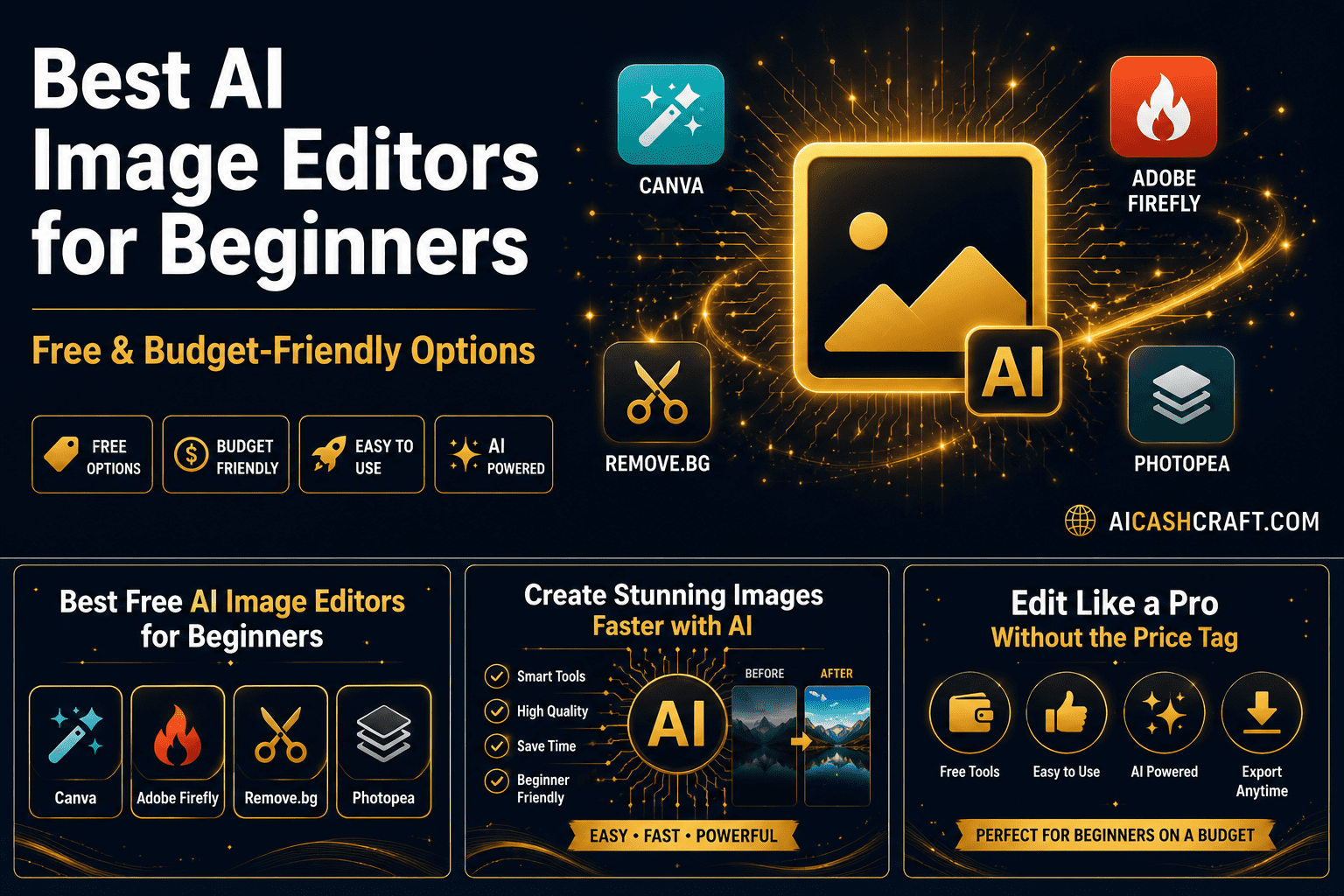
Best AI Image Editor for Beginners on a Budget
Finding the best AI image editor for beginners on a budget does not have to be complicated. The right free AI image editing tool can transform plain photos and graphics into professional-looking visuals in minutes — without design experience, expensive software, or a steep learning curve. This guide covers the top options available, what each one does best, and exactly which one to start with.
If you create content for YouTube, social media, blogs, or online courses — good visuals are non-negotiable. But professional image editing software used to require either expensive subscriptions or years of practice. The best AI image editor for beginners has changed that completely — and finding one that works on a budget is easier than most people think. Today, a beginner on a tight budget can produce polished, professional visuals using free AI-powered tools that do most of the heavy lifting automatically.
This guide focuses specifically on AI image editors that work on a budget — meaning free plans that are genuinely functional, not stripped-down trials. Whether you need to remove backgrounds, enhance photos, create graphics, or generate AI images from scratch, there is a free tool in this list that handles it. For a broader look at all AI tools available to beginners, see our Best AI Tools for Beginners guide.
🎨 What Can the Best AI Image Editors for Beginners Actually Do?
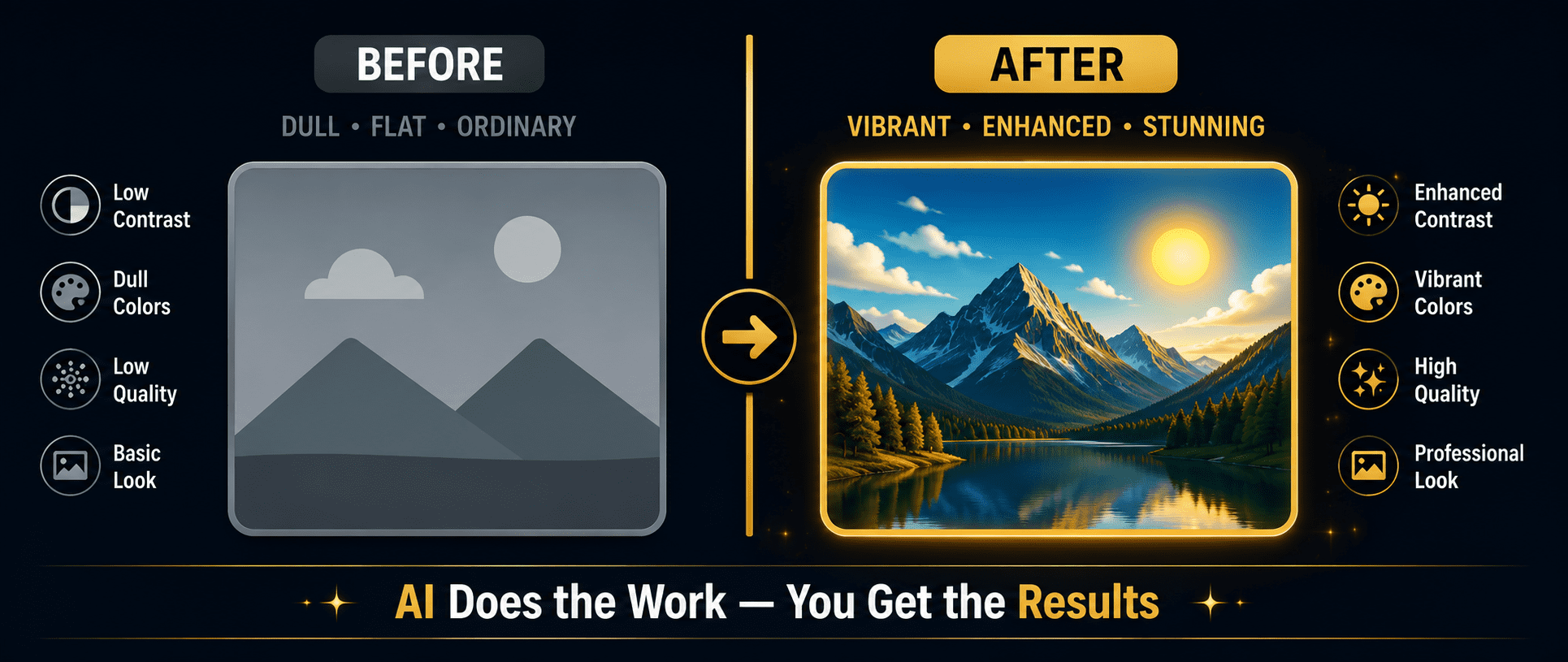
Before jumping into the tools, it helps to understand what AI image editing for beginners actually involves — and how different it is from traditional photo editing software like Photoshop.
🛠️ 7 Best AI Image Editors for Beginners on a Budget
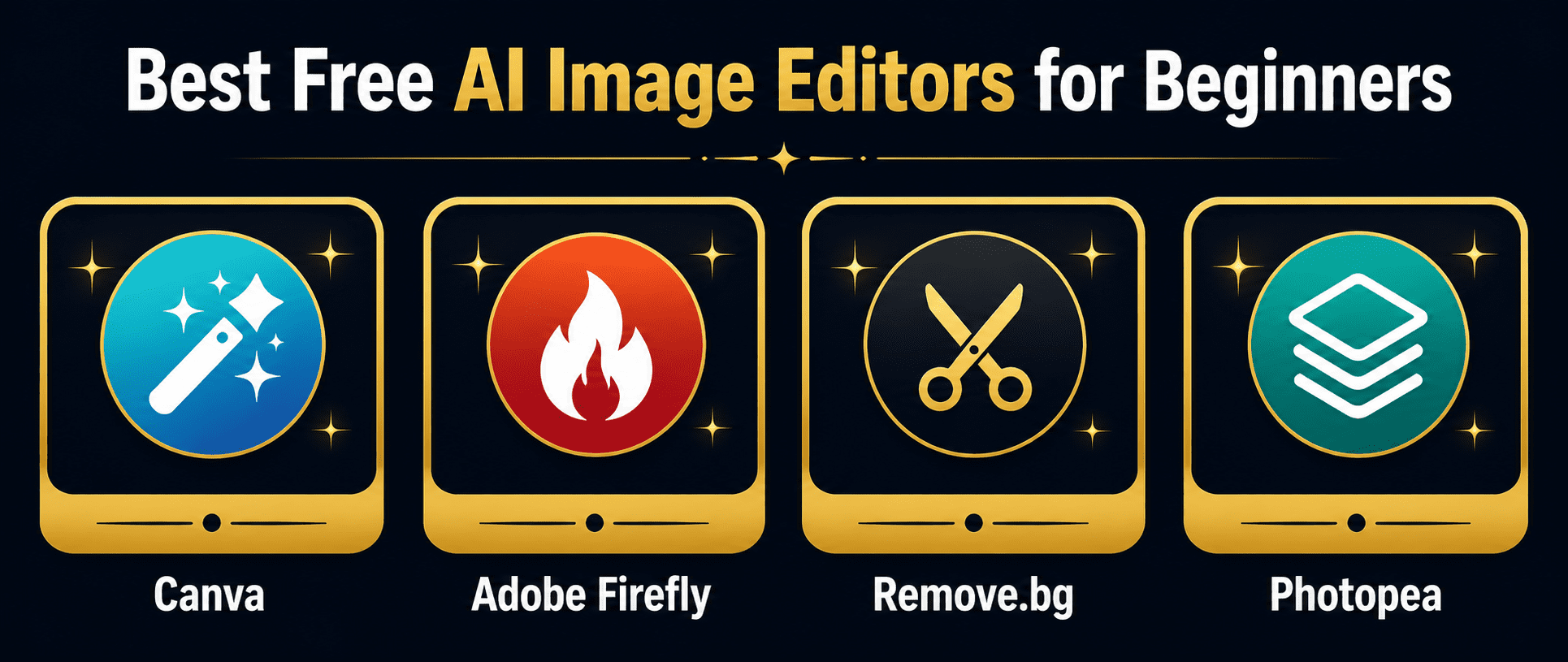
These seven tools represent the best free and affordable AI image editors for beginners available right now. Whether you need a free AI image editor for beginners for social media, YouTube thumbnails, or blog visuals — there is a budget-friendly option here for every use case. Each one has been chosen for its genuine free plan, beginner-friendly interface, and practical output quality.
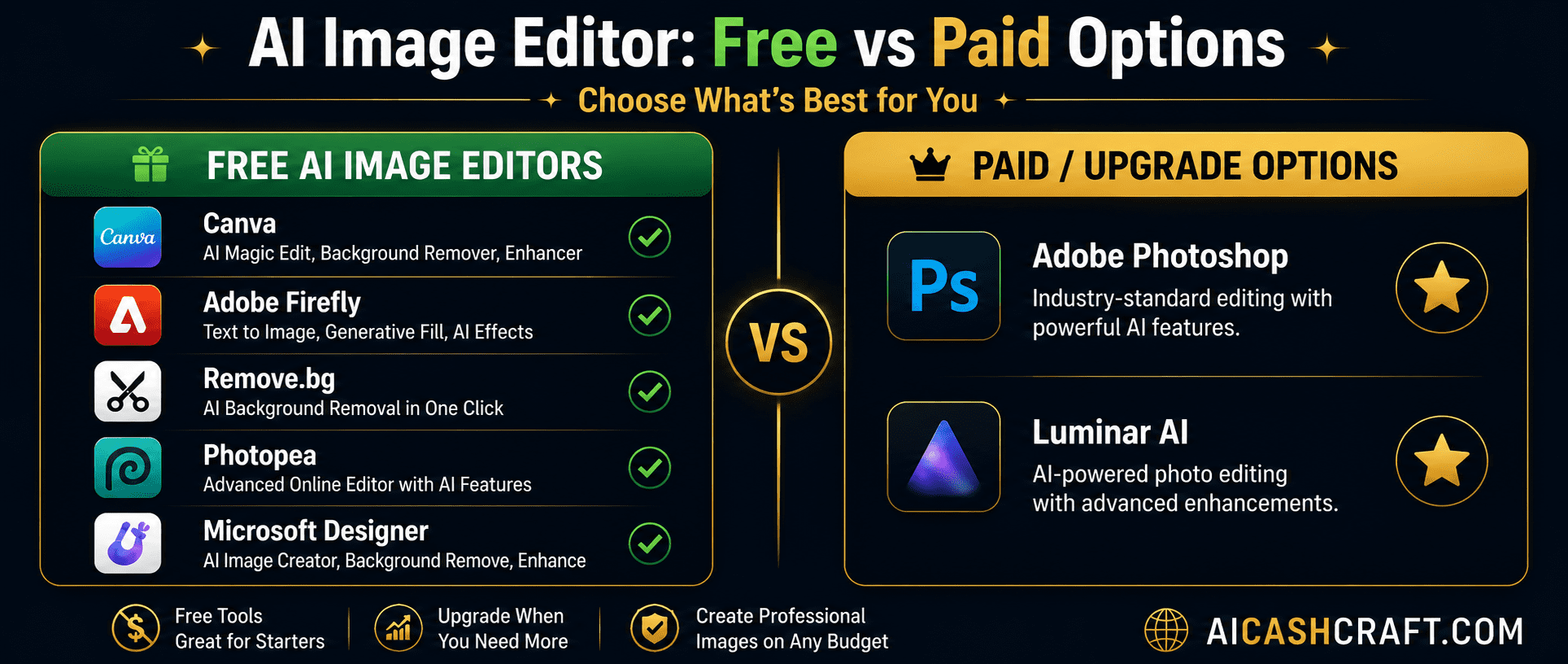
Canva is the most beginner-friendly AI image editor on a budget available — and its free plan is genuinely powerful. Beyond templates and drag-and-drop design, Canva now includes AI-powered tools: Magic Eraser removes unwanted objects, Magic Edit replaces elements using a text prompt, Background Remover strips backgrounds in one click, and Magic Expand extends images beyond their original edges. For beginners creating YouTube thumbnails, blog graphics, social media posts, or presentation visuals, Canva AI covers everything in one free tool.
Adobe Firefly is Adobe’s standalone free AI image generator — separate from Photoshop and completely accessible to beginners with no Adobe subscription required. Type a description and Firefly generates original, commercially safe images in seconds. It also includes Generative Fill (object removal and replacement), Text Effects (AI-styled text), and Generative Expand (extend image borders). All images generated by Firefly are trained on licensed Adobe Stock content, making them safe for commercial use — a significant advantage over many other AI generators.
Remove.bg does one thing exceptionally well — it removes image backgrounds using AI in under five seconds with no manual selection required. Upload any photo and the AI automatically detects the subject, removes the background cleanly, and delivers a transparent PNG ready for use in Canva, presentations, or any design tool. For beginners who need clean product photos, profile images, or design elements without a white or cluttered background, Remove.bg is the fastest free AI image editing tool available for this specific task.
Photopea is a completely free, browser-based image editor that closely mirrors Adobe Photoshop — layers, masks, filters, brushes, and advanced selection tools all included — with no download or subscription required. It opens PSD, XCF, Sketch, and all standard image formats. While not as AI-heavy as other tools in this list, Photopea includes AI-powered features like Smart Remove (object removal), automatic background removal, and neural filter effects. For beginners who want more control than Canva offers but cannot afford Photoshop, Photopea is the best free AI image editor on a budget for detailed work.
Microsoft Designer is a free AI-powered design tool that combines Canva-style templates with DALL-E image generation built directly into the design workflow. Describe what you want to create, and Designer generates both the layout and the AI images simultaneously — then lets you customize everything. It integrates with Microsoft 365 and is accessible through any browser with a free Microsoft account. For beginners who already use Microsoft products or want an alternative to Canva with stronger AI image generation, Microsoft Designer is one of the most practical free AI image editor options for beginners on a budget.
Fotor is a free AI photo editor that specializes in automatic photo enhancement — sharpening, noise reduction, color correction, skin retouching, and HDR effects all applied with a single click. It also includes AI background removal, AI image generation, and a template library for social media graphics. Fotor’s free plan includes access to most AI enhancement features with a daily usage limit. For beginners who primarily need to enhance existing photos rather than create graphics from scratch, Fotor is one of the best free AI photo editors for beginners on a budget.
Pixlr offers two separate editing experiences — Pixlr E for advanced users who want Photoshop-style tools, and Pixlr X for beginners who want a simpler, faster interface. Both are free and browser-based. Pixlr’s AI features include automatic background removal, AI cutout tools, smart selection, and an AI image generator. The free plan includes access to both editors with daily generation limits. For beginners who want the flexibility to grow from simple edits to more advanced work without switching tools, Pixlr is an excellent free AI image editor on a budget.
📊 Best AI Image Editors for Beginners — Quick Comparison
| Tool | Free Plan | Paid From | Best For | Rating |
|---|---|---|---|---|
| Canva AI | ✅ Full access | $15/mo | Thumbnails, social graphics | ★★★★★ |
| Adobe Firefly | ✅ 25 credits | $4.99/mo | AI image generation | ★★★★★ |
| Remove.bg | ✅ Preview free | $0.99/image | Background removal | ★★★★★ |
| Photopea | ✅ 100% Free | $5/mo (ad-free) | Advanced editing | ★★★★☆ |
| Microsoft Designer | ✅ Free account | Microsoft 365 | Design + AI images | ★★★★☆ |
| Fotor AI | ✅ Daily limits | $3.33/mo | Photo enhancement | ★★★★☆ |
| Pixlr | ✅ Both editors | $7.99/mo | Quick edits, growing users | ★★★★☆ |
🎯 How to Choose the Right AI Image Editor on a Budget
Start with Canva if you create content regularly
For anyone searching for the best AI image editor for beginners on a budget, Canva AI is the strongest starting point. If you produce YouTube thumbnails, social media posts, blog images, or any kind of regular visual content, Canva AI is the free AI image editor for beginners that covers the most ground in one tool. It handles the widest range of tasks in one tool and has the most beginner-friendly interface of any option in this list.
Add Adobe Firefly for original AI-generated images
Once you are comfortable with Canva, add Adobe Firefly for generating original custom images. Stock photos look generic — AI-generated images created specifically for your content look unique and professional. Firefly’s 25 free credits per month cover most beginner needs.
Use Remove.bg for clean cutouts
Any time you need to remove a background from a photo — product images, personal photos, design elements — Remove.bg does it faster and more cleanly than any manual approach. Keep it bookmarked as a quick utility tool alongside your main editor.
Choose Photopea if you need advanced control
If you work with PSD files, need layer-based editing, or want to develop genuine photo editing skills without paying for Photoshop, Photopea is the best completely free option. It has a steeper learning curve than Canva but far more capability for detailed work.
❓ Frequently Asked Questions — Best AI Image Editor for Beginners on a Budget
Canva AI is the best overall free AI image editor for beginners — it has the most beginner-friendly interface, the most useful AI features on the free plan, and covers the widest range of content creation tasks. For AI image generation specifically, Adobe Firefly is the strongest free option. Use our AI Tool Finder Quiz for a personalized recommendation based on your specific needs.
It depends on the tool. Adobe Firefly images are explicitly safe for commercial use on all plans. Canva free plan images can be used commercially with some restrictions — check Canva’s content license for specific terms. Remove.bg free plan provides low-resolution images. Always review each tool’s terms of service before using free-plan output for commercial purposes.
No — every tool in this guide is specifically chosen because it is accessible to complete beginners. Canva, Adobe Firefly, Remove.bg, Microsoft Designer, and Fotor all require zero prior design experience. Photopea and Pixlr have more features but both have beginner modes and extensive tutorial resources available.
Canva AI is the best free AI image editor for YouTube thumbnails — it has a dedicated YouTube Thumbnail template at the correct 1280x720px size, thousands of customizable designs, and AI tools like background removal and Magic Edit built in. Pair Canva with Adobe Firefly for custom background images and Remove.bg for clean subject cutouts.
Photopea is the most fully-featured completely free AI image editor on a budget — it has no usage limits, no daily caps, and no watermarks on exports. The only paid option is a $5/month ad-free version. For AI image generation with credits, Adobe Firefly and Microsoft Designer both offer free monthly credits that reset.
Yes — beginners use these tools to create visuals for faceless YouTube channels, blog posts, social media content, and freelance design services. Strong visuals directly improve click-through rates, viewer retention, and client satisfaction. See our AI Side Hustles guide for practical income ideas using free AI tools.
📚 Related Guides
🎯 Final Thoughts — Best AI Image Editor for Beginners on a Budget
The best AI image editor for beginners on a budget is not one single tool — it is the right combination of tools for your specific content needs. For most beginners, starting with Canva AI covers 80% of everyday visual tasks. Adding Adobe Firefly for AI image generation and Remove.bg for background removal gives you a complete, professional workflow at zero cost.
The key insight is that free AI image editing tools today are genuinely powerful — not just limited demos. Canva, Firefly, Photopea, and the others in this list produce results that would have required expensive software and years of practice just a few years ago. The barrier to creating professional-quality visuals as a beginner has essentially disappeared.
Pick one tool from this list, use it consistently for two weeks, and you will be producing noticeably better visuals for your content. Then add a second tool once the first feels comfortable. For more beginner AI tool guides, explore the AICashCraft Blog — updated regularly with practical, honest guides for creators at every level.
Get beginner-friendly AI tool guides, free resources, and practical tips from AICashCraft — completely free.
Top 10 Free AI Tools for Beginners
Download our free 13-page PDF guide covering the best free AI tools with beginner tips and step-by-step advice. No sign-up needed.
⬇️ Download Free PDF Guide