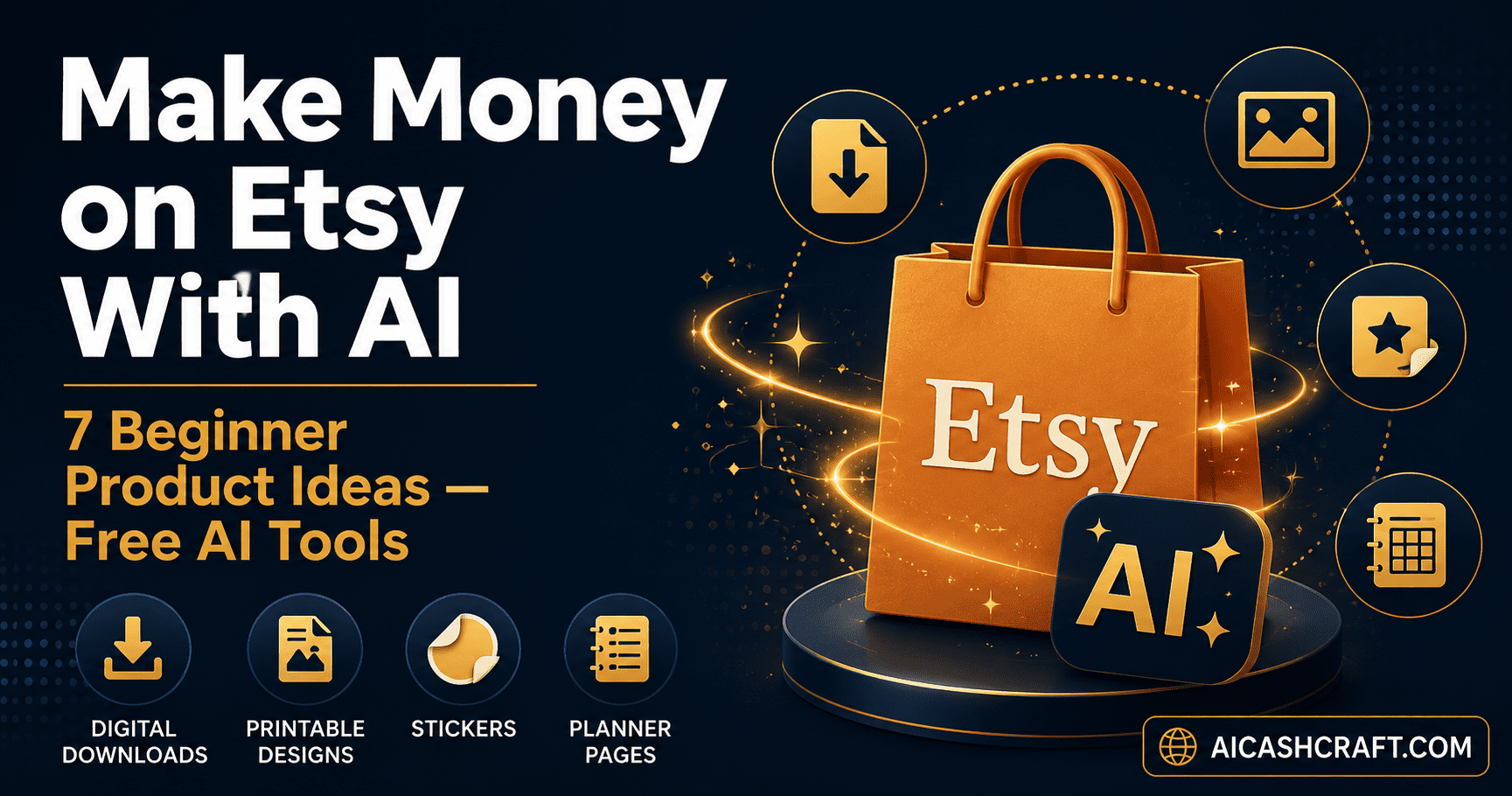
Make Money on Etsy With AI — 7 Easy Product Ideas for Beginners
Learning how to make money on Etsy with AI is one of the most accessible ways for beginners to start a passive income store — no design degree, no inventory, and no upfront cost. AI tools now handle the design work, while Etsy handles the storefront and payments. This guide covers 7 product ideas, the free AI tools to create them, and exactly how to get your first listing live.
Etsy has become one of the largest marketplaces for digital downloads, printables, and print-on-demand products — and AI tools have made it dramatically easier for beginners to create sellable products without any design background. If you can describe what you want in plain language, you can create a product. This guide focuses specifically on how to make money on Etsy with AI using completely free tools, with realistic expectations about timelines and effort.
This is not a “get rich overnight” guide. Etsy success — even with AI tools — takes consistent listing, basic SEO for your product titles, and patience while your shop builds reviews and visibility. What AI changes is the production side: instead of spending hours designing each product, you can create dozens of listings in the time it used to take to make one.
New to AI tools? Start with our Top AI Tools for Beginners guide first. Already exploring other income methods? See our complete AI Side Hustles guide for the full picture.
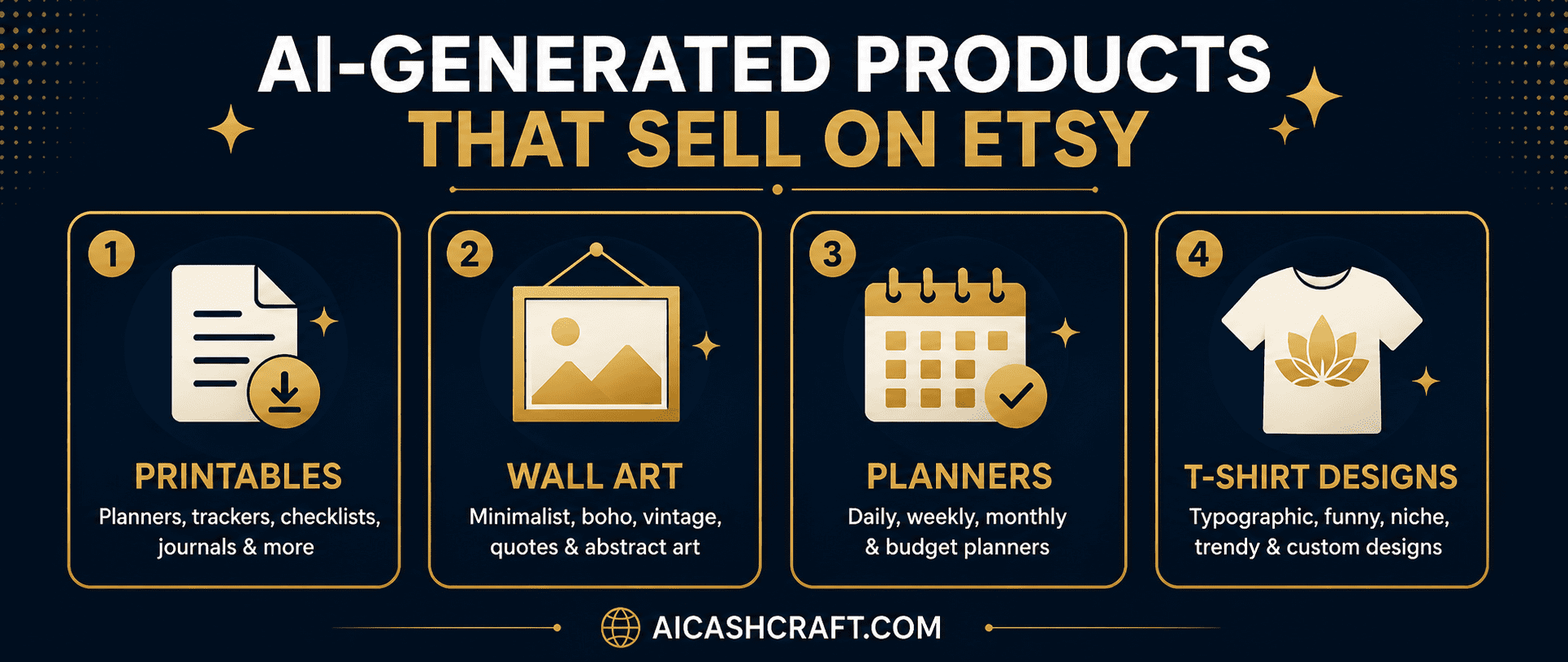
🤖 Why Make Money on Etsy With AI Works So Well for Beginners
Etsy’s most successful product categories — digital printables, wall art, planners, and templates — are exactly the categories where AI tools excel. These products share three characteristics that make them ideal for an AI-powered workflow:
🛍️ 7 Ways to Make Money on Etsy With AI — Product Ideas
These seven product categories are proven Etsy sellers that AI tools can produce efficiently — each with notes on which free tool to use and what makes a listing stand out.
AI-generated art — abstract designs, botanical prints, motivational quotes with backgrounds, minimalist line art — sells consistently as instant-download wall art. Use Adobe Firefly or Leonardo AI to generate the image, then format it for standard print sizes (8×10, 11×14, 16×20, and A4) using Canva. Bundle multiple sizes into one listing for higher perceived value.
💡 Search “printable wall art” on Etsy and sort by best-selling to see current popular styles — then create AI versions with your own unique twist rather than copying exactly.Daily planners, budget trackers, meal planners, habit trackers, and goal-setting templates are among Etsy’s best-selling digital products. Use Canva’s free templates as a base, then use ChatGPT to generate the text content — categories, prompts, motivational headers — and Canva AI to design the layout. A single planner bundle (12+ pages) can be created in under an hour.
💡 Niche planners — “ADHD daily planner,” “budget planner for freelancers,” “meal planner for families” — perform better than generic ones because they target a specific searcher’s exact need.Use Adobe Firefly or Leonardo AI to generate unique graphic designs, then upload them to a print-on-demand service like Printful or Printify, which connects directly to your Etsy shop. When a customer orders, the product is printed and shipped automatically — you never handle inventory. This is the only product type in this list involving physical goods, but the AI design work and zero-inventory model keep it beginner-friendly.
💡 Focus on niche humor, hobby-specific designs, or profession-based slogans — broad “funny shirt” designs face the most competition. Specific niches have less competition and more dedicated buyers.Small business owners and content creators buy Instagram post templates, story templates, and branding kits to save time. Use Canva AI to design a cohesive set of 10 to 20 templates in a specific style — minimalist, bold, pastel, professional — then export as an editable Canva template link, which is exactly how these products are typically delivered on Etsy.
💡 This product type pairs well with our AI Image Tools guide — Canva’s free plan is sufficient to create and deliver these templates entirely.AI image generators are particularly good at producing clean line-art suitable for coloring pages — for kids, adults, or specific themes like animals, mandalas, or seasonal designs. Generate 20 to 30 unique pages with Leonardo AI or Adobe Firefly, compile into a PDF, and sell as a downloadable activity book. Low competition exists in specific niches like “adult coloring pages for stress relief” or themed sets tied to hobbies.
💡 Use the prompt “simple black and white line art coloring page of [subject], no shading, clean outlines” for the most print-ready results from AI image generators.Digital sticker packs for journaling apps (like GoodNotes or Notion) and clipart bundles for other creators are consistently popular. Use Adobe Firefly to generate themed sets — seasonal icons, cute characters, decorative elements — with transparent backgrounds, then bundle 20 to 50 into a single downloadable pack. These are fast to produce in volume once you have a workflow.
💡 Bundle by theme — “cozy autumn sticker pack,” “productivity icon set,” “plant lover clipart bundle” — themed bundles sell better than random assortments.Job seekers consistently search for professional resume templates. Use Canva AI to design clean, modern resume layouts, then use ChatGPT to write placeholder content and section descriptions that buyers can customize. Deliver as editable Canva templates or Word/Google Docs files. This category has steady year-round demand independent of seasonal trends.
💡 Create matching sets — resume + cover letter + reference page in the same design style — bundled listings consistently outsell single-item listings on Etsy.🚀 How to Make Money on Etsy With AI — Step by Step
Once you have chosen a product idea, here is the practical workflow for going from idea to a live listing using free AI tools.
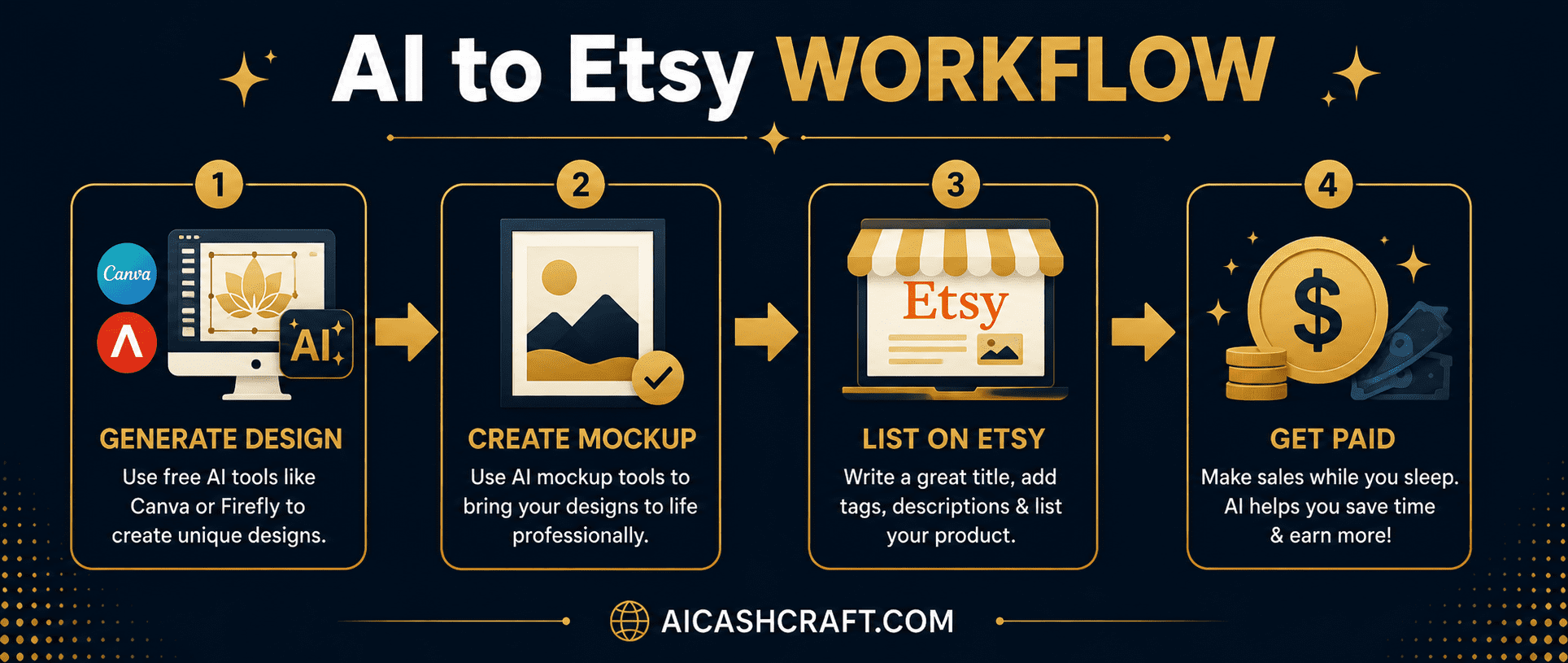
Go to etsy.com/sell and create a free seller account. Etsy charges a small listing fee per item (typically around $0.20) plus a transaction fee on sales — there is no large upfront cost to start.
Use Adobe Firefly, Leonardo AI, or Canva AI depending on your product type (see comparison below). Generate multiple variations of your design — having 3 to 5 options lets you choose the strongest before committing time to the full listing.
💡 Be specific in your prompts: include style, color palette, mood, and intended use. “Minimalist line art botanical print, sage green and cream tones, for living room wall art” produces far better results than “nice plant picture.”Use Canva’s free mockup templates to show your design in context — a framed print on a wall, a planner page on a desk, a sticker on a laptop. Mockups significantly improve how listings perform because buyers can visualize the product in use rather than seeing a flat image.
Use ChatGPT to write your product title, description, and tags. Include relevant search keywords naturally — Etsy’s search algorithm relies heavily on title and tag relevance. A good listing title describes the product, style, and use case clearly.
💡 Use our free ChatGPT Prompt Generator to create well-structured Etsy listing prompts that cover titles, descriptions, and tags in one pass.Publish your listing and move on to the next product. Etsy success is significantly correlated with the number of active listings — a shop with 50 listings has far more search visibility than one with 5. AI tools make reaching higher volumes realistic within weeks rather than months.
🛠️ Best Free AI Tools for Etsy Sellers
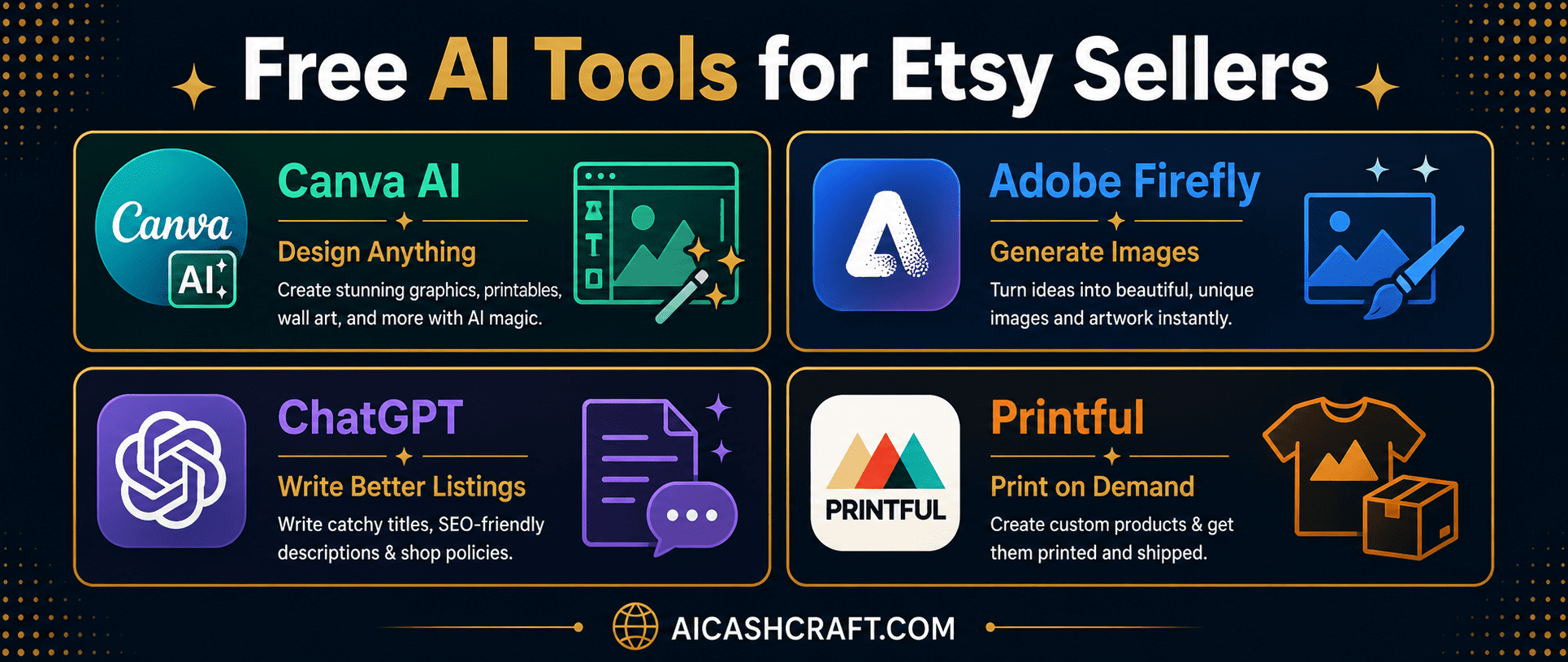
| Tool | Use For | Free Plan | Best Product Types |
|---|---|---|---|
| Canva AI | Design, mockups, templates | ✅ Full access | Planners, templates, social graphics |
| Adobe Firefly | Original AI images | ✅ 25 credits/mo | Wall art, stickers, clipart |
| Leonardo AI | AI art generation | ✅ Daily credits | Wall art, coloring pages, t-shirts |
| ChatGPT | Listing copy, content | ✅ Free | All listings — titles, descriptions |
| Printful / Printify | Print-on-demand fulfillment | ✅ Free integration | T-shirts, mugs, physical merch |
For deeper reviews of the design tools listed here, see our AI Image Tools for Beginners guide. For listing copy and SEO writing, our Make Money With ChatGPT guide covers prompt strategies that apply directly to Etsy descriptions.
❓ Frequently Asked Questions — Make Money on Etsy With AI
Yes — Etsy permits AI-generated products, but sellers are required to disclose when a listing includes AI-generated content. Etsy provides a specific checkbox during listing creation for this disclosure. Always check Etsy’s current seller policies before listing, as marketplace rules can be updated. Being transparent about AI use is both required and builds buyer trust.
Realistic income varies widely based on niche, listing volume, and consistency. Many beginners earn modest amounts ($50 to $300/month) in the first few months, with income growing as listing count and shop reviews increase. Making money on Etsy with AI is a gradual process — AI speeds up production, but sales still depend on demand, SEO, and consistency. Use our free AI Income Calculator to set realistic expectations based on your available time.
Canva AI is the best all-around starting point because of its free templates, mockup tools, and built-in AI image generation — covering planners, templates, and social graphics in one tool. For original AI artwork (wall art, stickers, coloring pages), add Adobe Firefly or Leonardo AI. Use our AI Tool Finder Quiz for a personalized recommendation based on your product idea.
The main costs are Etsy’s per-listing fee (around $0.20 per listing) and a small transaction fee on sales — there is no large upfront investment required. All the AI tools recommended in this guide (Canva, Adobe Firefly, Leonardo AI, ChatGPT) have free plans sufficient for getting started. Print-on-demand services like Printful also have free integrations with no upfront inventory cost.
Aim for at least 10 to 20 listings before expecting meaningful traffic — Etsy’s search visibility correlates strongly with active listing count. Because AI tools dramatically reduce design time, reaching 20 listings within the first month is realistic for a beginner working consistently. Focus on one product category first (for example, planners) before diversifying into multiple types.
AI-generated digital products and handmade physical items typically serve different buyer needs and rarely compete directly. Digital printables, templates, and AI-designed merch occupy the “instant download” and “customizable design” categories, which buyers seek for different reasons than handmade goods. Both categories can succeed on Etsy — the key is matching your product type to genuine buyer demand, which is true whether AI-assisted or handmade.
📚 Related Guides
🎯 Final Thoughts — Make Money on Etsy With AI Starting Today
Making money on Etsy with AI is one of the most accessible passive income paths available to beginners right now — but it rewards consistency over perfection. Pick one product type from this guide, create your first 5 to 10 listings using free AI tools, and learn from what gets views and what does not before expanding.
The biggest advantage AI gives beginners is speed — what used to take a skilled designer hours now takes minutes with the right prompts. Use that time advantage to list more often, test more product ideas, and refine your shop based on real feedback rather than spending all your time on production.
For more beginner-friendly AI income guides, explore the AICashCraft Blog — updated regularly with practical, honest strategies for using free AI tools to build real income streams.
Get beginner-friendly AI income guides, free tools, and practical Etsy tips from AICashCraft — completely free.
Top 10 Free AI Tools for Beginners
Download our free 13-page PDF guide covering the best free AI tools with beginner tips and step-by-step advice. No sign-up needed.
⬇️ Download Free PDF Guide