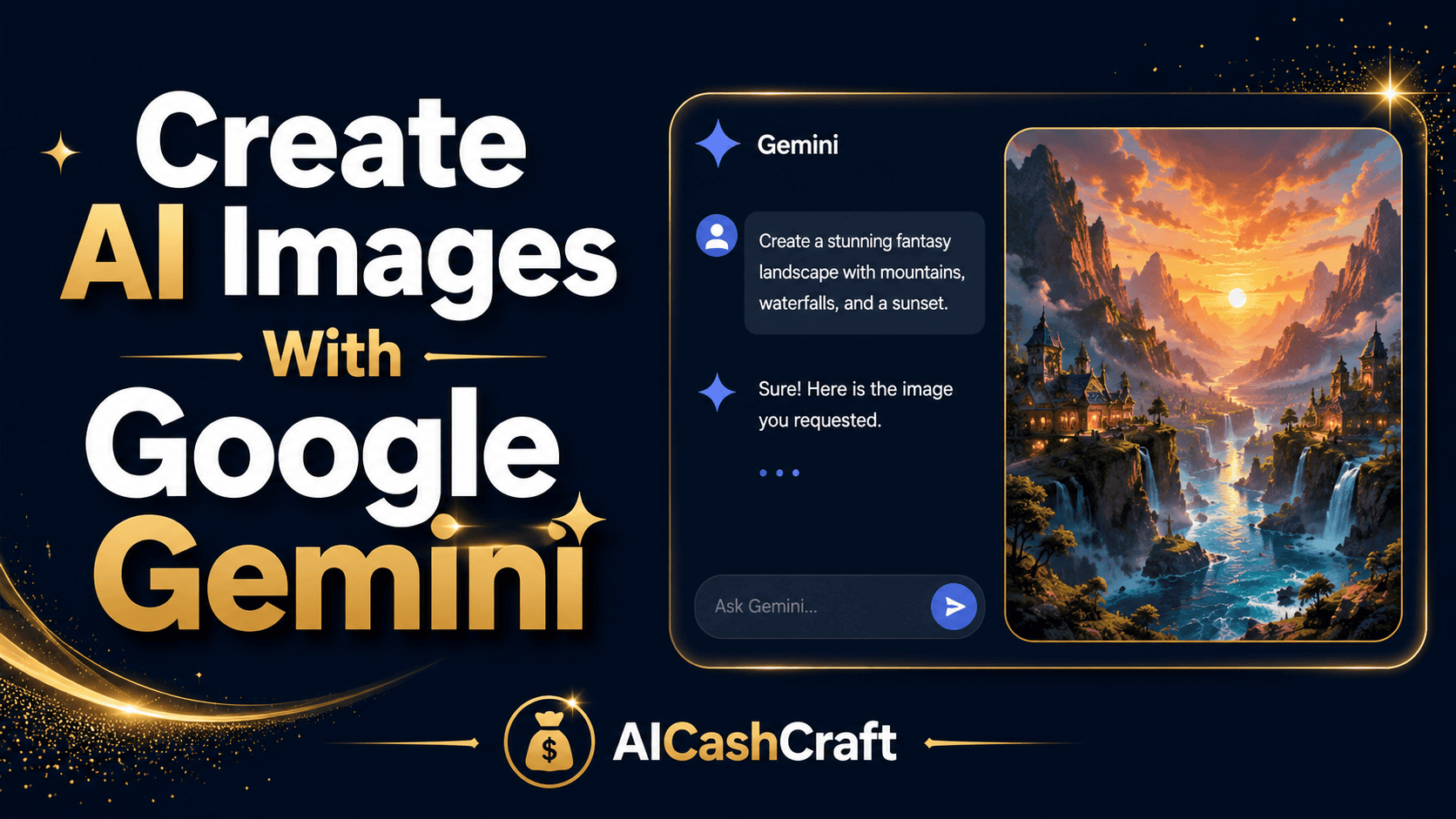
Google Gemini AI Images: Create Amazing Art in 6 Easy Steps
Want to make Google Gemini AI images but not sure where to start? Gemini (powered by the “Nano Banana” image model) is one of the best free AI image generators available — and it’s beginner-friendly. This step-by-step guide shows you exactly how to create stunning images with nothing but a Google account.
Google Gemini AI images have become one of the easiest ways for beginners to create professional-looking visuals for free. You just describe what you want in plain English, and Gemini turns it into an image in seconds — no design skills, no software, no payment required to start.
In this guide, you’ll learn exactly how to create Google Gemini AI images step by step, a simple prompt formula, and how to turn your images into income. Gemini was our top free pick in the best free AI image generators for beginners — here’s how to actually use it.
🤔 What Are Google Gemini AI Images?
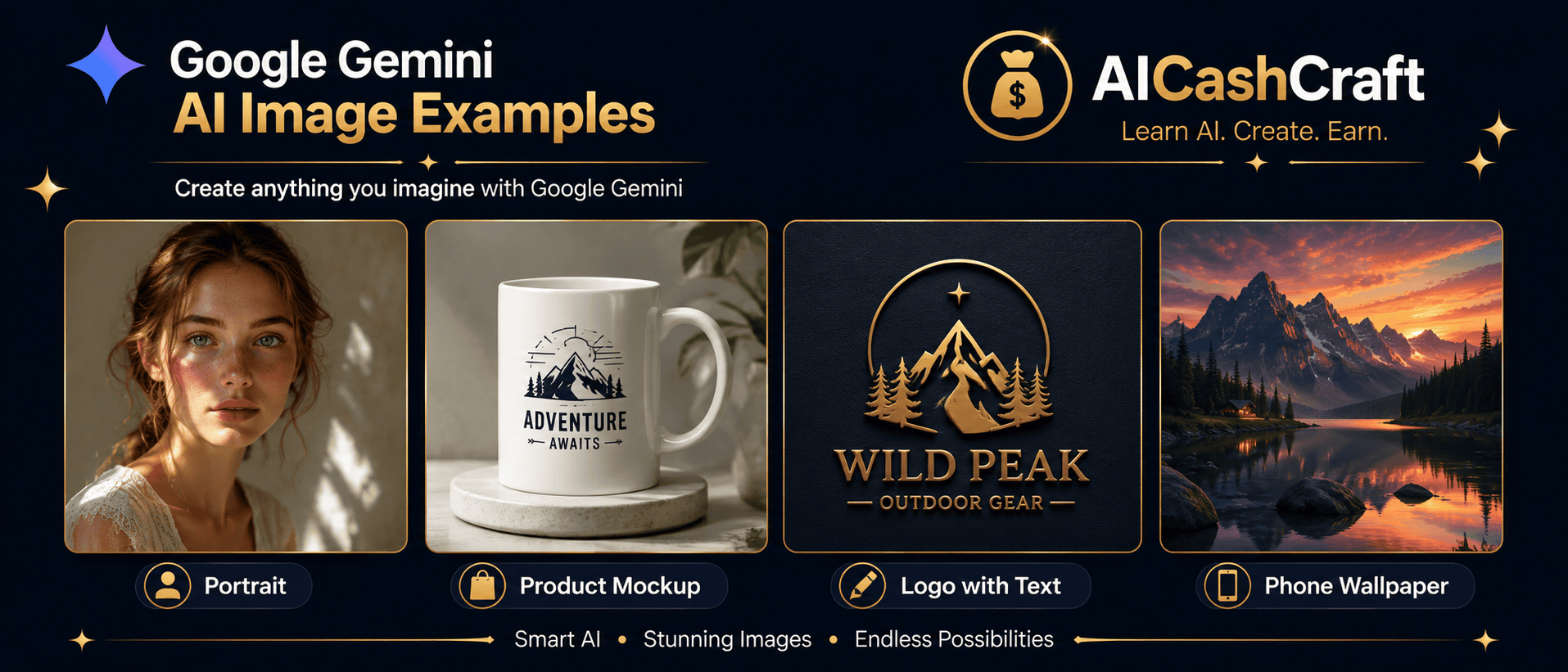
Google Gemini is Google’s AI assistant, and it can generate images using a model nicknamed “Nano Banana” (officially Gemini’s image model). You describe an image in everyday language, and Gemini creates it — then lets you keep editing through conversation. It’s free to start with a Google account, works in the browser or the mobile app, and handles realistic photos, logos, product mockups, and even accurate text inside images.
🚀 How to Create Google Gemini AI Images — 6 Steps
Go to gemini.google.com in your browser, or open the Gemini app on your phone. Sign in with any Google account — it’s free. No separate signup or credit card is needed to start creating.
In the prompt area, open the tools menu and select 🍌 Create images. If you don’t see it, you can simply type a request like “create an image of…” and Gemini will switch to image mode automatically.
Describe what you want in plain English. Use the simple formula “Create an image of [subject] [action] [scene]” — for example, “Create an image of a cat napping in a sunbeam on a windowsill.” The more specific you are, the better the result.
Hit send and Gemini creates your image in seconds. Look it over — check details like faces, hands, and any text. Don’t love it? That’s normal; the next step fixes it fast.
Just talk to Gemini to improve the image: “make it brighter”, “add a sunset”, “change the background to a beach”, “remove the text.” You can also upload your own photo and ask Gemini to edit it — change the style, swap the background, or try a new look.
Once you’re happy, download the image. Note that Gemini adds an invisible SynthID watermark to show it’s AI-generated. Review Google’s terms before selling or publishing, especially for commercial work.
💡 Tip: switch between the Fast, Thinking, and Pro models for speed vs. quality — Pro gives the highest detail.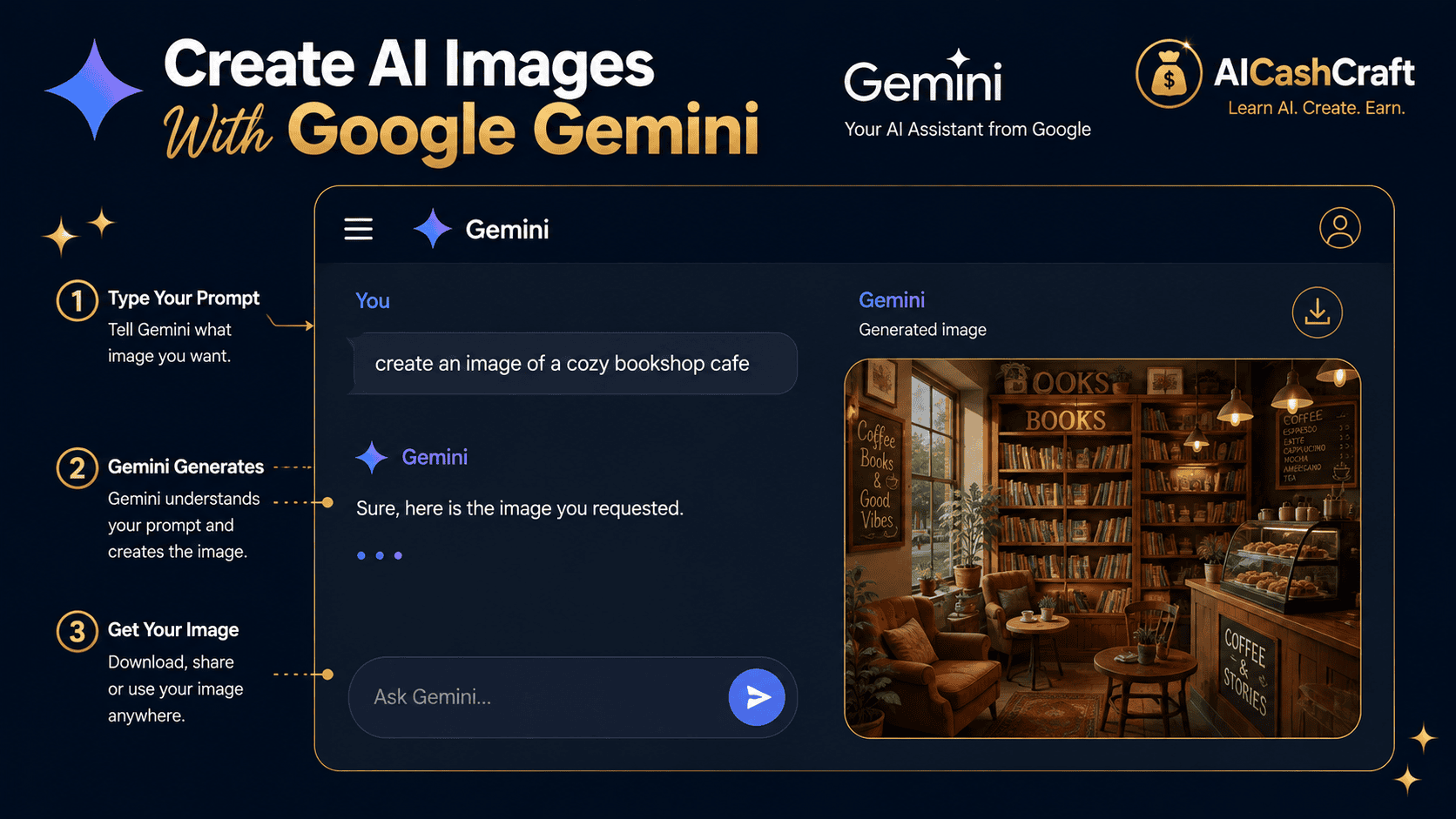
🎨 Copy-Paste Prompts for Google Gemini
Paste any of these after opening the Create images tool, then swap the subject to make it yours:
✨ What You Can Do With Google Gemini AI Images
- Text-to-image — create anything from a description: portraits, scenes, art, icons.
- Edit your own photos — upload an image and change the style, background, or outfit.
- Accurate text in images — great for posters, logos, and thumbnails with readable words.
- Product mockups — clean visuals for shops, listings, and social posts.
- Style transformations — turn a photo into a watercolor, 3D render, or retro style.
⚡ Tips for Better Gemini Images
- Be specific — include subject, style, lighting, and background.
- Refine one thing at a time — change the background OR the lighting, then the next.
- Use reference photos — upload an image when you need consistency.
- Try the Pro model for final, high-detail versions.
- Regenerate — ask for a few versions and pick the best.
💰 How to Make Money With Gemini Images
Because Google Gemini AI images are free to create, they’re a low-cost way for beginners to earn online:
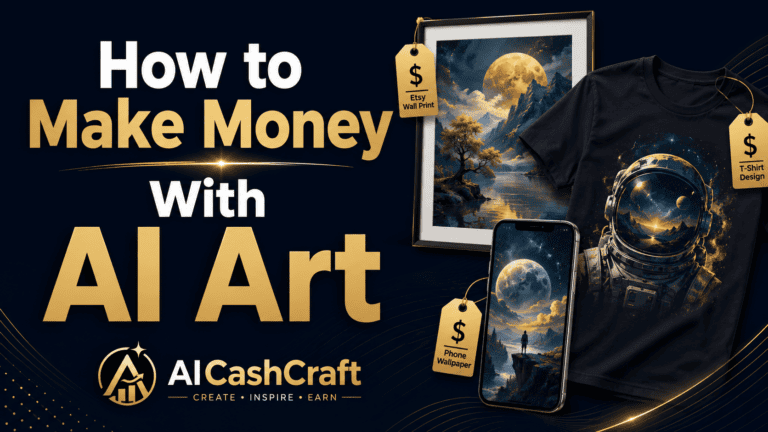
- Sell digital art on Etsy — prints and wallpapers. See Make Money on Etsy With AI →
- Print-on-demand — put designs on T-shirts, mugs, and posters.
- Social media graphics — offer thumbnails and posts on Fiverr.
- Digital products — sell printables and templates →
🆚 Gemini vs Other AI Image Tools
Gemini is fantastic and free, but it’s worth knowing your options. For pure artistic quality, many creators still prefer Midjourney; for free art styles and control, Leonardo AI is popular. Compare them here: Midjourney vs Leonardo AI, or see the full list of best free AI image generators.
❓ FAQ — Google Gemini AI Images
Yes — you can create Google Gemini AI images for free with a Google account. Some advanced options (like the Pro image model) may require a paid Google AI plan, and usage limits apply.
“Nano Banana” is the nickname for Gemini’s image generation and editing model. When you create or edit images in Gemini, you’re using Nano Banana behind the scenes.
Yes. Upload a photo into the chat and ask Gemini to change the style, swap the background, remove objects, or try a new look — all with plain-English instructions.
Often yes, but it depends on Google’s current terms and your account type. Gemini adds a SynthID watermark marking images as AI-generated. Always review the latest usage terms before selling, especially for commercial projects.
Use the formula “Create an image of [subject] [action] [scene]” and add details about style, lighting, and colors. Then refine by chatting — change one element at a time.
📚 Related Guides
🎯 Final Thoughts — Start Creating for Free
Creating Google Gemini AI images is one of the fastest, most beginner-friendly ways to make professional visuals — and it costs nothing to start. Sign in, open the Create images tool, paste a prompt from this guide, and make your first image today. Then keep refining by chatting until it’s exactly what you pictured.
For more free AI guides and income strategies, explore the AICashCraft Blog, and follow our YouTube channel and Instagram for free video guides.
Get the latest AI tool guides, free tools, and income strategies from AICashCraft — completely free.
Top 10 Free AI Tools for Beginners
Download our free 13-page PDF guide covering the best free AI tools with beginner tips and step-by-step advice. No sign-up needed.
⬇️ Download Free PDF Guide