7 Best AI Tools for Beginners to Make Money on Fiverr
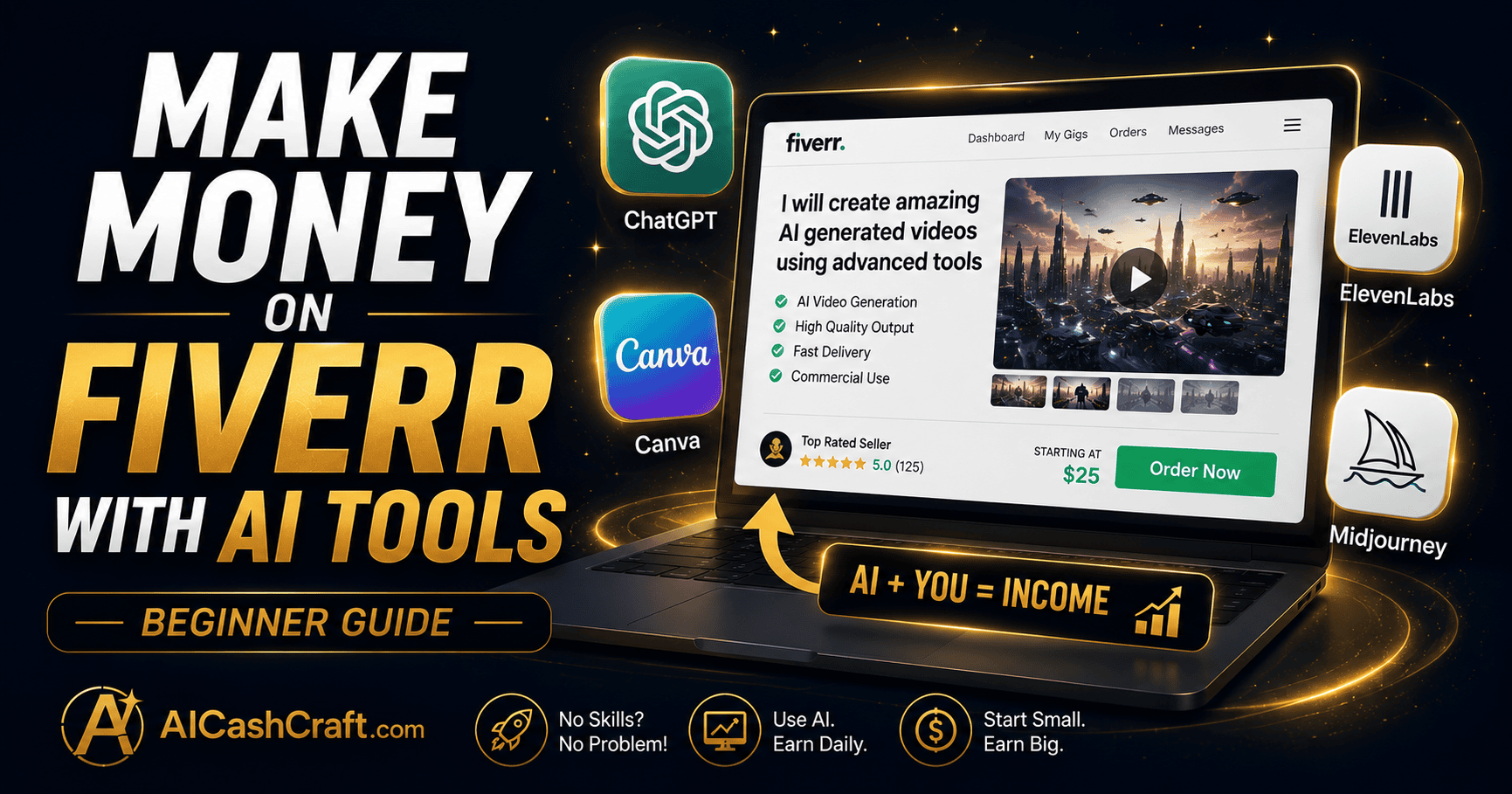
AI tools for beginners to make money on Fiverr have completely changed what is possible — even complete beginners with no experience can now offer professional services, deliver faster, and earn real income using free AI tools. This guide covers the 7 best AI tools for Fiverr beginners and exactly how to use them to start earning.
- Why Fiverr + AI Tools Work for Beginners
- Our Experience Testing These Tools
- Quick Comparison Table
- 7 Best AI Tools for Beginners to Make Money on Fiverr
- Top Fiverr Gig Ideas for AI Beginners
- How to Set Up Your First Fiverr Gig
- Beginner Roadmap — Your First 4 Weeks
- Beginner Tips for Making Money on Fiverr With AI
- Frequently Asked Questions
If you want to know which AI tools for beginners to make money on Fiverr actually work, you are in the right place. Fiverr is one of the most beginner-friendly freelance platforms available — and when combined with AI tools, even someone with no prior experience can create professional gigs, deliver high-quality work, and build a real income stream starting from zero.
The key insight is this: AI tools do not replace your Fiverr service — they make you faster, better, and more consistent. A beginner using ChatGPT for copywriting gigs, Canva AI for design gigs, or ElevenLabs for voiceover gigs can deliver work that matches experienced freelancers — at a fraction of the time and cost.
This guide covers the 7 best AI tools for Fiverr beginners, which gigs to create, and a realistic roadmap to your first Fiverr sale. For more beginner income ideas, explore our AI Side Hustles guide and our Passive Income With AI guide.
🎯 Why Fiverr + AI Tools Work for Beginners
Fiverr is a freelance marketplace where buyers search for specific services and purchase them directly. Unlike traditional freelancing where you pitch to clients, on Fiverr clients come to you — which makes it significantly easier for beginners to get started without a portfolio or professional network. According to Fiverr’s own seller resources, sellers who specialize in one clear service category consistently outperform those who list broad, unfocused gigs.
AI tools solve the biggest beginner problem — skill gap. Most beginners feel they cannot offer professional services because they lack design skills, writing experience, or technical knowledge. AI tools close that gap immediately. With the right tools and a clear Fiverr gig setup, a complete beginner can offer services that buyers are actively searching for and willing to pay for.
| Without AI | With AI Tools |
|---|---|
| Hours to write one blog post | Minutes with ChatGPT |
| Design skills needed for graphics | Canva AI handles it free |
| Recording equipment for voiceover | ElevenLabs — no mic needed |
| Video editing experience required | CapCut AI automates it |
| Portfolio needed to start | AI samples ready in minutes |
At AICashCraft, we regularly research, test, and compare beginner-friendly AI tools to help readers find practical options for writing, design, video creation, and freelancing. Based on this research, starting with one service and one AI tool is far more effective than trying to offer everything at once — beginners who focus on consistency usually see better long-term results than those who keep switching niches.
📊 Quick Comparison Table — Best AI Tools for Fiverr Beginners
Before diving into the details, here’s a quick snapshot of how the 7 tools compare on cost, use case, and beginner-friendliness:
| Tool | Free Plan | Best For | Beginner Friendly |
|---|---|---|---|
| ChatGPT | ✅ | Writing | ⭐⭐⭐⭐⭐ |
| Canva AI | ✅ | Design | ⭐⭐⭐⭐⭐ |
| ElevenLabs | ✅ | Voiceover | ⭐⭐⭐⭐ |
| Midjourney | ❌ | AI Images | ⭐⭐⭐⭐ |
| CapCut | ✅ | Video Editing | ⭐⭐⭐⭐⭐ |
| Grammarly | ✅ | Editing/Proofreading | ⭐⭐⭐⭐⭐ |
| Claude AI | ✅ | Copywriting | ⭐⭐⭐⭐ |
🛠️ 7 Best AI Tools for Beginners to Make Money on Fiverr
These are the most effective AI tools for Fiverr beginners — each one directly supports a popular Fiverr gig category and has a free plan sufficient to start earning:
ChatGPT is the most versatile AI tool for Fiverr beginners — it handles blog posts, product descriptions, email sequences, social media captions, website copy, and more. The free plan is sufficient for most beginner Fiverr writing gigs. Use ChatGPT to draft content quickly, then edit and personalize before delivering to clients. Always add your own voice and review carefully — never deliver raw AI output without editing.
Best Fiverr Gigs With ChatGPT:
- Blog post writing — $15–50 per post for beginners
- Product description writing — $10–30 per batch
- Email sequence writing — $20–60 per sequence
- Social media caption packs — $15–40 per pack
Canva AI makes professional graphic design accessible to complete beginners — no design skills or software experience required. Use Canva’s free plan to create social media graphics, business card designs, presentation slides, YouTube thumbnails, eBook covers, and Canva template packages. The Magic Design feature generates complete designs from text descriptions, which you then customize for each client’s brand and requirements.
Best Fiverr Gigs With Canva AI:
- Social media post design — $15–40 per package
- YouTube thumbnail design — $5–15 per thumbnail
- Business card design — $10–25 per design
- Presentation slide design — $20–60 per deck
- eBook cover design — $15–35 per cover
ElevenLabs generates realistic, professional-quality AI voiceovers from text — no microphone, no recording equipment, and no voice acting experience required. The free plan includes 10,000 characters per month, which is sufficient for beginner Fiverr voiceover gigs. Clients use voiceovers for explainer videos, YouTube content, podcast intros, advertisements, and e-learning courses. This is one of the fastest-growing Fiverr categories for AI-powered beginners.
Best Fiverr Gigs With ElevenLabs:
- Explainer video voiceover — $15–40 per minute
- Podcast intro/outro recording — $10–25 per project
- YouTube narration — $20–50 per video
- Advertisement voiceover — $15–45 per ad
Midjourney generates stunning, photorealistic and artistic images from text descriptions — making it one of the most in-demand AI tools for Fiverr beginners in the creative space. Buyers hire Midjourney users for AI portrait generation, concept art, product mockup images, children’s book illustrations, and custom digital art. The basic plan starts at $10/month and is quickly covered by a few Fiverr sales. Always review Fiverr’s and Midjourney’s commercial use terms before listing your gig.
Best Fiverr Gigs With Midjourney:
- AI portrait generation — $10–30 per portrait
- Concept art creation — $20–60 per piece
- Children’s book illustration — $30–80 per project
- Custom AI art prints — $15–40 per design
CapCut is a free AI video editor that automates captions, transitions, background music, and basic editing — making video editing services accessible to complete beginners. Clients on Fiverr need short-form video editing for TikTok, Instagram Reels, YouTube Shorts, and social media ads. CapCut’s AI features handle most of the technical editing automatically, allowing beginners to deliver polished videos quickly without professional video editing experience.
Best Fiverr Gigs With CapCut:
- Short-form video editing — $15–40 per video
- Instagram Reels editing — $10–25 per reel
- YouTube Shorts creation — $15–35 per short
- Social media video package — $30–80 per package
Grammarly’s AI catches grammar errors, improves readability, adjusts tone, and suggests rewrites — making professional editing accessible to beginners without formal writing training. Use Grammarly to offer proofreading and editing services for client documents, blog posts, academic papers, and business emails. The free plan is sufficient for most basic editing gigs — the premium plan adds advanced style suggestions and plagiarism checking for more complex projects.
Best Fiverr Gigs With Grammarly:
- Proofreading and editing — $10–30 per document
- Blog post editing — $15–35 per post
- Email copy review — $10–25 per email sequence
- Resume and CV editing — $20–50 per resume
Claude AI produces longer, more nuanced written content — making it particularly effective for complex copywriting gigs like sales pages, landing pages, brand strategy documents, and detailed marketing plans. Claude handles longer context windows better than many alternatives, which makes it ideal for comprehensive documents. The free plan is useful for getting started — pair it with your own editing and strategic thinking to deliver genuinely valuable work to clients.
Best Fiverr Gigs With Claude AI:
- Sales page copywriting — $30–100 per page
- Landing page copy — $25–75 per page
- Brand messaging strategy — $40–120 per project
- Marketing plan writing — $50–150 per plan
🎯 Top Fiverr Gig Ideas for AI Beginners
The most successful Fiverr gigs using AI tools for beginners combine a specific service, a clear niche, and consistent delivery. Here are the highest-demand gig categories for AI-powered beginners:
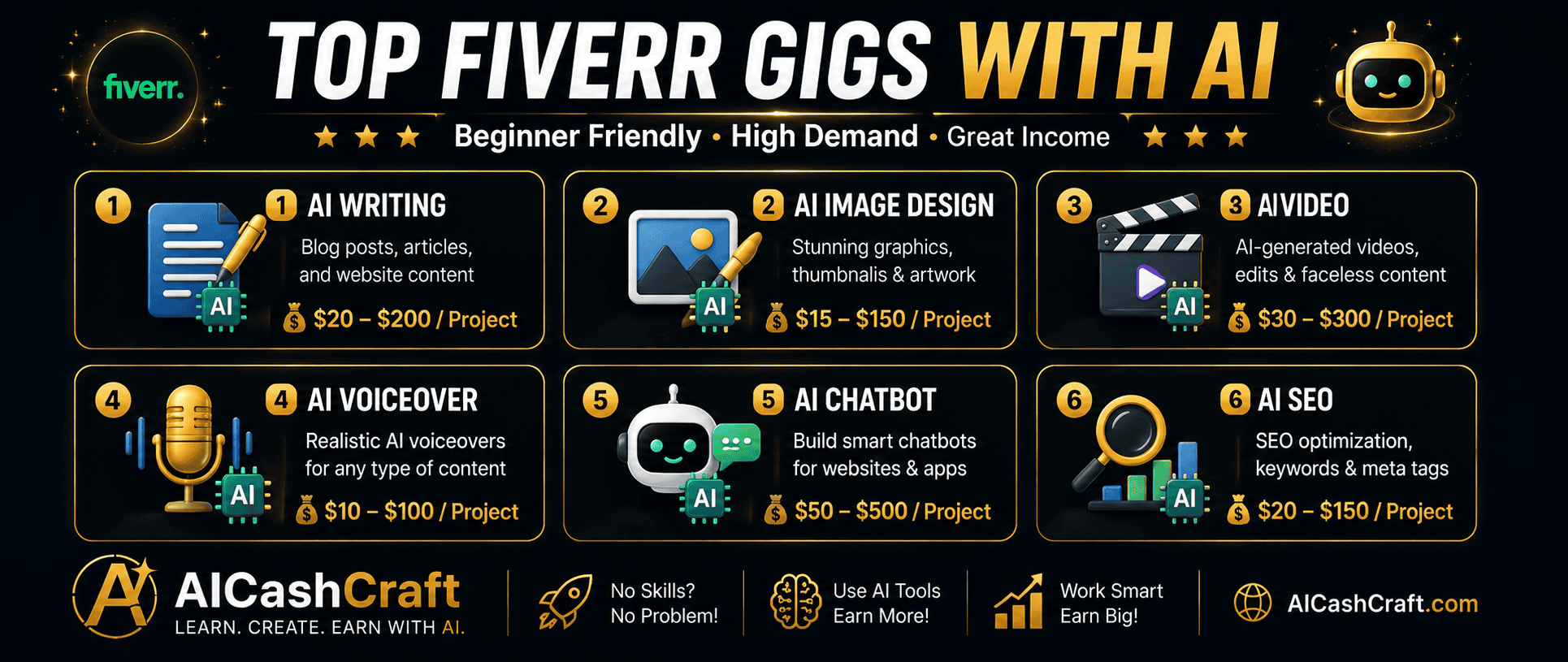
| Gig Category | AI Tool | Starter Price | Difficulty |
|---|---|---|---|
| Blog Post Writing | ChatGPT | $15–30 | Easy |
| Social Media Graphics | Canva AI | $15–25 | Easy |
| AI Voiceover | ElevenLabs | $15–35 | Easy |
| Short Video Editing | CapCut | $15–40 | Medium |
| AI Art Generation | Midjourney | $10–30 | Easy |
| Proofreading | Grammarly | $10–25 | Easy |
| Sales Page Copy | Claude AI | $30–80 | Medium |
🚀 How to Set Up Your First Fiverr Gig With AI Tools
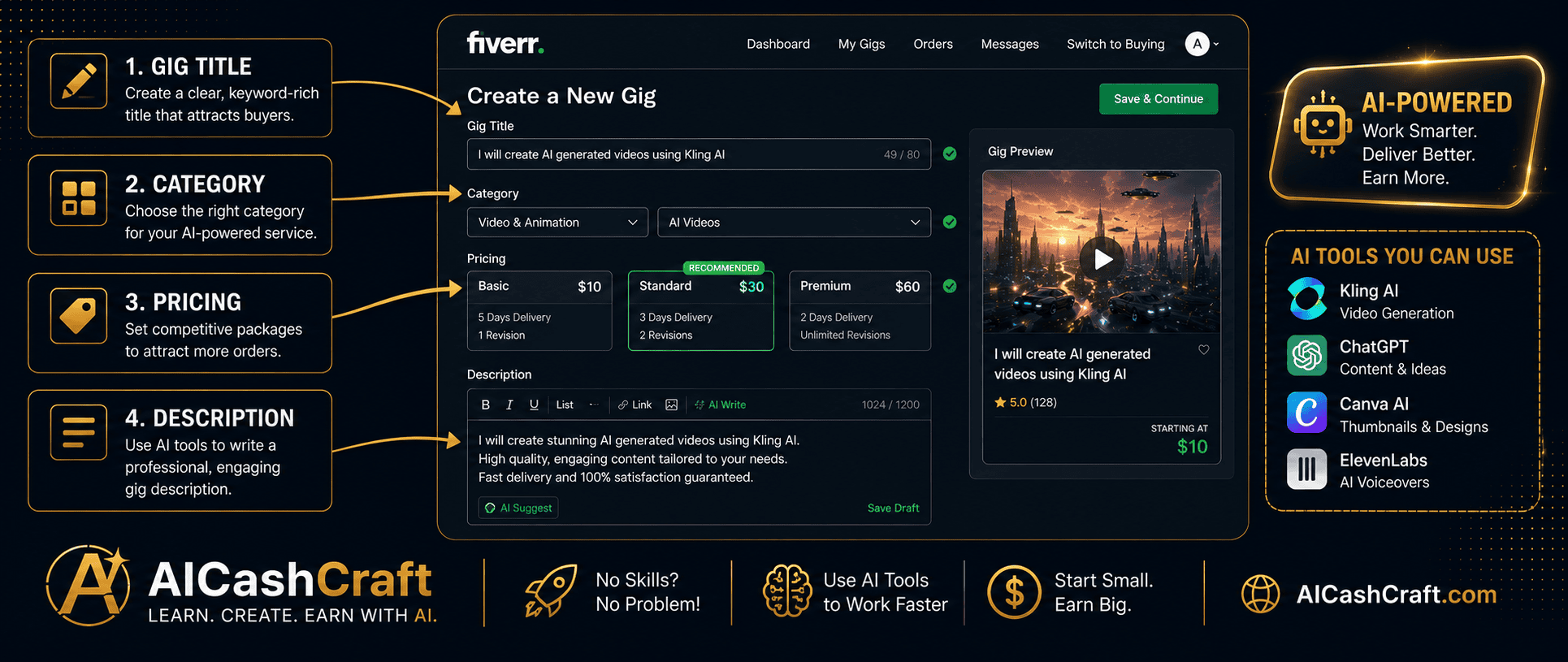
Go to fiverr.com and sign up free — use your real name and a professional profile photo. Write a clear bio that mentions the AI tools you use and the specific services you offer. A focused bio that mentions specific services performs better than a vague general description. Review Fiverr’s official Seller Guidelines before publishing your first gig to stay fully compliant with platform rules.
💡 Profile photo matters — use a real, clear headshot or a professional avatar. Buyers are more likely to purchase from profiles with photos.Your gig title is the most important SEO element on Fiverr — it determines whether buyers find your gig when searching. Use ChatGPT to generate 5 keyword-rich gig titles for your service, then choose the one that most clearly describes what you offer. Include the specific service, the outcome, and a relevant keyword buyers would search. Use our free AI Blog Title Generator for additional title ideas.
💡 Example: “I will write SEO blog posts using AI for your niche website” is better than “I will write blog posts” — specificity ranks better in Fiverr search.Use ChatGPT to write your gig description — include what the buyer gets, the delivery time, your process, and any requirements you need from them. Start with competitive beginner pricing — lower prices help you get your first reviews faster, which are essential for growing on Fiverr. Once you have 5+ positive reviews, gradually increase your pricing.
Even without client work, you can create portfolio samples using your AI tools. Write 2–3 sample blog posts with ChatGPT, design 3–4 graphics with Canva AI, or generate sample voiceovers with ElevenLabs. Upload these as gig images and attachments — buyers evaluate your work quality from your portfolio before purchasing.
💡 Create samples in the most popular niches — health, business, technology, and lifestyle content consistently performs well on Fiverr.🗺️ Beginner Roadmap — Your First 4 Weeks on Fiverr
Here’s a realistic week-by-week roadmap for a complete beginner starting a Fiverr gig with AI tools. Google — and buyers — reward practical, step-by-step content like this because it shows exactly what to expect.
⚡ Beginner Tips for Making Money on Fiverr With AI
- Start with one gig — master one service before expanding to multiple gigs. A focused, well-optimized single gig performs better than 10 scattered gigs with weak descriptions.
- Respond fast — Fiverr rewards sellers with fast response times. Reply to every buyer message within 1–2 hours when possible. Fast response rates improve your gig ranking in Fiverr search results.
- Always edit AI output — never deliver raw AI-generated content without reviewing and personalizing it. Add the client’s brand details, specific requirements, and your own quality check before every delivery.
- Ask for reviews — after successful deliveries, politely ask buyers to leave a review. Reviews are the most important ranking factor on Fiverr for new sellers.
- Use the AI Side Hustle Generator — use our free AI Side Hustle Generator to find the best Fiverr gig match for your specific skills and interests.
🎯 Final Thoughts — Start Your First Fiverr Gig Today
The best AI tools for beginners to make money on Fiverr are already free and available — ChatGPT, Canva AI, ElevenLabs, CapCut, and Grammarly all have free plans that are sufficient to start your first Fiverr gig today. The combination of Fiverr’s buyer marketplace and AI tools’ speed advantage gives beginners a genuine opportunity to earn real income without years of skill-building first.
Pick one tool, choose one gig category, create your first Fiverr listing, and start delivering. The learning curve is shorter than most beginners expect — and the first sale builds the momentum for everything that follows.
For more beginner-friendly income ideas, read our AI Side Hustles guide, our Passive Income With AI guide, and follow our YouTube channel and Instagram for weekly AI income tips.
📚 Related Guides
❓ Frequently Asked Questions — AI Tools for Fiverr Beginners
Yes — AI tools for beginners to make money on Fiverr have made it genuinely achievable without prior experience. Free tools like ChatGPT, Canva AI, and ElevenLabs allow beginners to offer writing, design, and voiceover services professionally from day one. The key is choosing one gig category, learning the relevant AI tool well, and delivering consistent quality. Most beginners see their first Fiverr sale within 2–6 weeks of creating an optimized gig.
ChatGPT is the best starting point for most Fiverr beginners — writing services are the highest-demand category on Fiverr, and ChatGPT handles blog posts, product descriptions, social media captions, and email copy effectively on the free plan. If you prefer visual work, Canva AI for design gigs is equally beginner-friendly. Use our free AI Side Hustle Generator to find the best gig match for your specific skills.
Generally yes — Fiverr allows sellers to use AI tools as part of their workflow. However, you should always disclose your use of AI in your gig description where relevant, especially for voiceover and writing gigs. Some buyers specifically request AI-generated content — others may prefer human-only work. Always be transparent about your process to avoid disputes and build trust with buyers. See Fiverr’s official seller resources for the latest policy details.
Beginner Fiverr sellers using AI tools typically start at $5–30 per gig and grow to $50–200+ per gig as they accumulate reviews and improve their skills. Monthly income varies widely — beginners with consistent effort typically earn $100–500 in their first few months, with significant growth potential as their profile builds authority. Use our free AI Income Calculator to estimate your specific earning potential.
No — all the essential AI tools for Fiverr beginners have free plans: ChatGPT, Canva AI, ElevenLabs, CapCut, and Grammarly all work for beginner gigs without any upfront cost. The only optional investment is Midjourney at $10/month for AI art gigs — and even that pays for itself with 1–2 sales. Fiverr itself is free to join and only charges a commission on sales you make.
Get the latest AI income guides, Fiverr tips, and free tools from AICashCraft — completely free.
Top 10 Free AI Tools for Beginners
Download our free 13-page PDF guide covering the best free AI tools with beginner tips. No sign-up needed.
⬇️ Download Free PDF Guide