AI Automation Agency — Easy Beginner Guide to Build a No-Code Business
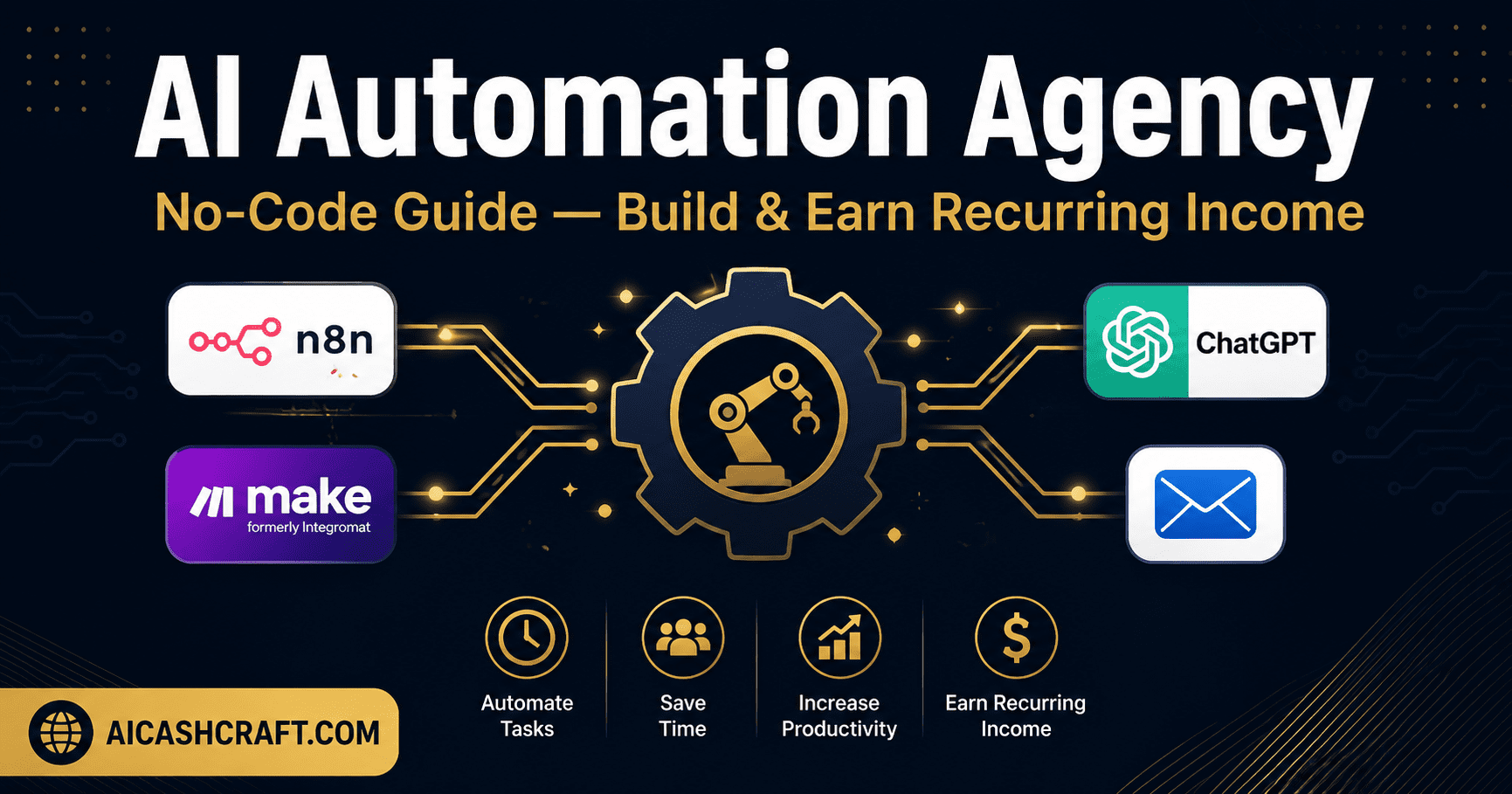
Starting an AI automation agency is one of the fastest growing no-code business models available to beginners — and one of the most underserved in beginner AI content. You use free tools like n8n and Make.com to build automated workflows for small business clients, charge a monthly retainer, and earn recurring income without writing a single line of code. This guide covers exactly how to start from zero.
Small businesses waste enormous amounts of time on repetitive tasks — sending follow-up emails, moving data between spreadsheets, posting to social media, generating reports, and handling routine customer responses. Most of these tasks can be automated using no-code tools combined with AI — and most small business owners have no idea how to set them up. That gap is exactly where an AI automation agency fits.
As an automation specialist, you build these workflows once for a client, charge a setup fee, and then often retain a monthly maintenance fee to keep the automations running and updated. Clients save 5 to 20 hours per week. You earn recurring income from multiple clients simultaneously. The tools are free or low-cost. No coding required.
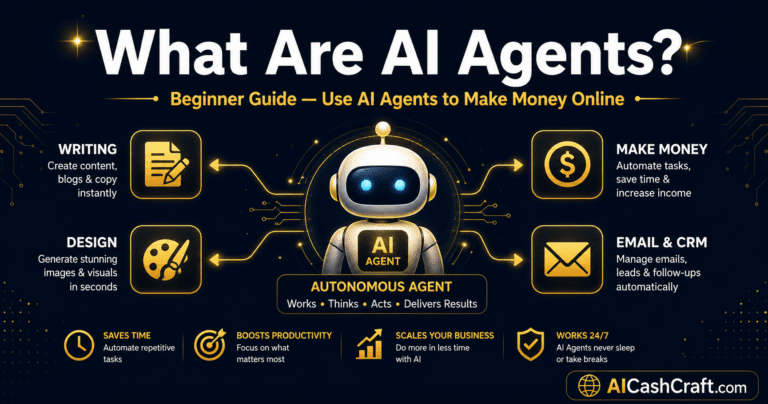
Already familiar with AI agents? Our AI Agents for Beginners guide covers the conceptual foundation that underpins automation work. For broader income context, see our AI Side Hustles guide.
⚡ What Is an AI Automation Agency — Explained Simply
An AI automation agency is a service business where you identify repetitive tasks that a client currently does manually, build automated systems that handle those tasks without human input, and charge for both the setup and ongoing maintenance of those systems. The “AI” component comes from integrating AI tools — like ChatGPT for writing responses, or AI summarization for reports — into the automation workflow.
🔧 How an AI Automation Agency Works — Step by Step
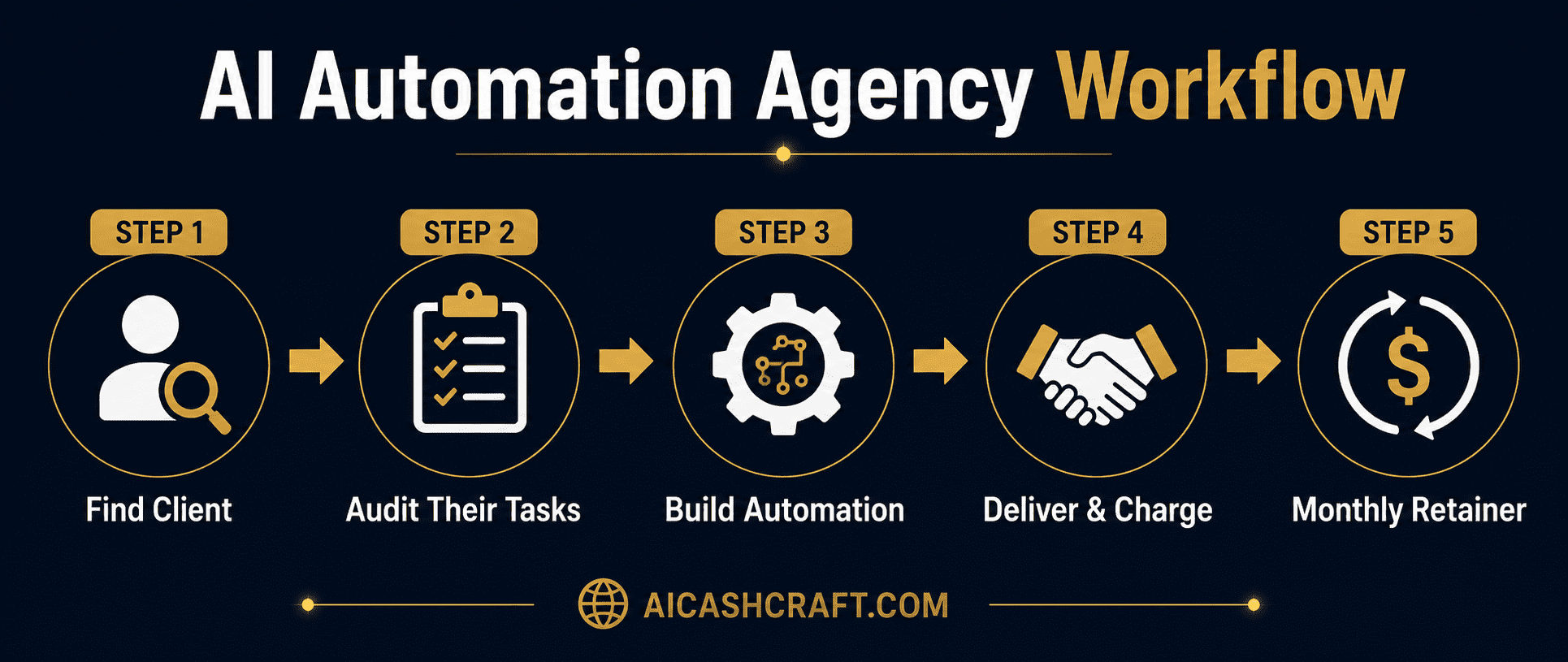
Your first client is almost always someone in your existing network — a local business owner, a freelancer you know, or a small company in an industry you are familiar with. Reach out directly and offer a free 30-minute “automation audit” — a conversation where you ask about their most time-consuming repetitive tasks. This conversation costs you nothing and almost always reveals 2 to 3 automation opportunities. Start with one client, deliver real results, and use that as your case study for finding the next one.
💡 Industries with the most automation opportunities for beginners: real estate agents (lead follow-up emails, listing updates), coaches and consultants (booking confirmations, onboarding sequences), e-commerce stores (order notifications, review requests), and local service businesses (appointment reminders, invoice follow-ups).Ask the client to walk you through their week and identify every task they do manually more than once. Common patterns that are easy to automate: “I manually send a follow-up email after every inquiry,” “I copy customer data from my contact form into my spreadsheet,” “I post the same type of content on social media every week,” “I generate a weekly sales report by hand.” Each of these is a clear automation opportunity that can be built in Make.com or n8n within a few hours.
💡 Use ChatGPT to help map out the automation logic for any task a client describes — ask “How would I automate this workflow in Make.com?” and it will outline the steps, triggers, and connections needed.Use Make.com (free plan) or n8n (free self-hosted) to build the automation. These tools use a visual canvas where you connect “modules” — each module represents an app or action. Example: a Make.com scenario that watches for new form submissions, adds the contact to a Google Sheet, sends a personalized welcome email via Gmail, and creates a task in Notion — all triggered automatically every time someone fills in a form. Build this once. It runs forever.
💡 Make.com’s template library has hundreds of pre-built automation templates — search for your client’s use case and start from a template rather than from scratch. This cuts build time from hours to minutes for common workflows.Once the automation is tested and working, deliver it to the client with a brief walkthrough video explaining what it does and how to monitor it. Charge a one-time setup fee ($200 to $800 depending on complexity) and propose a monthly maintenance retainer ($100 to $400) for ongoing support, updates when the apps change their APIs, and adding new automations as the client’s needs grow. Most clients who see real time savings accept retainer arrangements readily.
With your first client’s results as proof, finding the next client becomes significantly easier. Document what you built, what time it saved, and what the client says about it — this case study is your primary sales tool for every subsequent conversation. With 5 clients on retainer at an average of $200/month each, your no-code AI automation business generates $1,000/month in recurring income from work you have already delivered.
💡 Once comfortable with Make.com, learn n8n as well — it is free, self-hosted, and has no usage limits, making it more cost-effective for complex, high-volume automations for clients with larger businesses.🛠️ Services Your AI Automation Agency Can Offer
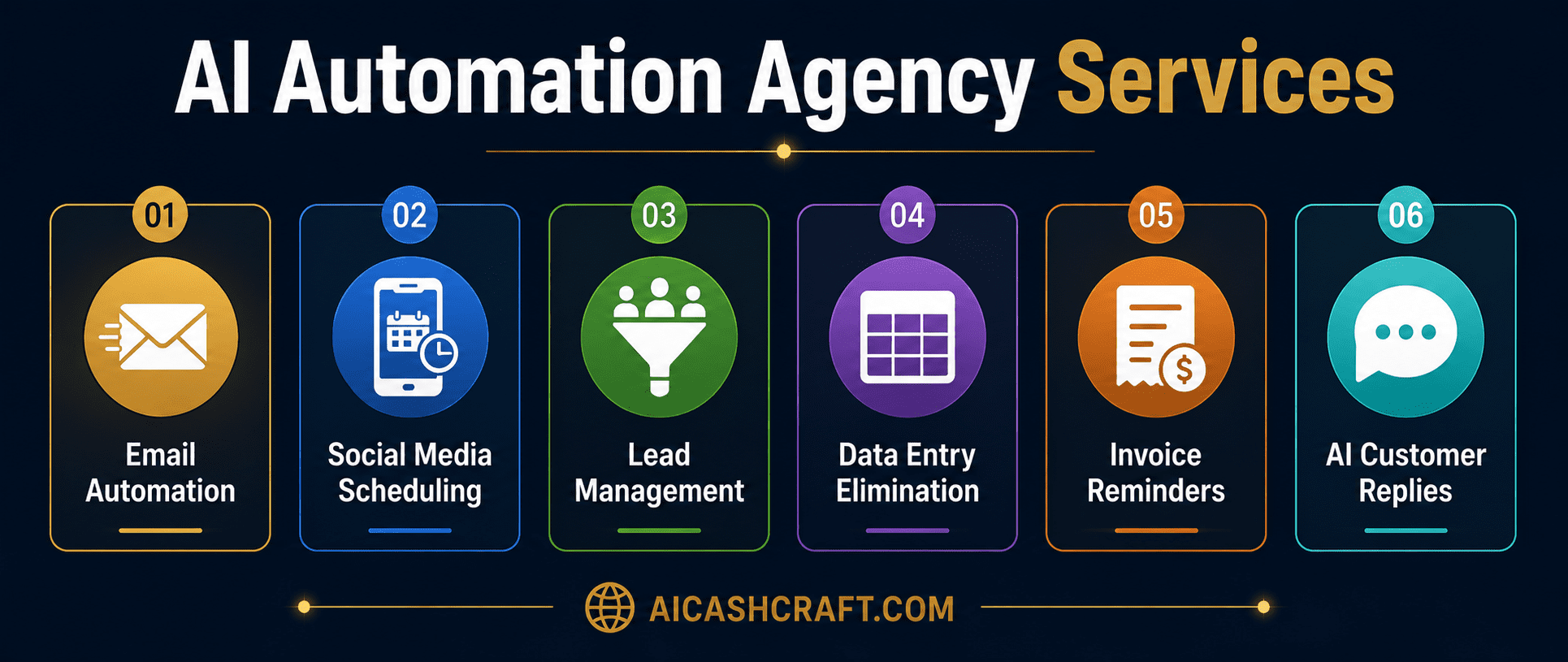
When a potential customer fills out a contact form, submits an inquiry, or purchases a product, a personalized follow-up email sequence is triggered automatically — no manual sending required. ChatGPT can generate the email copy; Make.com or n8n handles the sending trigger and scheduling. This is the most universally needed automation and the easiest to sell to any business with a contact form or online store.
💡 Pricing: $200 to $400 setup + $75 to $150/month maintenance. Most clients see this as an obvious value because they know exactly how many hours per week they currently spend on manual follow-ups.Use ChatGPT to generate a month’s worth of social media captions for a client, then connect Make.com or Buffer to automatically schedule and post them across their platforms. Clients provide their key topics and brand voice; you use AI to generate the content and automation to handle the scheduling. This eliminates one of the most time-consuming weekly tasks for small business owners who manage their own social media.
💡 Pricing: $150 to $300 setup + $100 to $200/month. Position this as “done-for-you social media automation” — the recurring fee covers monthly content generation and ongoing scheduling management.New leads from web forms, email inquiries, or social media DMs are automatically captured, categorized, and added to the client’s CRM (HubSpot, Airtable, or Google Sheets) — eliminating manual data entry entirely. Notifications are sent to the client in real time. Priority leads (based on keywords in their message) are flagged separately. This automation is particularly valuable for real estate agents, coaches, and service businesses handling high lead volumes.
💡 Pricing: $300 to $600 setup + $100 to $250/month. This is often the automation with the clearest ROI for the client — every missed lead costs them real money, and this automation ensures nothing falls through the cracks.When a customer inquiry arrives by email, an AI automation reads the message, categorizes it by topic, drafts a response using ChatGPT based on the client’s FAQ and tone, and sends the draft to the client for one-click approval — or sends automatically for common inquiries. This reduces customer response time from hours to minutes and cuts the manual writing time per response from 5 minutes to 30 seconds. See how AI handles similar tasks in our AI Agents guide.
Many small business owners spend hours each week pulling data from multiple sources (sales, social media, email, ads) and combining it into a report. An automation collects this data automatically, passes it to ChatGPT for summarization, and delivers a clean weekly or monthly report to the client’s email — without any manual work. This is particularly valuable for e-commerce store owners and marketing-focused businesses.
💡 Pricing: $250 to $500 setup + $75 to $150/month. Position this as “automated business intelligence” — framing around the insight and time saved rather than the technical process involved.⚙️ Best No-Code Tools for Your AI Automation Agency
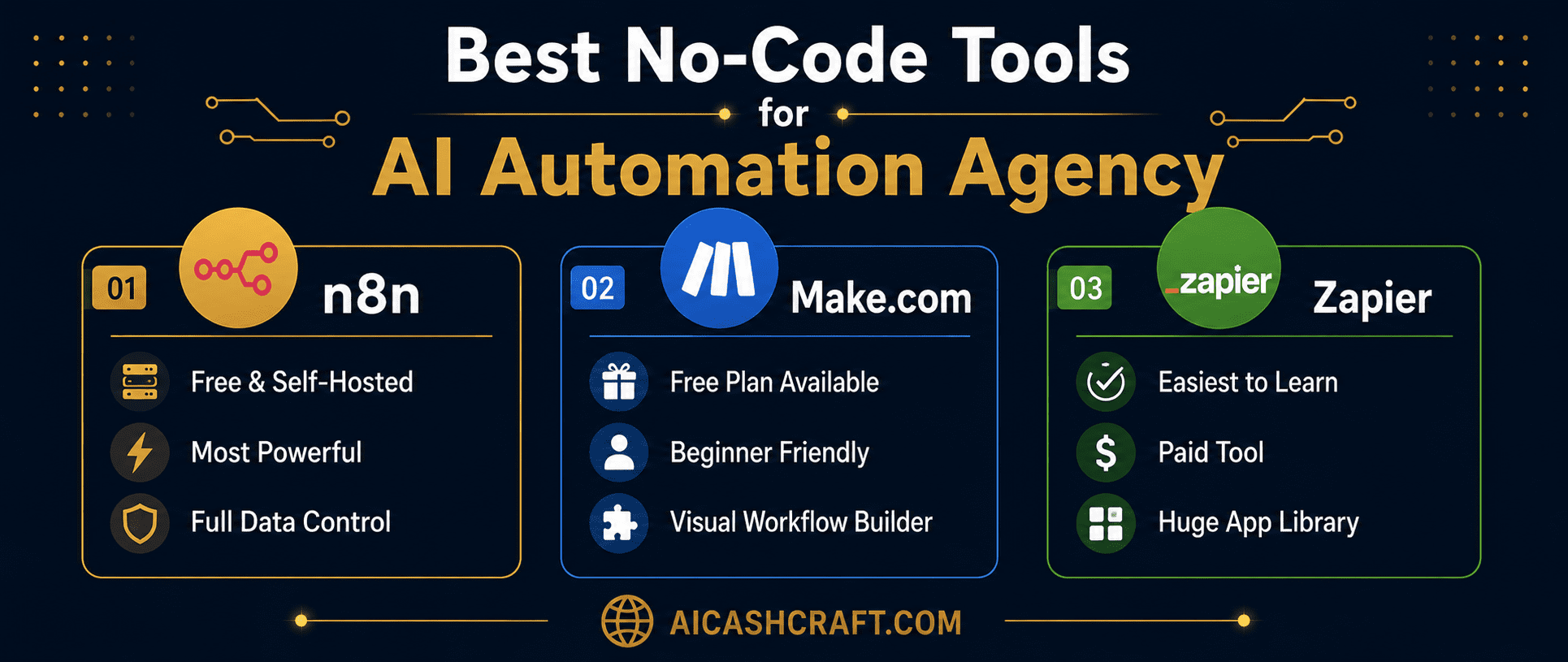
| Tool | Free Plan | Best For | Learning Curve |
|---|---|---|---|
| Make.com | ✅ 1,000 ops/month | Beginners — visual, template-rich | Low — easiest to start |
| n8n | ✅ Free self-hosted | Advanced workflows, no usage limits | Medium — more powerful |
| Zapier | Limited free plan | Simplest integrations, fastest setup | Very low |
| ChatGPT API | ✅ Usage-based | AI responses inside automations | Low — plug into Make/n8n |
📈 Realistic Income From an AI Automation Agency
| Stage | Clients | Monthly Retainer | Monthly Income |
|---|---|---|---|
| Starting out | 1 to 2 | $100 to $200 each | $100 to $400 |
| Building | 3 to 5 | $150 to $300 each | $450 to $1,500 |
| Established | 6 to 10 | $200 to $400 each | $1,200 to $4,000 |
| Setup fees (one-time) | Per project | $200 to $1,000 | Additional income |
❓ Frequently Asked Questions — AI Automation Agency
No — AI automation agency work using Make.com and n8n is entirely no-code. Both platforms use visual interfaces where you connect app modules by dragging and dropping, not by writing code. Some basic logical thinking (if this happens, then do that) is helpful, but this is learned quickly through practice and tutorials — no programming background required.
Your first client is almost always in your existing network. Reach out to local business owners, freelancers you know, or small companies you have worked with before. Offer a free automation audit — a 30-minute conversation where you ask about their most repetitive tasks. This approach has a high conversion rate because you are offering genuine value with no risk to them. Once you have one successful client, use their results as a case study for finding the next.
Make.com is cloud-hosted, has a free plan with 1,000 operations per month, and is the most beginner-friendly starting point for an AI automation agency. n8n is self-hosted (you run it on your own server), completely free with no usage limits, and more powerful for complex workflows — but requires slightly more initial setup. Start with Make.com and add n8n once you are comfortable with automation logic and have clients with higher-volume needs.
A typical pricing structure for a beginner AI automation agency is a one-time setup fee of $200 to $800 per automation (depending on complexity) plus a monthly retainer of $100 to $400 for maintenance and support. Price based on the value delivered — an automation that saves a client 10 hours per week is easily worth $200 to $400/month in retainer fees, regardless of how long it took you to build.
Yes — this is one of the most practical aspects of the AI automation agency model. Building automations is project-based work that can be done evenings and weekends. Once an automation is built and delivered, the monthly maintenance requirement is typically minimal — 1 to 2 hours per client per month for most standard automations. This makes it a realistic side income that scales without requiring a full-time commitment until you choose to grow it.
The highest-value industries for no-code AI automation services are real estate (lead follow-up, listing updates), coaching and consulting (onboarding sequences, scheduling), e-commerce (order management, review requests), and local service businesses (appointment reminders, invoice follow-ups). These industries have high repetition, clear automation opportunities, and owners who understand the value of time — making them willing to pay for solutions that give it back.
📚 Related Guides
🎯 Final Thoughts — AI Automation Agency Starts With One Client
Starting a no-code automation business does not require a business plan, a website, or technical expertise to begin. It requires finding one person with a repetitive task problem, solving it with a no-code tool, and demonstrating real value. Everything else — pricing, scale, service expansion — follows naturally from that first result.
Start with Make.com’s free plan and their template library. Find one local business owner willing to let you audit their workflow. Build one automation that saves them time. Charge for it. That one result becomes the foundation of every subsequent client conversation — and the beginning of a recurring income stream that grows with every client you add.
For more practical AI income guides, explore the AICashCraft Blog — updated regularly with beginner-friendly strategies. Follow our AICashCraft YouTube channel and AICashCraft Instagram for free video guides and daily AI tips.
Get beginner-friendly AI automation guides, no-code tips, and income strategies from AICashCraft — completely free.
Top 10 Free AI Tools for Beginners
Download our free 13-page PDF guide covering the best free AI tools with beginner tips and step-by-step advice. No sign-up needed.
⬇️ Download Free PDF Guide