Best Free AI Image Generators for Beginners (Copy-Paste Prompts Included)
The best free AI image generators for beginners let you create stunning visuals in seconds — no design skills, no credit card, no expensive software. This guide ranks the 7 best free tools, shows what each is best at, and gives you copy-paste prompts so you can start creating right away.
A few years ago, making professional-looking images meant learning Photoshop or paying a designer. Today, the best free AI image generators for beginners can turn a single sentence into a polished image — a logo, a portrait, a wallpaper, a product mockup — in about ten seconds.
The tricky part isn’t the tools; it’s knowing which free tool to use for what. Some are best for photorealistic images, some for text inside graphics, and some for quick social media designs. Below, you’ll find the 7 best free options ranked by what beginners actually need — plus a set of copy-paste prompts that work in any of them. For the full list of image tools, see our AI Image Tools for Beginners directory →
⚡ Quick Comparison — Best Free AI Image Generators
Here’s how the best free AI image generators for beginners stack up at a glance — pick the one that matches what you want to make:
| Tool | Best For | Text in Images | Free Access |
|---|---|---|---|
| Google Gemini | Overall quality & volume | Very good | Generous |
| ChatGPT | Absolute beginners | Good | Tight daily cap |
| Ideogram | Text, logos, posters | Excellent | Free tier |
| Leonardo AI | Art styles & control | Okay | Daily tokens |
| Canva | Social & non-designers | Good | Free tier |
| Microsoft Designer | Quick free graphics | Good | Free |
| Adobe Firefly | Commercial / selling | Good | Monthly credits |
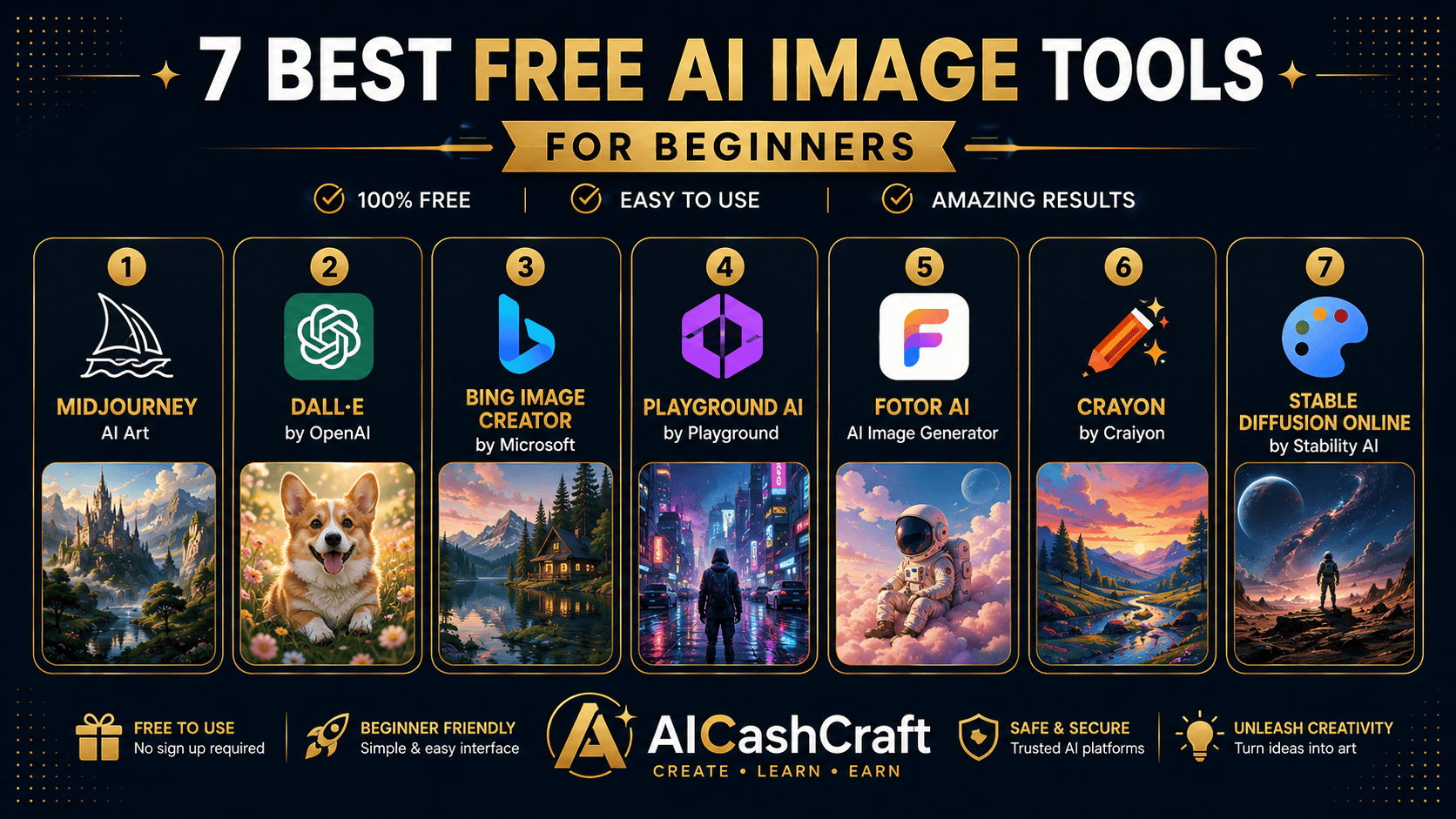
🏆 The 7 Best Free AI Image Generators for Beginners
Gemini’s image generation is the strongest free option right now. It produces sharp, realistic images, handles faces and hands well, and even knows what real places and landmarks look like — so you get accurate results without long descriptions. The free limit is one of the most generous available, which makes it perfect for beginners who want to experiment a lot.
👍 Best for: photorealistic images, real-world scenes, and high free volume.If you already use ChatGPT for writing, image generation is built right in. You describe what you want in plain English and can refine it by chatting — “make it brighter”, “add a sunset” — which makes it the least intimidating option for complete beginners. The free tier is limited to just a few images per day, but the simplicity is unbeatable.
👍 Best for: absolute beginners who want the simplest possible workflow.Most AI generators struggle to spell words correctly inside an image — Ideogram is built to get text right. That makes it the go-to free tool for logos, posters, quote graphics, T-shirt designs, and YouTube thumbnails where the words need to be readable and accurate.
👍 Best for: logos, posters, and any design with words in it.Leonardo gives you daily free tokens plus lots of art styles, fine controls, and built-in editing (upscaling, remove background). It’s a great next step once the basics feel easy and you want more creative control. New here? Read our full how to use Leonardo AI for beginners guide →
👍 Best for: art styles, game/character art, and more control.Canva’s built-in AI lets you generate an image and drop it straight into a design — social posts, thumbnails, flyers — without switching tools. For non-designers who want a finished, ready-to-post graphic (not just a raw image), it’s the fastest path. See how it compares in our Canva AI vs ChatGPT guide →
👍 Best for: social media graphics and quick, finished designs.Microsoft Designer’s Image Creator is completely free and runs in your browser — no complicated setup. It’s a solid, no-cost choice for quick graphics, social posts, and simple illustrations when you just want something fast without hitting a paywall.
👍 Best for: quick, free graphics with zero setup.Firefly is trained on licensed and public-domain content, which makes it the safest choice if you plan to sell your images — on Etsy, print-on-demand, or client work. You get a set of free credits each month, and it plugs directly into Photoshop and other Adobe tools.
👍 Best for: commercially safe images you plan to sell.🎨 Copy-Paste Prompts That Work in Any Generator
These beginner-friendly prompts work in any of the tools above. Paste one in, then swap the subject or style to make it yours.
For social media & blogs
For wall art & prints
For logos & branding
For wallpapers
For product mockups
🤔 Which Free AI Image Generator Should You Use?
Here’s the simplest way to choose from the best free AI image generators for beginners:
- Just starting out? Use ChatGPT or Google Gemini — plain English, no learning curve.
- Need words in the image? Use Ideogram for logos, posters, and thumbnails.
- Making social media content? Use Canva for finished, ready-to-post designs.
- Want art styles and control? Use Leonardo AI.
- Planning to sell your images? Use Adobe Firefly for commercial safety.
💰 How to Make Money With Free AI Images
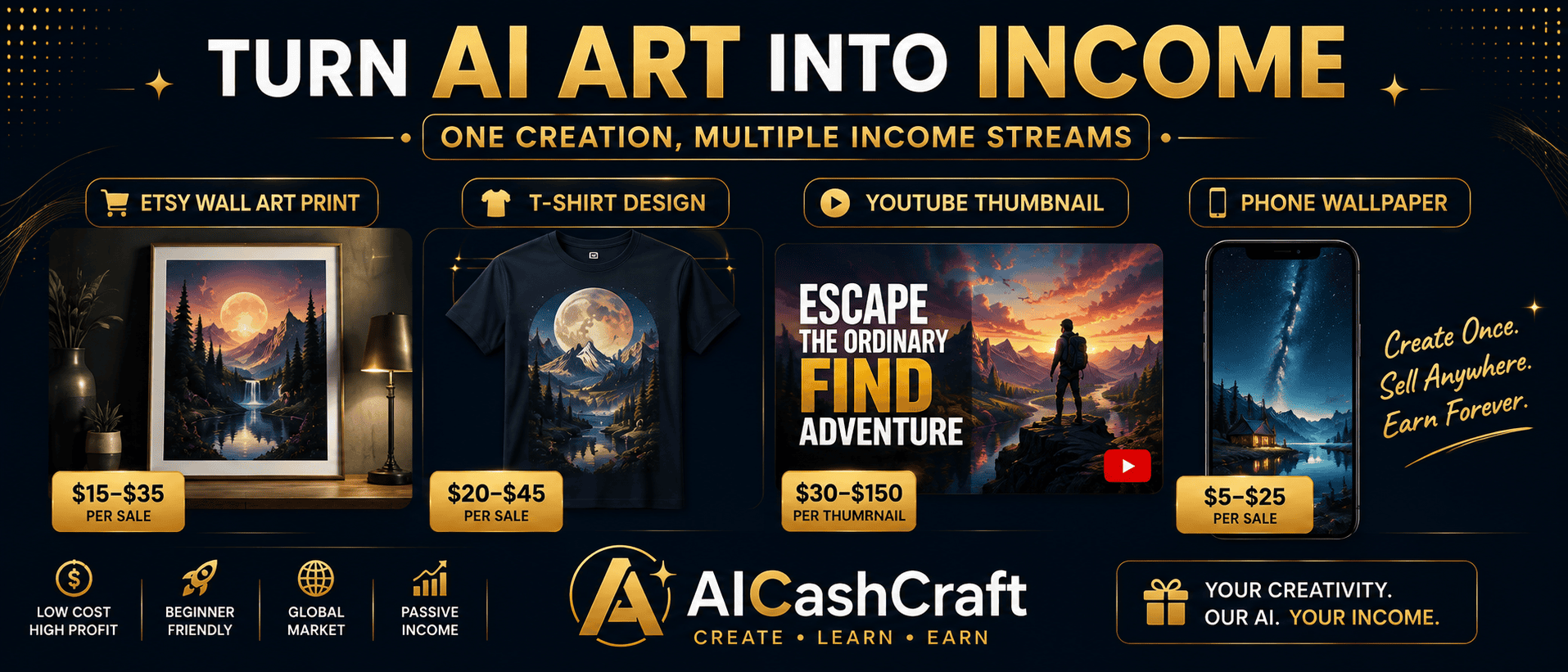
The best free AI image generators for beginners aren’t just for fun — with zero startup cost, they’re a beginner-friendly way to earn online. A few proven paths:
Wall prints, nursery art, and wallpaper packs sell steadily on Etsy — no inventory, no shipping. Use a commercially safe tool like Firefly and follow our Make Money on Etsy With AI guide →
Put your designs on T-shirts, mugs, and posters with Printful, Printify, or Redbubble. They handle printing and shipping — you just create and list. Ideogram is great for text-based designs here.
Offer thumbnails, social graphics, and simple logos on Fiverr. Free tools keep your costs at zero while you build reviews. See our Fiverr AI tools guide →
Turn images into planners, printables, and templates you can sell again and again. See How to Sell Digital Products With AI Tools →
💡 Check each tool’s terms before selling — commercial rights differ (Firefly is the safest for commercial use).❓ FAQ — Best Free AI Image Generators for Beginners
Among the best free AI image generators for beginners, Google Gemini offers the best mix of quality and a generous free limit. If you want the simplest experience, ChatGPT is the easiest to start with because you describe images in plain English.
Yes — every tool on this list has a genuinely free tier with no credit card required to start. Free limits vary (some give daily allowances, some monthly credits), so check the current limit on each tool’s site.
Ideogram is the best free option for accurate text — ideal for logos, posters, quote graphics, and thumbnails. Most other tools still struggle to spell words correctly.
Often yes, but rights differ by tool. Adobe Firefly is the safest for commercial use because it’s trained on licensed content. Always review each tool’s terms before selling, especially for client work.
No. You just describe what you want in plain language. Start with any copy-paste prompt in this guide, then change the subject or style — that’s the fastest way to learn.
📚 Related Guides
🎯 Final Thoughts — Start Creating for Free
You don’t need expensive software or design skills to make professional images anymore. The best free AI image generators for beginners — led by Google Gemini, ChatGPT, and Ideogram — let you create anything from logos to wall art in seconds, completely free. Pick one, paste a prompt from this guide, and make your first image today. The learning curve is much shorter than you’d expect — and once you’re comfortable, those images can become real income.
For more free AI guides and income strategies, explore the AICashCraft Blog, and follow our YouTube channel and Instagram for free video guides.
Get the latest AI tool guides, free tools, and income strategies from AICashCraft — completely free.
Top 10 Free AI Tools for Beginners
Download our free 13-page PDF guide covering the best free AI tools with beginner tips and step-by-step advice. No sign-up needed.
⬇️ Download Free PDF Guide